✓ AV Scanned Clean
Build: 1
Size: 1 MB
Updated: 2012.08.20
Counter-Strike: Global Offensive – aim_junction
⬇ Jump to Download Mirrors
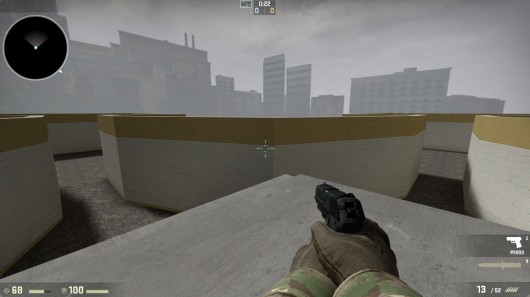
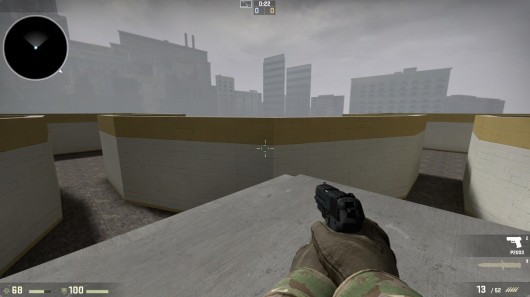
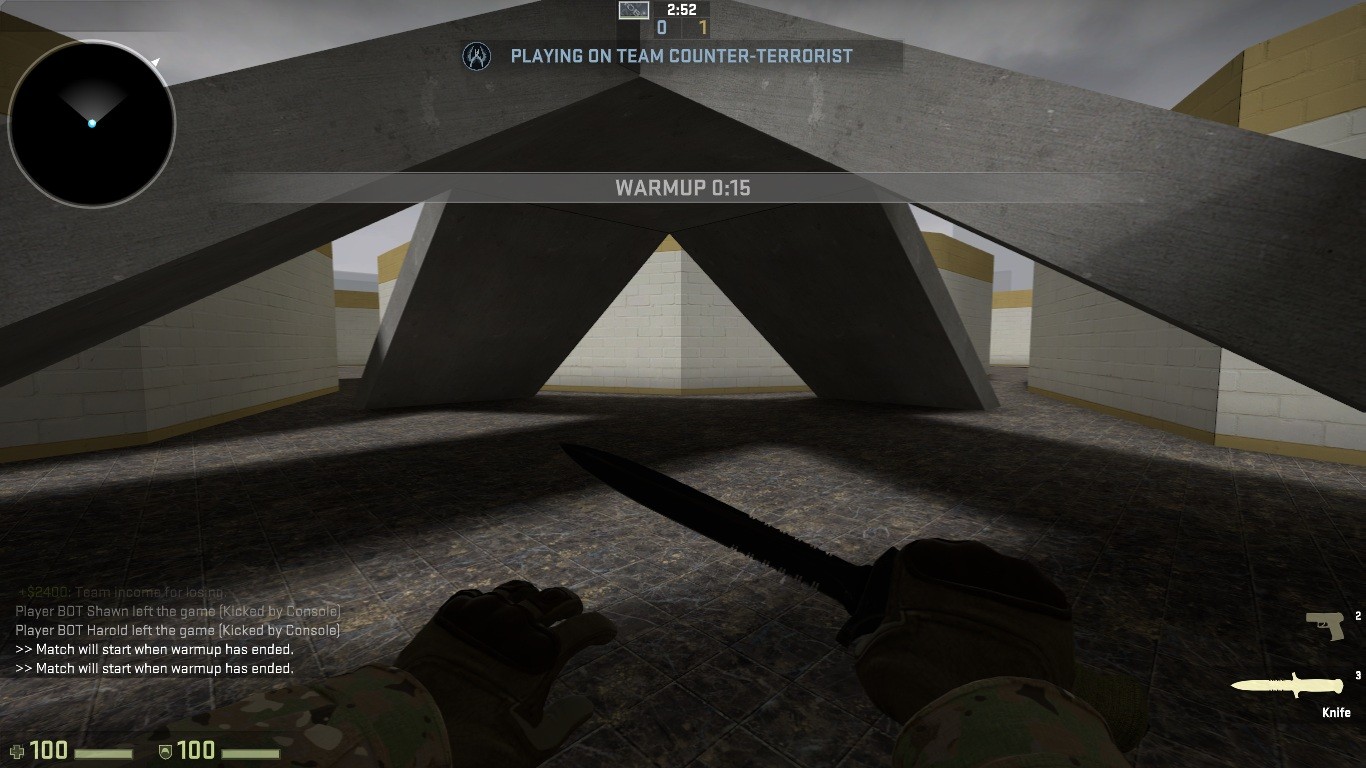
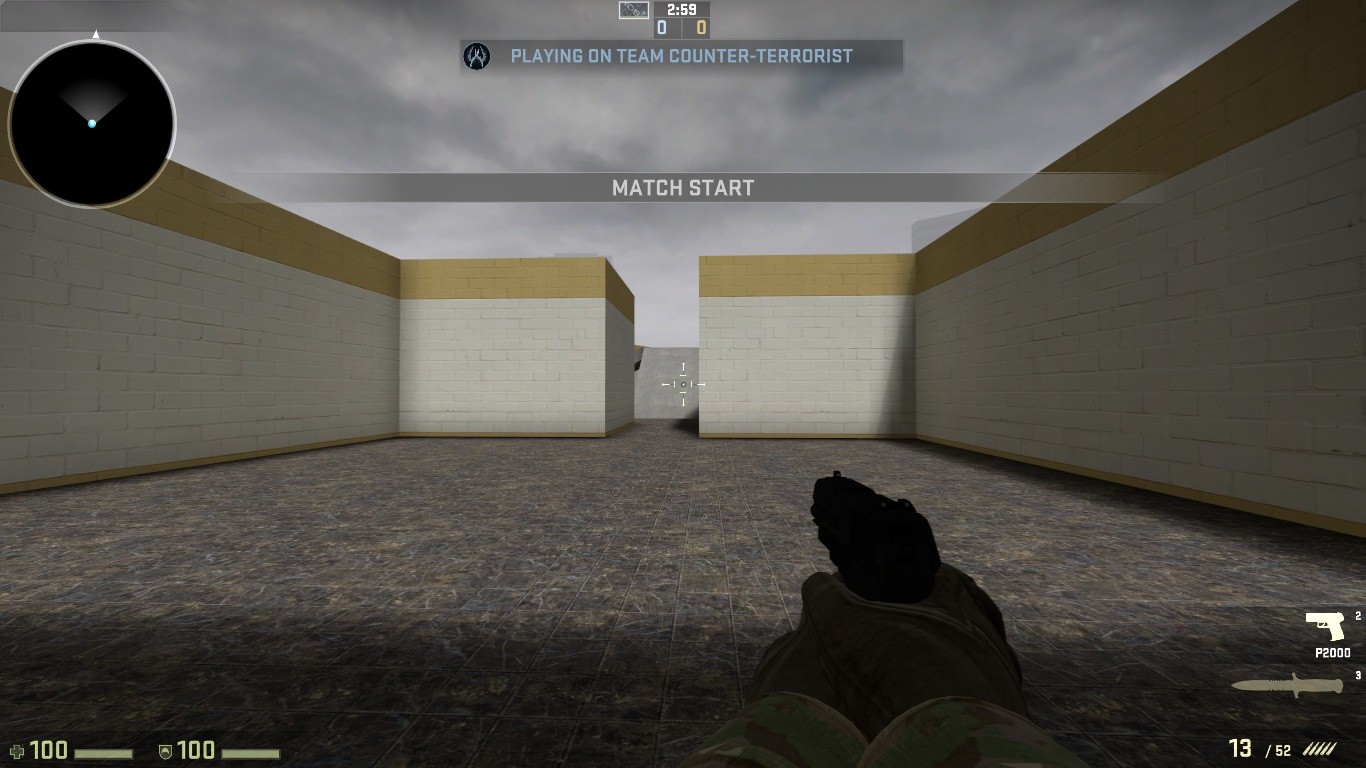
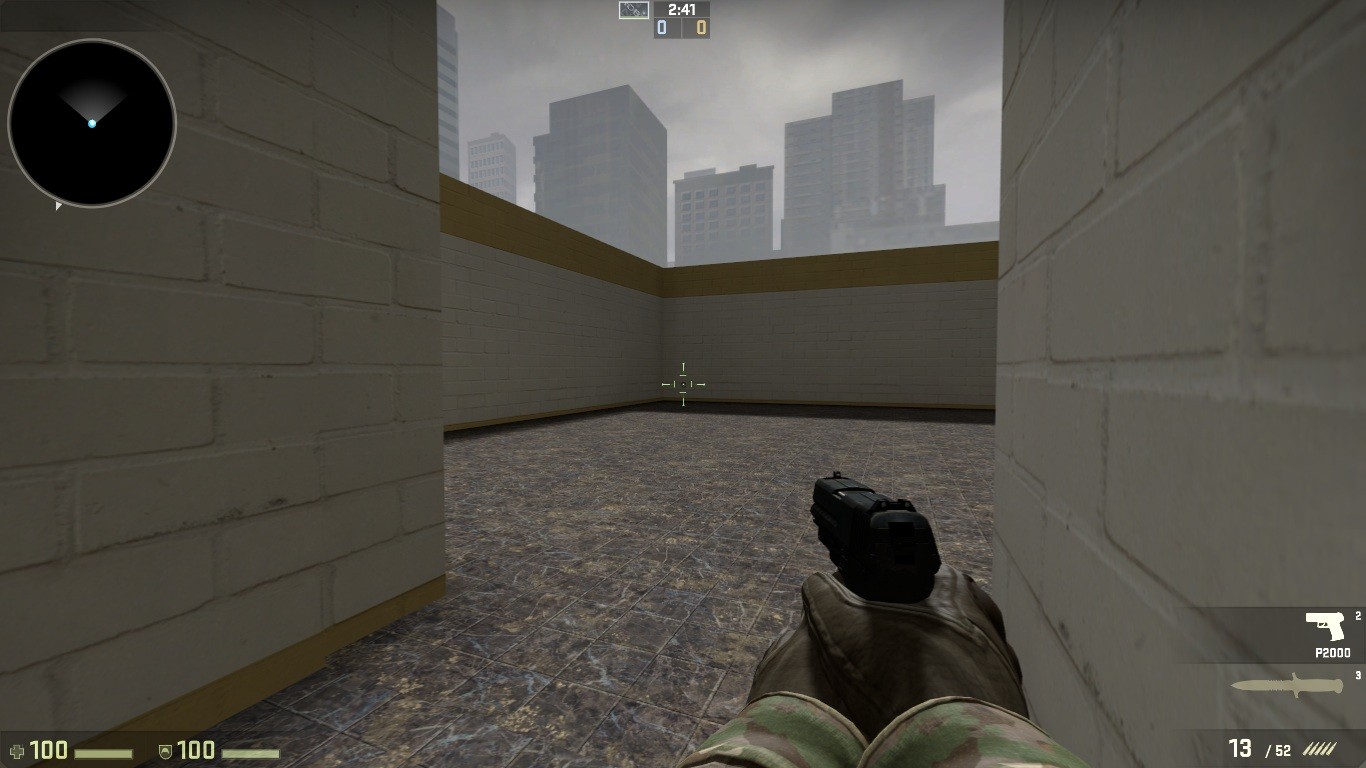
Counter-Strike: Global Offensive – aim_junction (1) for Windows PC: Basically a mini map with a crossroad in the middle.
Game: Counter-Strike: Global Offensive
Release Type: 100% Save-Game
Version: 1
Genres: PC
Developer: PCVault
Archive Size: 1345 KB
Platform: Windows 10 / 11 (64-bit)
Security Scan: ✓ AV Scanned: Clean
Counter-Strike: Global Offensive 100% Save-Game – Key Features & Notes
- Extract aim_junction.bsp in your
- steam/steamapps/common/Counter-Strike Global Offensive/csgo/maps folder.
How to Install Counter-Strike: Global Offensive 100% Save-Game on PC
- Download the Counter-Strike: Global Offensive save-game .ZIP archive from the mirrors below and extract it.
- Press Win + R, open your Counter-Strike: Global Offensive save directory inside %LOCALAPPDATA% or %USERPROFILE%\Saved Games (back up your existing save folder first!).
- Copy the extracted save files into your active profile folder, disable Steam Cloud overwrite if prompted, and launch the game.
Counter-Strike: Global Offensive 100% Save-Game FAQ
Is this Counter-Strike: Global Offensive 100% save-game safe to use on Steam?
Yes. All files are scanned clean (AV Scanned: Clean) and designed for offline/single-player PC use. Always back up your original save or config folder first.
Where is the Counter-Strike: Global Offensive save & config folder located on Windows?
Most modern PC releases store user saves and Engine.ini files inside %LOCALAPPDATA%, %APPDATA%, or %USERPROFILE%\Saved Games.
Buy the console and the game
| Item | Amazon | eBay |
|---|---|---|
| GTA 6 (PS5) | Amazon | eBay |
| GTA 6 (Xbox Series X) | Amazon | eBay |
| PlayStation 5 console | Amazon | eBay |
| Xbox Series X console | Amazon | eBay |
Links are affiliate links. We earn a small commission if you buy, at no extra cost to you.