
✓ AV Scanned Clean
Build: 1
Size: 23.5 MB
Updated: 2025.12.16
Wuthering Waves – BaiZhi reduce cloth(WWMI)
⬇ Jump to Download Mirrors
Wuthering Waves – BaiZhi reduce cloth(WWMI) (1) for Windows PC: Wuthering Waves is a story-rich open-world action RPG with a high degree of freedom. You wake from your slumber as Rover, joined by a vibrant cast of Resonators on a journey to reclaim your lost memories and change the world.
Game: Wuthering Waves
Release Type: PC Mod
Version: 1
Genres: Action, Adventure, RPG
Developer: KURO GAMES
Archive Size: 23.5 MB
Platform: Windows 10 / 11 (64-bit)
Security Scan: ✓ AV Scanned: Clean
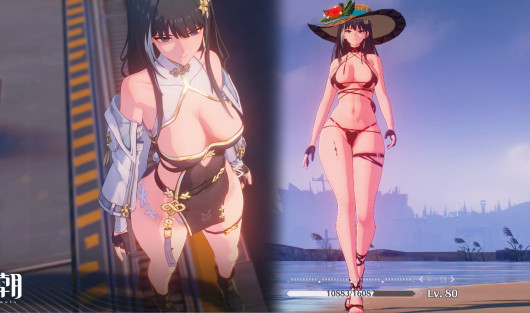
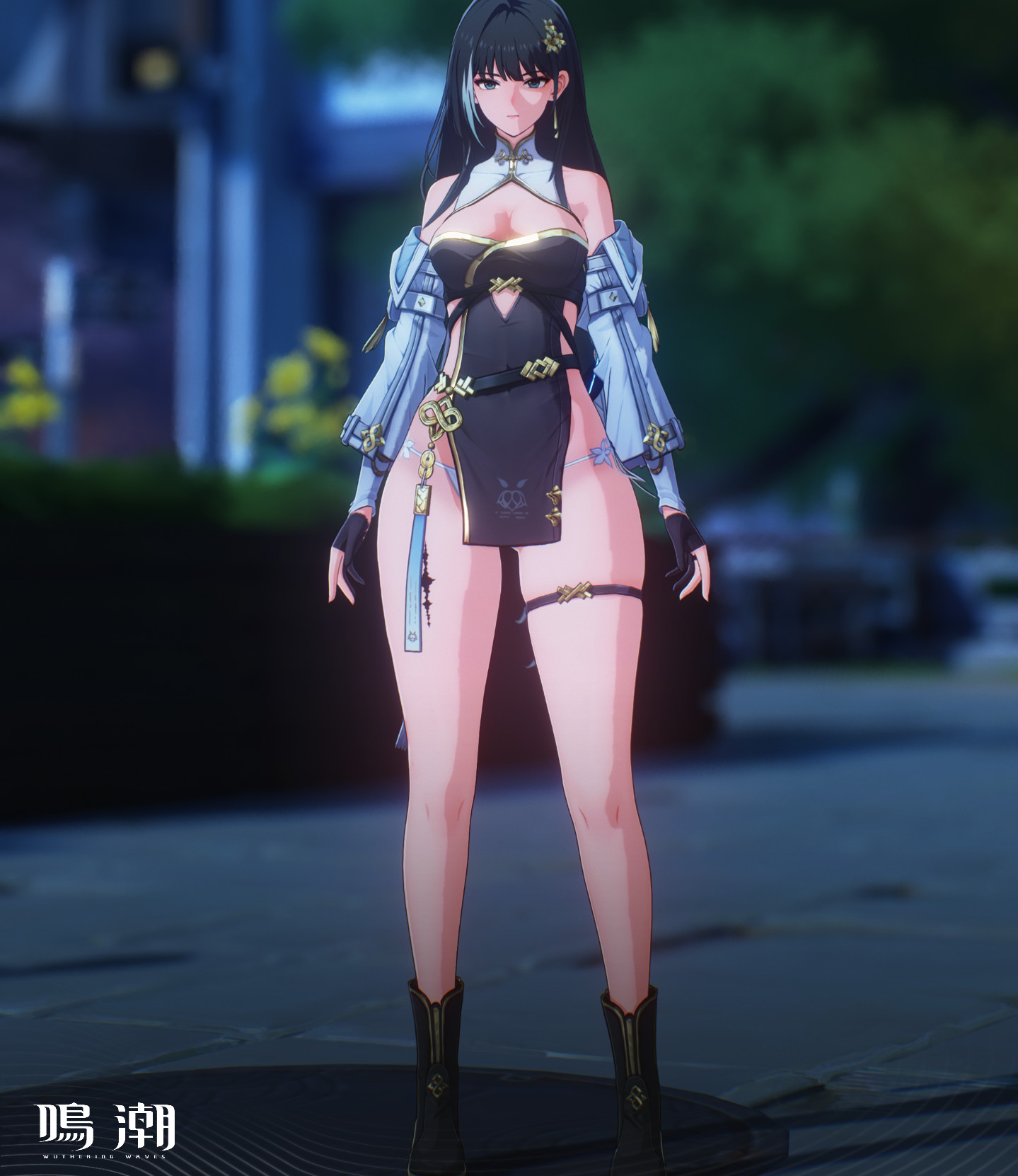
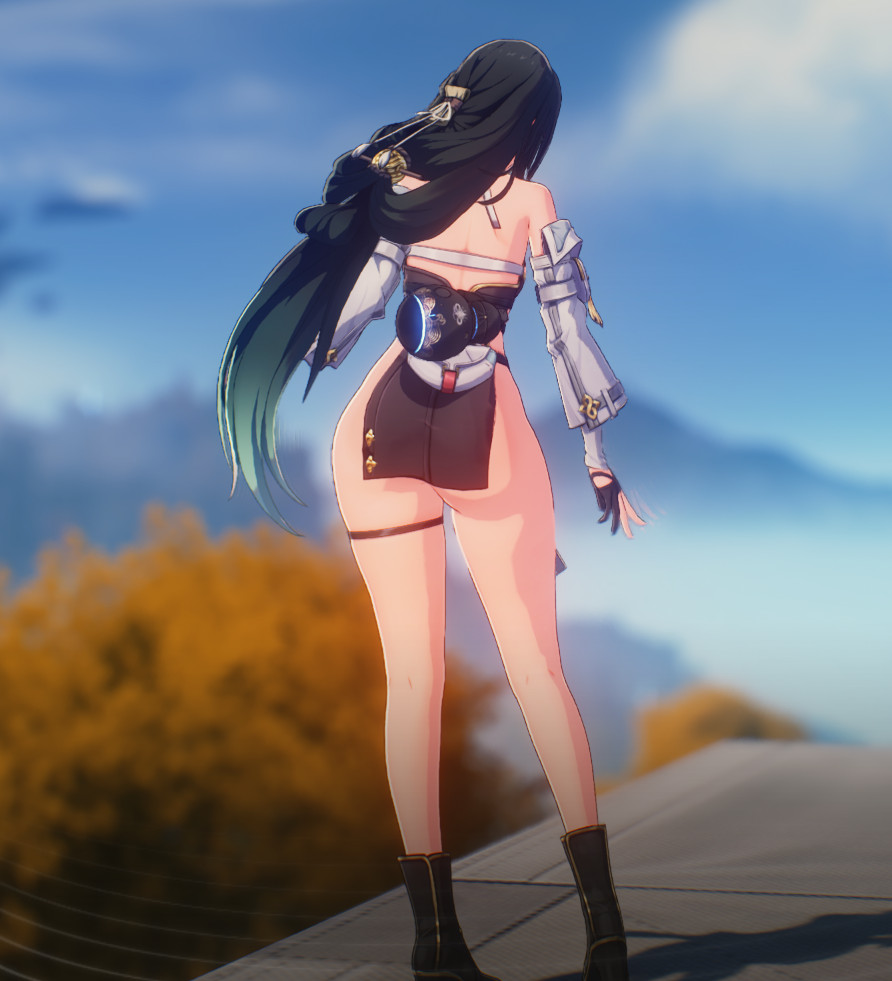

Wuthering Waves PC Mod – Key Features & Notes
- Requirement:
- 1.WWMI (if dont work, try latest version)
- 2.WuWa ver 1.2
- 24/7/18 ——–> 1.Fix mesh and pussy texure
- 2.(Repack)Remove hanging cloth
- 3.(Repack) Add underwear
- 24/8/1———–>Thicc mod,Bigger breasts
- 24/8/16———->Fixed wuwa ver.1.2 update
Wuthering Waves PC System Requirements
Minimum Specs
- Requires a 64-bit processor and operating system
- OS: Windows10 64-bit
- Processor: Intel Core i5 (9th Gen) / Ryzen 2700
- Memory: 16 GB RAM
- Graphics: NVIDIA GeForce GTX 1060/AMD Radeon RX 570/Intel ARC A380
- DirectX: Version 12
- Network: Broadband Internet connection
- Storage: 150 GB available space
- Sound Card: Windows Compatible Audio Device
- Additional Notes: HDD Supported, SSD Recommended.
Recommended Specs
- Requires a 64-bit processor and operating system
- OS: Windows10 64-bit
- Processor: Intel Core i7 (9th Gen) / Ryzen 3700
- Memory: 32 GB RAM
- Graphics: NVIDIA GeForce RTX 2060/AMD Radeon RX 5700XT/intel ARC A750
- DirectX: Version 12
- Network: Broadband Internet connection
- Storage: 150 GB available space
- Sound Card: Windows Compatible Audio Device
- Additional Notes: SSD Required.
How to Install Wuthering Waves PC Mod on PC
- Download the BaiZhi reduce cloth(WWMI) archive (.ZIP) from Mirror 1 or Mirror 2 below.
- Extract the contents into your Wuthering Waves PC root/mods folder (Steam -> Browse Local Files).
- Launch the game in offline/single-player mode to enjoy the new mod features.
Wuthering Waves PC Mod FAQ
Is this Wuthering Waves pc mod safe to use on Steam?
Yes. All files are scanned clean (AV Scanned: Clean) and designed for offline/single-player PC use. Always back up your original save or config folder first.
Where is the Wuthering Waves save & config folder located on Windows?
Most modern PC releases store user saves and Engine.ini files inside %LOCALAPPDATA%, %APPDATA%, or %USERPROFILE%\Saved Games.