
✓ AV Scanned Clean
Build: 3.0-Test4.1
Size: 716 KB
Updated: 2023.08.24
Rune Factory 5 – Difficulty Changes (WIP)
⬇ Jump to Download Mirrors
Rune Factory 5 – Difficulty Changes (WIP) (3.0-Test4.1) for Windows PC: As the newest ranger of a peacekeeping organization known as SEED, protect your community by rounding up rowdy monsters and going on special missions. Cultivate your farm and friendships alike while unravelling rune-related mysteries!
Game: Rune Factory 5
Release Type: 100% Save-Game
Version: 3.0-Test4.1
Genres: Adventure, RPG, Simulation
Developer: Marvelous Inc.
Archive Size: 19.3 MB
Platform: Windows 10 / 11 (64-bit)
Security Scan: ✓ AV Scanned: Clean

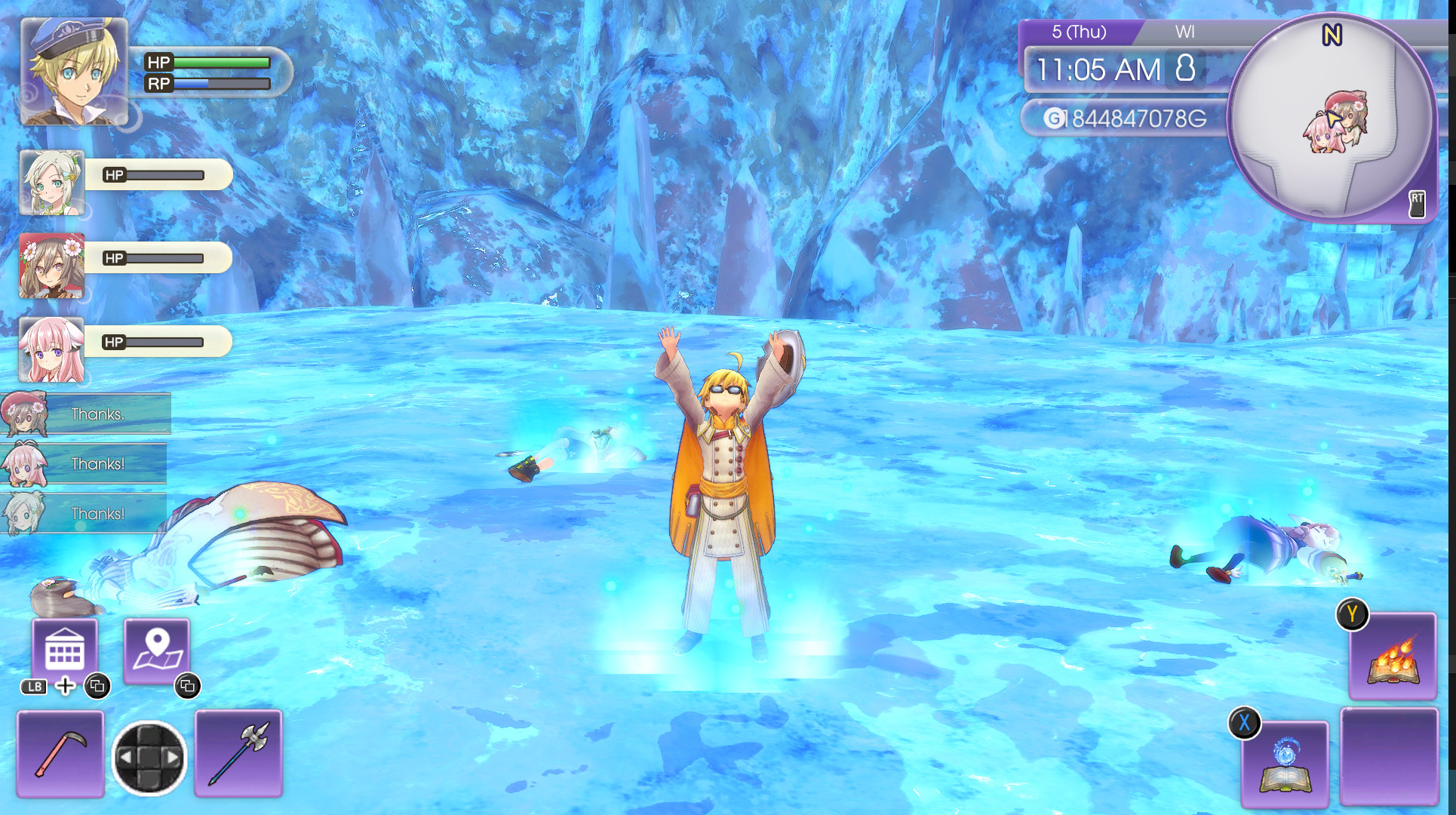
Rune Factory 5 100% Save-Game – Key Features & Notes
- Note: Going forward, this mod will be focused on PC version only.
- A Mod that is focusing on changing the overall combat difficulty of the game. (and misc.?)
- Main Version- Default version that re-adds in Hell Difficulty.
- No Faint Attacks Version- Same as main version but should also remove enemies ability to randomly 1 hit KO. (if you're interested in that).
- I can't test everything as if it were an actual gameplay scenario, so feedback, thoughts, or suggestions are appreciated/welcomed.
- Note: If you do not like the change of being damaged while staggered simply do not install the "a3b1dd857e231497abc4736c51a335c4.bundle"
- Current Things Affected:
- Health amount for triggering Madness have been adjusted for some bosses.
Rune Factory 5 PC System Requirements
Minimum Specs
- Requires a 64-bit processor and operating system
- OS *: Windows 8.1 or later
- Processor: Intel Core i5-6500
- Memory: 8 GB RAM
- Graphics: Nvidia GTX 660 Ti
- DirectX: Version 11
- Storage: 9 GB available space
Recommended Specs
- Requires a 64-bit processor and operating system
- OS *: Windows 8.1 or later
- Processor: Intel Core i5-9400
- Memory: 16 GB RAM
- Graphics: Nvidia GTX 1660 Ti
- DirectX: Version 11
- Storage: 9 GB available space
How to Install Rune Factory 5 100% Save-Game on PC
- Download the Rune Factory 5 save-game .ZIP archive from the mirrors below and extract it.
- Press Win + R, open your Rune Factory 5 save directory inside %LOCALAPPDATA% or %USERPROFILE%\Saved Games (back up your existing save folder first!).
- Copy the extracted save files into your active profile folder, disable Steam Cloud overwrite if prompted, and launch the game.
Rune Factory 5 100% Save-Game FAQ
Is this Rune Factory 5 100% save-game safe to use on Steam?
Yes. All files are scanned clean (AV Scanned: Clean) and designed for offline/single-player PC use. Always back up your original save or config folder first.
Where is the Rune Factory 5 save & config folder located on Windows?
Most modern PC releases store user saves and Engine.ini files inside %LOCALAPPDATA%, %APPDATA%, or %USERPROFILE%\Saved Games.
Buy the console and the game
| Item | Amazon | eBay |
|---|---|---|
| GTA 6 (PS5) | Amazon | eBay |
| GTA 6 (Xbox Series X) | Amazon | eBay |
| PlayStation 5 console | Amazon | eBay |
| Xbox Series X console | Amazon | eBay |
Links are affiliate links. We earn a small commission if you buy, at no extra cost to you.