
Marvel’s Spider-Man: Remastered (PC) – Damaged Anti Ock over Cyborg / Punk Costumes
⬇ Jump to Download Mirrors
Marvel's Spider-Man: Remastered (PC) – Damaged Anti Ock over Cyborg / Punk Costumes (v1.0) for Windows PC: In Marvel’s Spider-Man Remastered, the worlds of Peter Parker and Spider-Man collide in an original action-packed story. Play as an experienced Peter Parker, fighting big crime and iconic villains in Marvel’s New York. Web-swing through vibrant neighborhoods and defeat villains with epic takedowns.

Marvel's Spider-Man: Remastered (PC) 100% Save-Game – Key Features & Notes
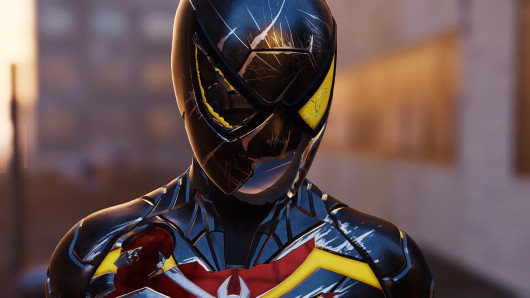
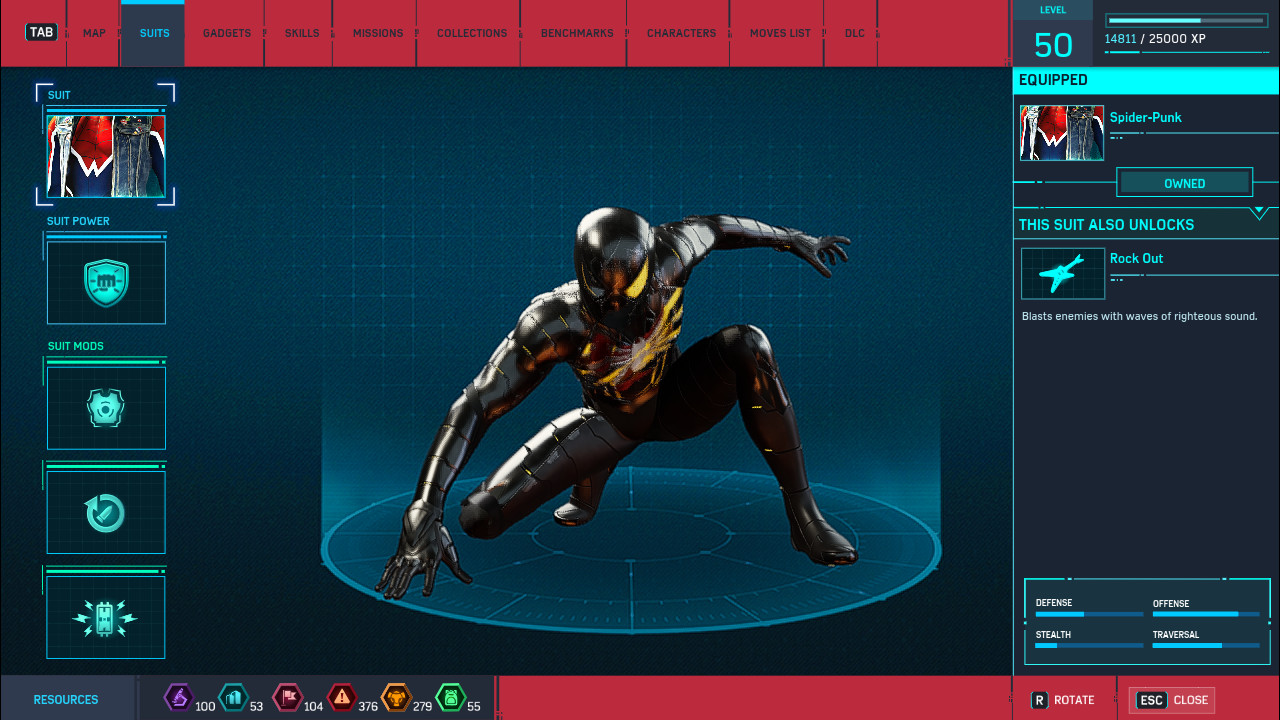
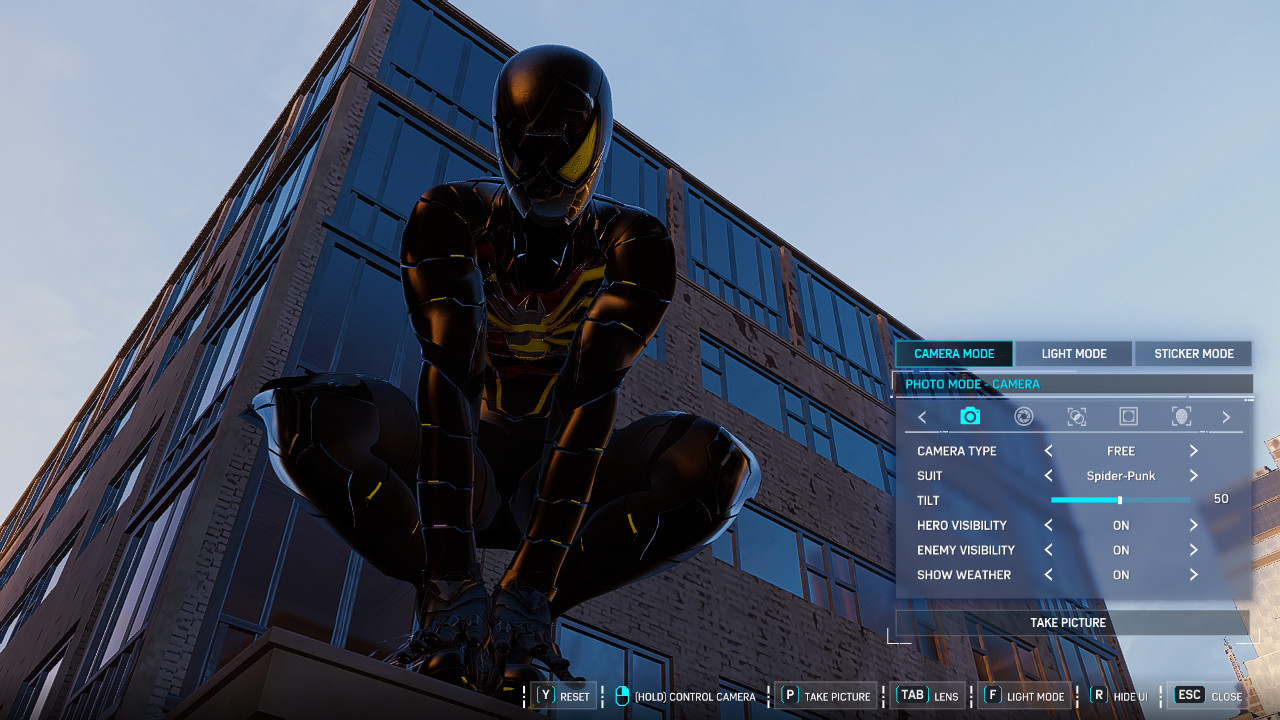
- this mod replaces either the Spider Punk or Cyborg Costumes with a Damaged Version of the Anti-Ock Outfit (from the game's finale)
Marvel's Spider-Man: Remastered (PC) PC System Requirements
Minimum Specs
- Requires a 64-bit processor and operating system
- OS: Windows 10 64-bit
- Processor: Intel Core i3-4160, 3.6 GHz or AMD equivalent
- Memory: 8 GB RAM
- Graphics: NVIDIA GTX 950 or AMD Radeon RX 470
- DirectX: Version 12
- Storage: 75 GB available space
Recommended Specs
- Requires a 64-bit processor and operating system
- OS: Windows 10 64-bit
- Processor: Intel Core i5-4670, 3.4 Ghz or AMD Ryzen5 1600, 3.2 Ghz
- Memory: 16 GB RAM
- Graphics: NVIDIA GTX 1060 6GB or AMD Radeon RX 580 8GB
- DirectX: Version 12
- Storage: 75 GB available space
How to Install Marvel's Spider-Man: Remastered (PC) 100% Save-Game on PC
- Download the Marvel's Spider-Man: Remastered (PC) save-game .ZIP archive from the mirrors below and extract it.
- Press Win + R, open your Marvel's Spider-Man: Remastered (PC) save directory inside %LOCALAPPDATA% or %USERPROFILE%\Saved Games (back up your existing save folder first!).
- Copy the extracted save files into your active profile folder, disable Steam Cloud overwrite if prompted, and launch the game.
Marvel's Spider-Man: Remastered (PC) 100% Save-Game FAQ
Is this Marvel's Spider-Man: Remastered (PC) 100% save-game safe to use on Steam?
Yes. All files are scanned clean (AV Scanned: Clean) and designed for offline/single-player PC use. Always back up your original save or config folder first.
Where is the Marvel's Spider-Man: Remastered (PC) save & config folder located on Windows?
Most modern PC releases store user saves and Engine.ini files inside %LOCALAPPDATA%, %APPDATA%, or %USERPROFILE%\Saved Games.
Buy the console and the game
| Item | Amazon | eBay |
|---|---|---|
| GTA 6 (PS5) | Amazon | eBay |
| GTA 6 (Xbox Series X) | Amazon | eBay |
| PlayStation 5 console | Amazon | eBay |
| Xbox Series X console | Amazon | eBay |
Links are affiliate links. We earn a small commission if you buy, at no extra cost to you.



