
✓ AV Scanned Clean
Build: 1.1
Size: 295.8 MB
Updated: 2026.10.16
Halo: Combat Evolved – 100% Save File [Original Xbox]
⬇ Jump to Download Mirrors
Halo: Combat Evolved – 100% Save File [Original Xbox] (1.1) for Windows PC: Halo: Combat Evolved Anniversary comes to PC as the second installment of Halo: The Master Chief Collection, chronicling the rise of the legendary Master Chief.
Game: Halo: Combat Evolved
Release Type: 100% Save-Game
Version: 1.1
Genres: Action
Developer: 343 Industries
Archive Size: 295.8 MB
Platform: Windows 10 / 11 (64-bit)
Security Scan: ✓ AV Scanned: Clean
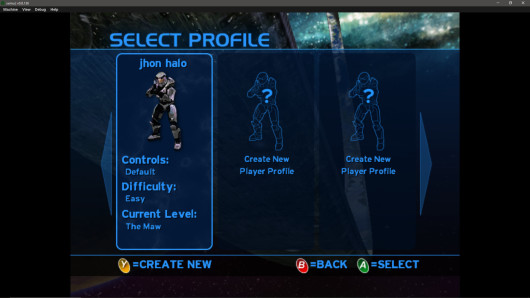
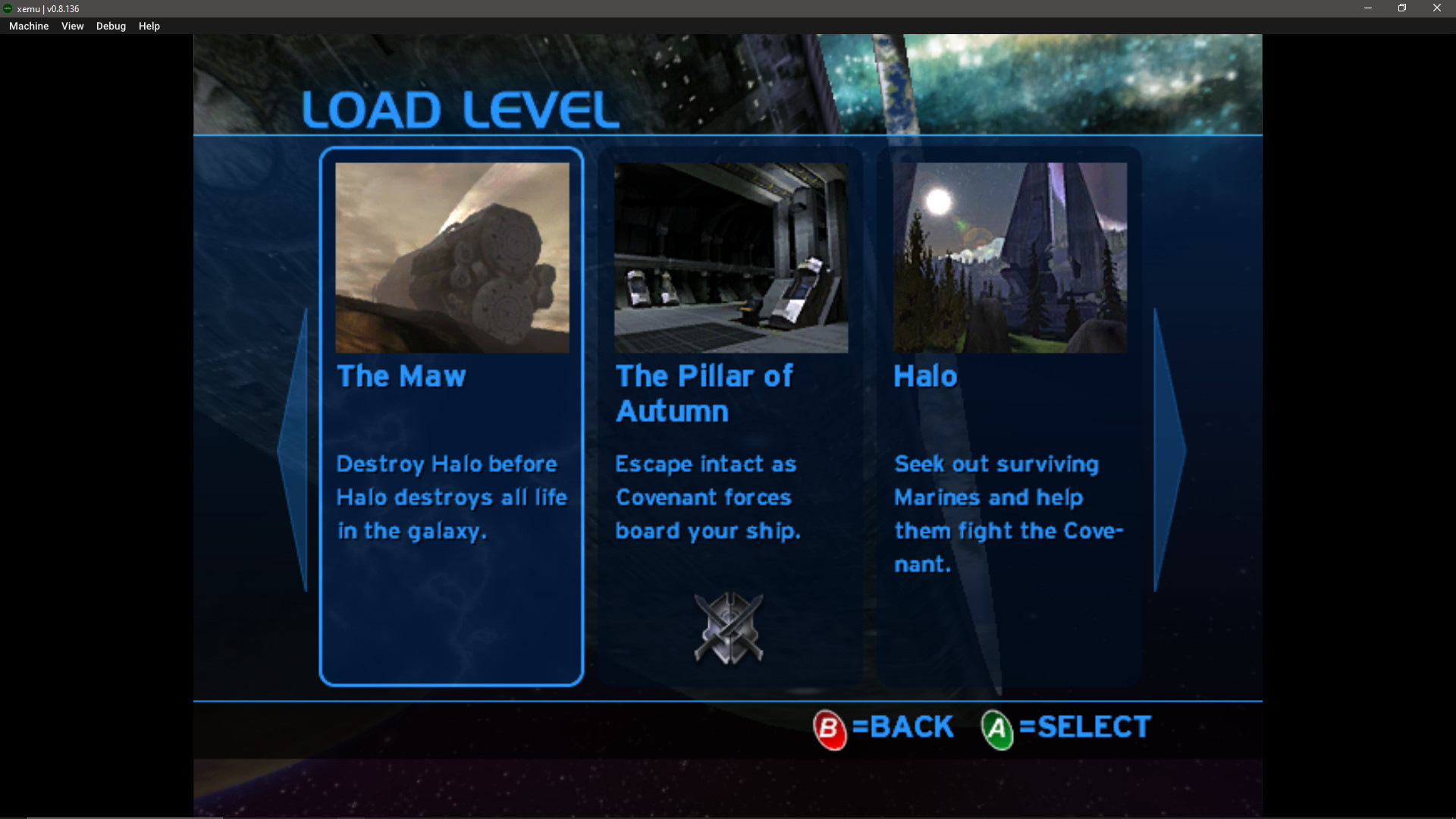
Halo: Combat Evolved 100% Save-Game – Key Features & Notes
- All missions unlocked, completed on easy (completion mark is cosmetic, doesn't unlock anything)
- Proof of concept save file for Halo CE. This actually works.
- ( If there is a copyright problem, tell me ).
- In Xemu, go to "Machine" on the top right –> "Settings…" –> "System". Select the HDD (.qcow2) and .eeprom from the downloads.
- The file is 600mb likely because of Xbox's HDD caching for games, it should be 4mb. I haven't found how to reduce it.
- This would make redistributing saves for Xbox very easy.
- Contribute to the decompilation, if interested. ( Decomp.dev ) ( Github ) ( Discord )
- Decomp.dev has been shut down, I recommend continuing development with
Halo: Combat Evolved PC System Requirements
Minimum Specs
- OS *: Windows 7
- Processor: AMD Phenom II X4 960T ; Intel i3550
- Graphics: AMD HD 6850 ; NVIDIA GeForce GTS 450
- DirectX: Version 11
- Storage: 20 GB available space
- Additional Notes: Direct3D feature Level 11.1
How to Install Halo: Combat Evolved 100% Save-Game on PC
- Download the Halo: Combat Evolved save-game .ZIP archive from the mirrors below and extract it.
- Press Win + R, open your Halo: Combat Evolved save directory inside %LOCALAPPDATA% or %USERPROFILE%\Saved Games (back up your existing save folder first!).
- Copy the extracted save files into your active profile folder, disable Steam Cloud overwrite if prompted, and launch the game.
Halo: Combat Evolved 100% Save-Game FAQ
Is this Halo: Combat Evolved 100% save-game safe to use on Steam?
Yes. All files are scanned clean (AV Scanned: Clean) and designed for offline/single-player PC use. Always back up your original save or config folder first.
Where is the Halo: Combat Evolved save & config folder located on Windows?
Most modern PC releases store user saves and Engine.ini files inside %LOCALAPPDATA%, %APPDATA%, or %USERPROFILE%\Saved Games.
Buy the console and the game
| Item | Amazon | eBay |
|---|---|---|
| GTA 6 (PS5) | Amazon | eBay |
| GTA 6 (Xbox Series X) | Amazon | eBay |
| PlayStation 5 console | Amazon | eBay |
| Xbox Series X console | Amazon | eBay |
Links are affiliate links. We earn a small commission if you buy, at no extra cost to you.