✓ AV Scanned Clean
Build: v1.0
Size: 692 KB
Updated: 2021.08.18
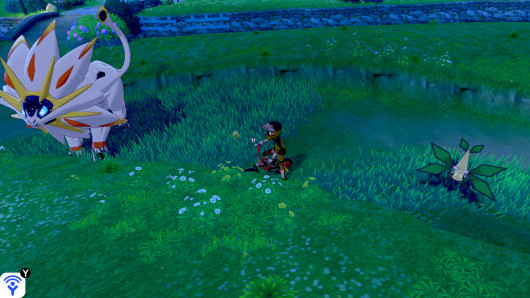
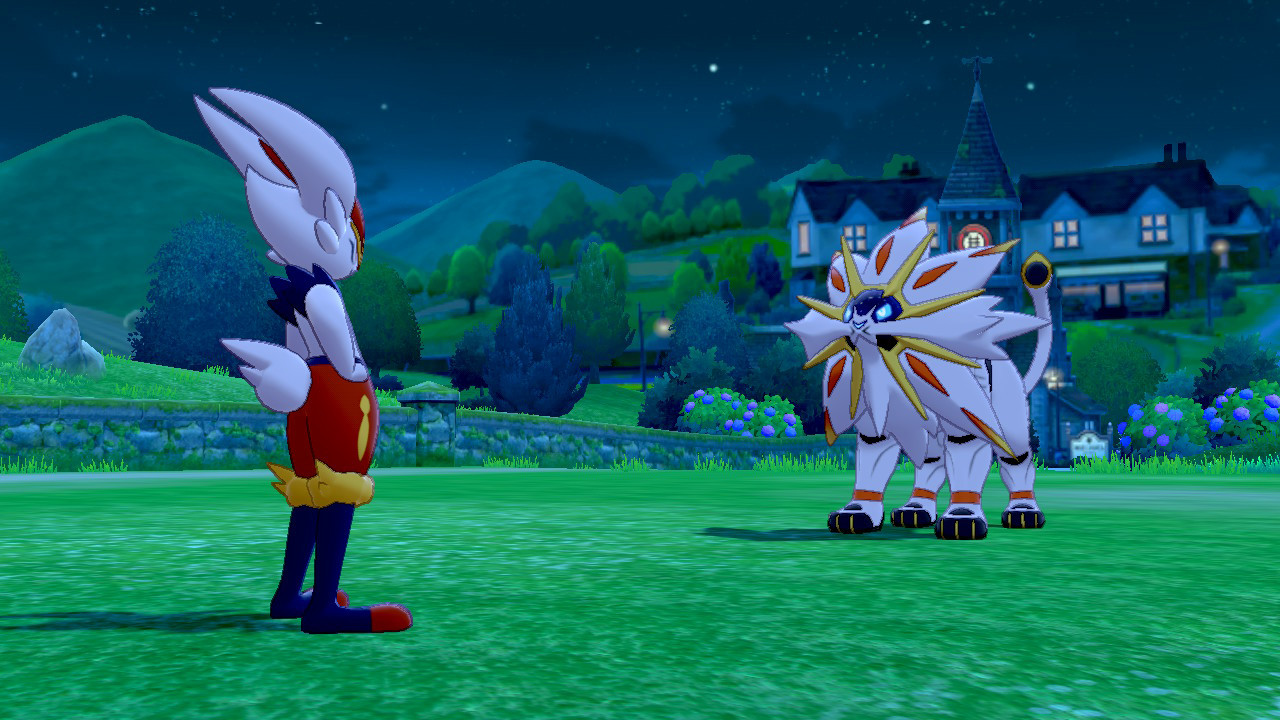
Pokemon Sword & Shield – Pokemon Sword/Shield EXTREME Randomizer Download
⬇ Jump to Download Mirrors
Pokemon Sword & Shield – Pokemon Sword/Shield EXTREME Randomizer Download (v1.0) for Windows PC: Pokemon SWORD and SHIELD Randomizer Download
Game: Pokemon Sword & Shield
Release Type: PC Mod
Version: v1.0
Genres: PC
Developer: PCVault
Archive Size: 691 KB
Platform: Windows 10 / 11 (64-bit)
Security Scan: ✓ AV Scanned: Clean



Pokemon Sword & Shield PC Mod – Key Features & Notes
- IMPORTANT (READ) CURRENT STATUS: [WORKING]
- UPDATES/BUG FIXES PLANNED FOR THE FUTURE*
- This is very important. Please read all the information below so you know what you are downloading.
- This randomizer supports Pokémon Sword AND Shield. Please read everything to understand how it works and how to get the proper files for your game.
- Pokémon Sword support is prioritized over Pokémon Shield for the moment.
- Also, If you are having issues, please take a look at some of the comments to see if your issue has already been resolved. There is a lot of valuable information here.
- Personally, I don't play Pokémon so I had to do A LOT of research before proceeding with this task of creating a randomizer.
- The randomizers available online were great and all but, they were very lack luster and only randomized encounters which, I realized, can get boring after some time.
How to Install Pokemon Sword & Shield PC Mod on PC
- Download the Pokemon Sword/Shield EXTREME Randomizer Download archive (.ZIP) from Mirror 1 or Mirror 2 below.
- Extract the contents into your Pokemon Sword & Shield PC root/mods folder (Steam -> Browse Local Files).
- Launch the game in offline/single-player mode to enjoy the new mod features.
Pokemon Sword & Shield PC Mod FAQ
Is this Pokemon Sword & Shield pc mod safe to use on Steam?
Yes. All files are scanned clean (AV Scanned: Clean) and designed for offline/single-player PC use. Always back up your original save or config folder first.
Where is the Pokemon Sword & Shield save & config folder located on Windows?
Most modern PC releases store user saves and Engine.ini files inside %LOCALAPPDATA%, %APPDATA%, or %USERPROFILE%\Saved Games.
Buy the console and the game
| Item | Amazon | eBay |
|---|---|---|
| GTA 6 (PS5) | Amazon | eBay |
| GTA 6 (Xbox Series X) | Amazon | eBay |
| PlayStation 5 console | Amazon | eBay |
| Xbox Series X console | Amazon | eBay |
Links are affiliate links. We earn a small commission if you buy, at no extra cost to you.



