✓ AV Scanned Clean
Build: v1.3.0
Size: 776 KB
Updated: 2026.09.09
Baldi’s Basics Classic – Baldi Classic Remastered – Mod Menu
⬇ Jump to Download Mirrors
Baldi's Basics Classic – Baldi Classic Remastered – Mod Menu (v1.3.0) for Windows PC: Escape Baldi's schoolhouse again in this new remastered version of Baldi's Basics Classic! Use stealth and strategy to collect all 7 notebooks and win! Featuring three games in one, gameplay improvements, a more authentic art style, accessibility improvements, and brand new ways to play!
Game: Baldi's Basics Classic
Release Type: PC Mod
Version: v1.3.0
Genres: Action, Indie, Strategy
Developer: Basically Games
Archive Size: 776 KB
Platform: Windows 10 / 11 (64-bit)
Security Scan: ✓ AV Scanned: Clean
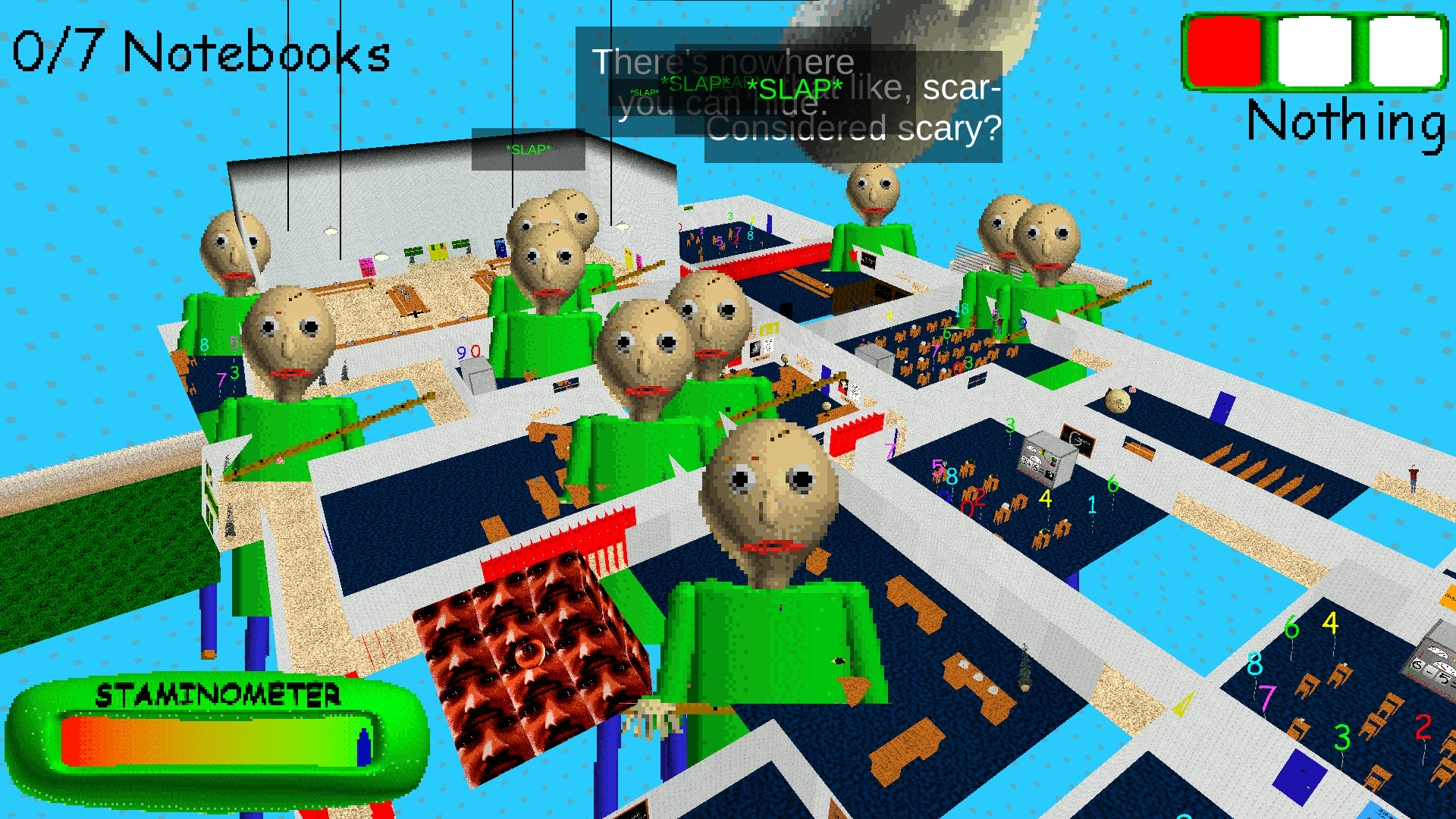


Baldi's Basics Classic PC Mod – Key Features & Notes
- Please report new issues on GitHub , if possible.
- Make characters ignore you
- Change the speed, size and visiblity of characters
- Enable, disable and clone characters
- Edit your inventory and item values
- Make characters ignore you
- Character, notebook and Exit teleporters
- Infinite items
Baldi's Basics Classic PC System Requirements
Minimum Specs
- Requires a 64-bit processor and operating system
- OS *: Windows 7 (SP1+) or newer (64-bit only)
- Processor: 1.5 GHz or greater
- Memory: 4 GB RAM
- Graphics: AMD Radeon HD 8330 or equivalent
- DirectX: Version 10
- Storage: 600 MB available space
Recommended Specs
- Requires a 64-bit processor and operating system
How to Install Baldi's Basics Classic PC Mod on PC
- Download the Baldi Classic Remastered – Mod Menu archive (.ZIP) from Mirror 1 or Mirror 2 below.
- Extract the contents into your Baldi's Basics Classic PC root/mods folder (Steam -> Browse Local Files).
- Launch the game in offline/single-player mode to enjoy the new mod features.
Baldi's Basics Classic PC Mod FAQ
Is this Baldi's Basics Classic pc mod safe to use on Steam?
Yes. All files are scanned clean (AV Scanned: Clean) and designed for offline/single-player PC use. Always back up your original save or config folder first.
Where is the Baldi's Basics Classic save & config folder located on Windows?
Most modern PC releases store user saves and Engine.ini files inside %LOCALAPPDATA%, %APPDATA%, or %USERPROFILE%\Saved Games.
Buy the console and the game
| Item | Amazon | eBay |
|---|---|---|
| GTA 6 (PS5) | Amazon | eBay |
| GTA 6 (Xbox Series X) | Amazon | eBay |
| PlayStation 5 console | Amazon | eBay |
| Xbox Series X console | Amazon | eBay |
Links are affiliate links. We earn a small commission if you buy, at no extra cost to you.