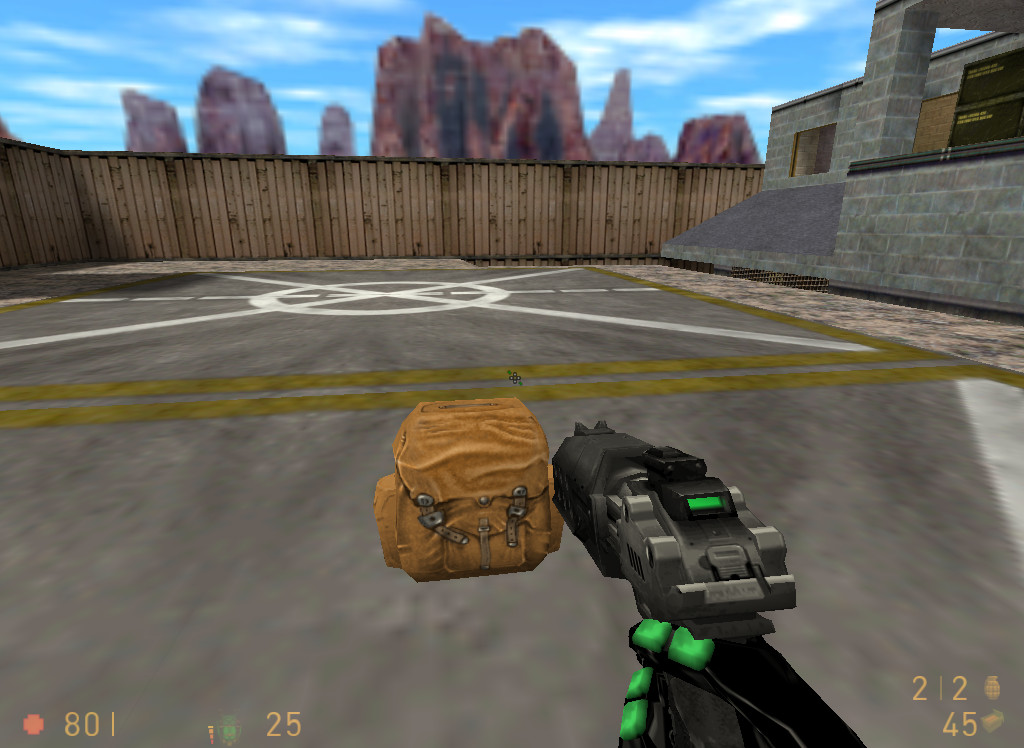
Team Fortress Classic – HQ backpack
⬇ Jump to Download Mirrors
Team Fortress Classic – HQ backpack (v1.0) for Windows PC: One of the most popular online action games of all time, Team Fortress Classic features over nine character classes — from Medic to Spy to Demolition Man — enlisted in a unique style of online team warfare. Each character class possesses unique weapons, items, and abilities, as teams compete online in a variety of game play modes.
Team Fortress Classic FPS Boost Config – Key Features & Notes
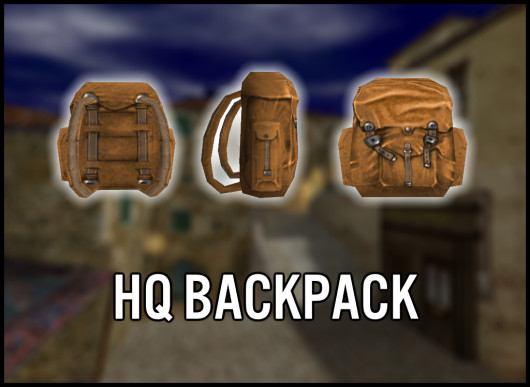
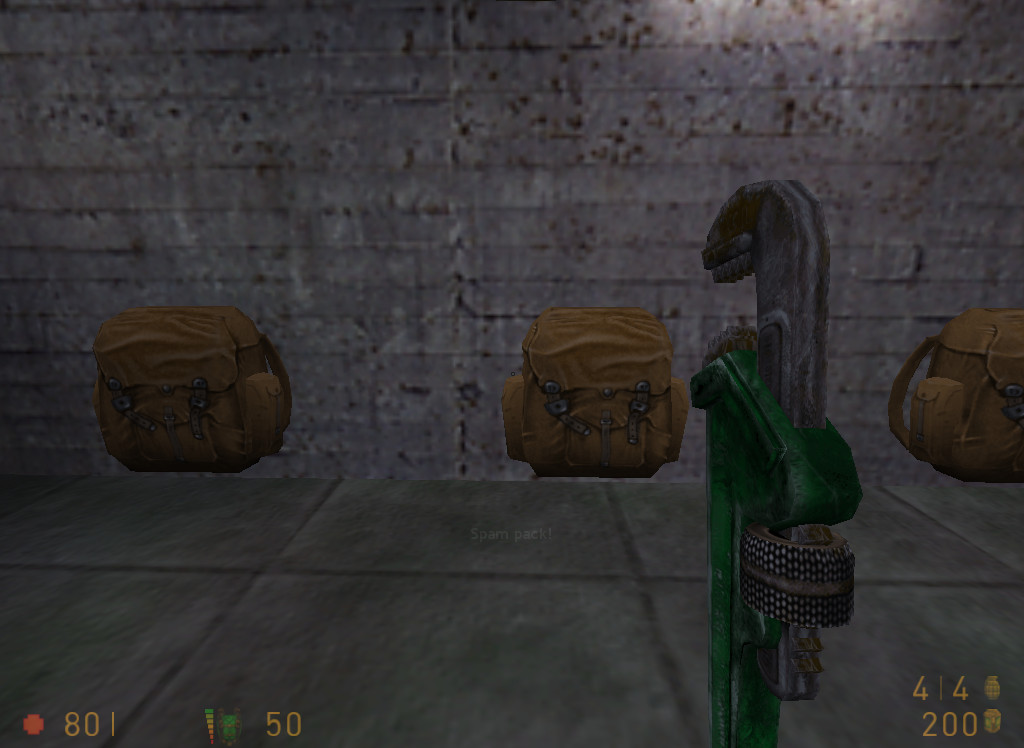
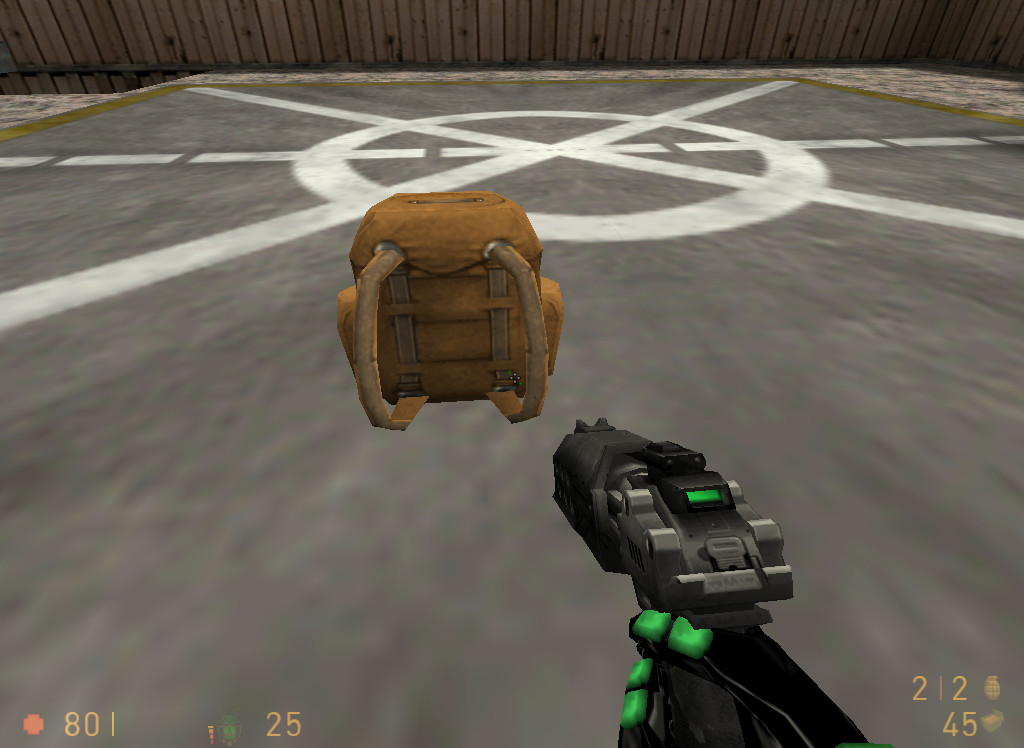
- A more detailed backpack, found at the now defunct FPS-Games site.
Team Fortress Classic PC System Requirements
Minimum Specs
500 mhz processor, 96mb ram, 16mb video card, Windows XP, Mouse, Keyboard, Internet Connection
800 mhz processor, 128mb ram, 32mb+ video card, Windows XP, Mouse, Keyboard, Internet Connection
How to Install Team Fortress Classic FPS Boost Config on PC
- Download the Team Fortress Classic FPS & Stutter-Fix configuration .ZIP below and extract the preset files.
- Navigate to your Team Fortress Classic configuration folder (%LOCALAPPDATA%\[Game]\Saved\Config\Windows or installation folder).
- Back up your default .ini file, drop in the optimized config, and launch the game for smoother frame pacing.
Team Fortress Classic FPS Boost Config FAQ
Is this Team Fortress Classic fps boost config safe to use on Steam?
Yes. All files are scanned clean (AV Scanned: Clean) and designed for offline/single-player PC use. Always back up your original save or config folder first.
Where is the Team Fortress Classic save & config folder located on Windows?
Most modern PC releases store user saves and Engine.ini files inside %LOCALAPPDATA%, %APPDATA%, or %USERPROFILE%\Saved Games.
Buy the console and the game
| Item | Amazon | eBay |
|---|---|---|
| GTA 6 (PS5) | Amazon | eBay |
| GTA 6 (Xbox Series X) | Amazon | eBay |
| PlayStation 5 console | Amazon | eBay |
| Xbox Series X console | Amazon | eBay |
Links are affiliate links. We earn a small commission if you buy, at no extra cost to you.