
✓ AV Scanned Clean
Build: v1.0
Size: 1 KB
Updated: 2019.11.18
Sonic Adventure 2 – Speed Up in Single Player
⬇ Jump to Download Mirrors
Sonic Adventure 2 – Speed Up in Single Player (v1.0) for Windows PC: Experience two unique adventures featuring both long-time heroes and new and returning villains as they battle for the fate of the world!
Game: Sonic Adventure 2
Release Type: FPS Boost Config
Version: v1.0
Genres: Action
Developer: SEGA
Archive Size: 1 KB
Platform: Windows 10 / 11 (64-bit)
Security Scan: ✓ AV Scanned: Clean
Sonic Adventure 2 FPS Boost Config – Key Features & Notes
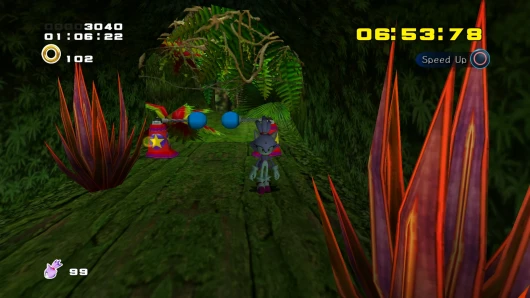
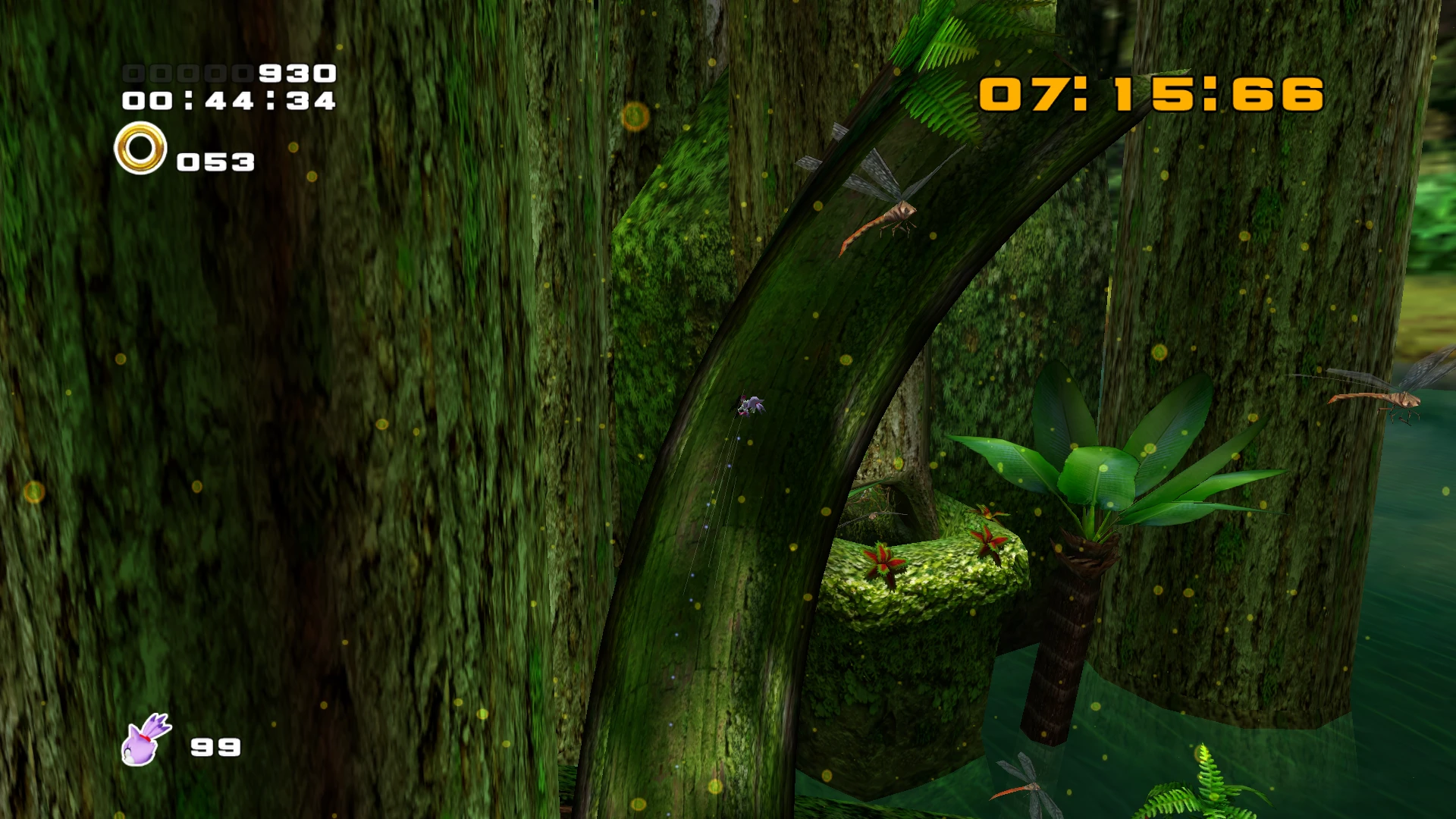
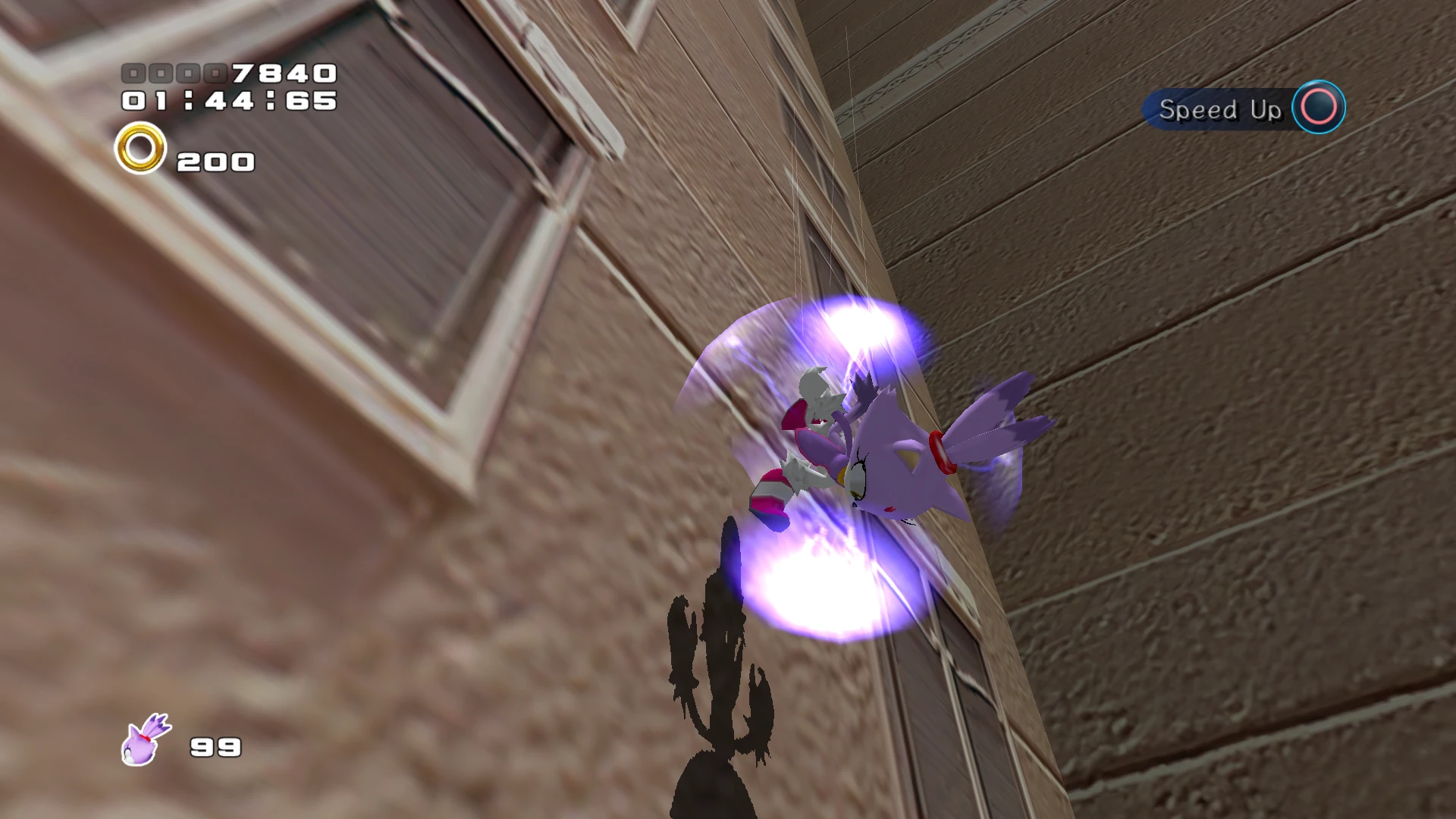
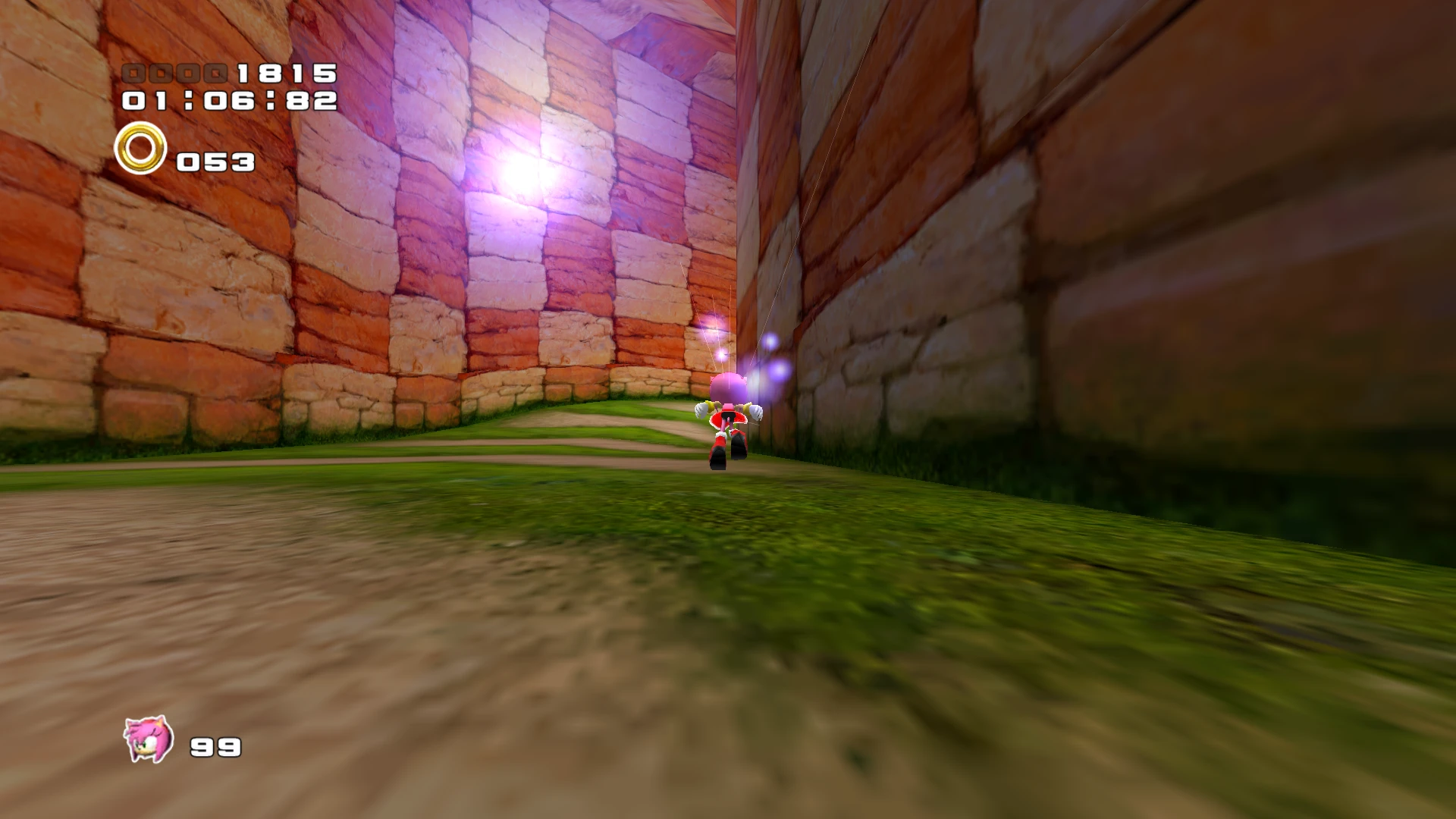
- this mod lets you enable the speed up ability for speed characters in 1 player. must enable it through the 'Codes' tab in the SA2 Mod Loader.
- ring energy must be built up naturally; item boxes may skip your boost!
- the highly unstable frenzy mode w infinite boosts can be activated if you stay at the required ring amount
- Ring amounts follow a pretty simple pattern:
- 20, 50, 70, 100, 120, 150, etc.
- can be fully altered in the Speedup.lst file
Sonic Adventure 2 PC System Requirements
Minimum Specs
- OS *:Windows XP/Vista/Win7
- Processor:Pentium 4 @ 3.2 GHz/Athlon 64 3000+ or Equivalent & above
- Memory:1 GB RAM
- Graphics:256 MB (NVIDIA GeForce 8600/AT Radeon HD3650) & above
- DirectX®:9.0c
- Hard Drive:3 GB HD space
- Sound:DirectX Compatible
- Additional Notes: Microsoft no longer supports Windows 10 or older versions.
Recommended Specs
- OS *:Windows 7
- Processor:Intel Core 2 DUO @ 2.4 GHz/Athlon 64 X2 4200+ & above
- Memory:2 GB RAM
- Graphics:512 MB (NVIDIA GeForce GTS250/ATI Radeon HD 4850) & above
- DirectX®:11
- Hard Drive:6 GB HD space
- Sound:DirectX Compatible
- Additional Notes: Microsoft no longer supports Windows 10 or older versions.
How to Install Sonic Adventure 2 FPS Boost Config on PC
- Download the Sonic Adventure 2 FPS & Stutter-Fix configuration .ZIP below and extract the preset files.
- Navigate to your Sonic Adventure 2 configuration folder (%LOCALAPPDATA%\[Game]\Saved\Config\Windows or installation folder).
- Back up your default .ini file, drop in the optimized config, and launch the game for smoother frame pacing.
Sonic Adventure 2 FPS Boost Config FAQ
Is this Sonic Adventure 2 fps boost config safe to use on Steam?
Yes. All files are scanned clean (AV Scanned: Clean) and designed for offline/single-player PC use. Always back up your original save or config folder first.
Where is the Sonic Adventure 2 save & config folder located on Windows?
Most modern PC releases store user saves and Engine.ini files inside %LOCALAPPDATA%, %APPDATA%, or %USERPROFILE%\Saved Games.
Buy the console and the game
| Item | Amazon | eBay |
|---|---|---|
| GTA 6 (PS5) | Amazon | eBay |
| GTA 6 (Xbox Series X) | Amazon | eBay |
| PlayStation 5 console | Amazon | eBay |
| Xbox Series X console | Amazon | eBay |
Links are affiliate links. We earn a small commission if you buy, at no extra cost to you.