✓ AV Scanned Clean
Build: v1.0
Size: 2 MB
Updated: 2025.07.14
DELTARUNE – Custom FPS Knight Battle
⬇ Jump to Download Mirrors
DELTARUNE – Custom FPS Knight Battle (v1.0) for Windows PC: Dive into the parallel story to UNDERTALE! Fight or spare your way through action-packed battles as you explore a mysterious world alongside an endearing cast of new and familiar characters. Chapters 1-5 are available now, with more planned as free updates!
Game: DELTARUNE
Release Type: FPS Boost Config
Version: v1.0
Genres: Indie, RPG
Developer: tobyfox
Archive Size: 1671 KB
Platform: Windows 10 / 11 (64-bit)
Security Scan: ✓ AV Scanned: Clean
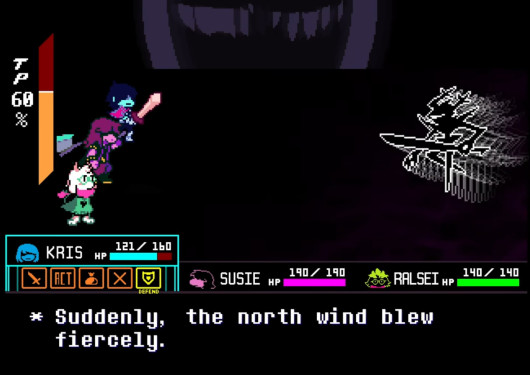
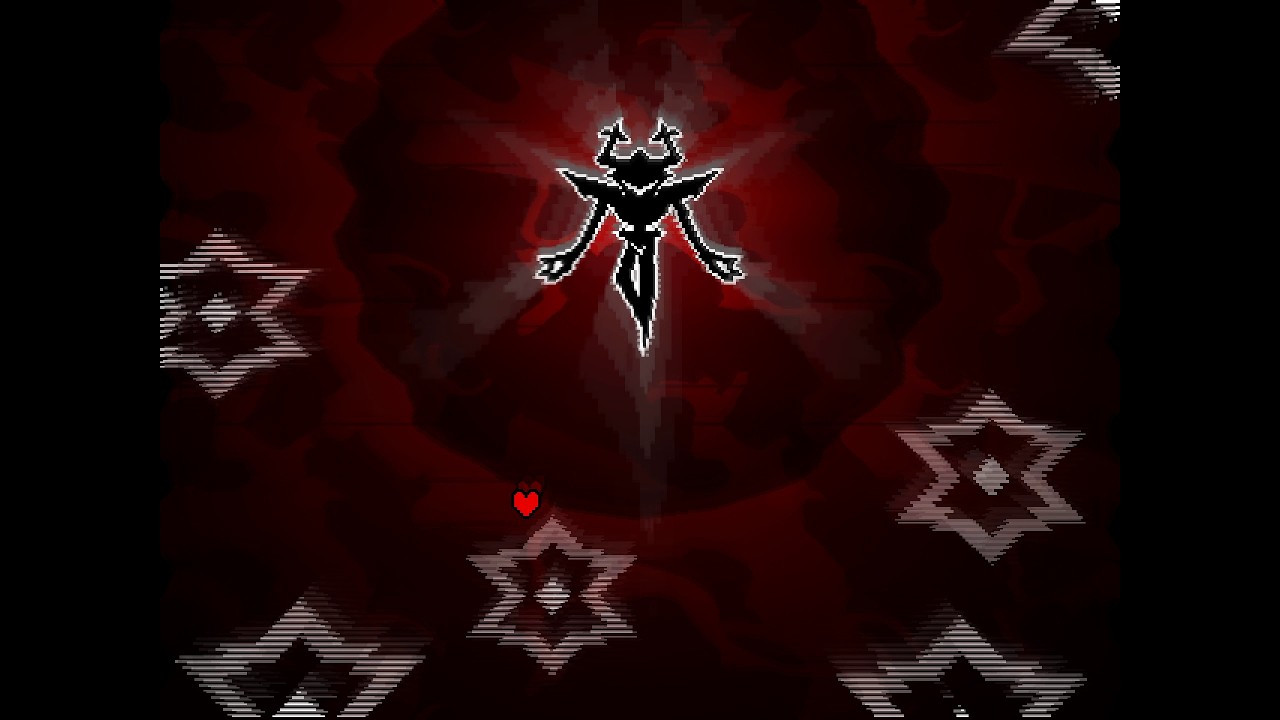
DELTARUNE FPS Boost Config – Key Features & Notes
- Allows you to fight the knight with near 100% accuracy at a number of supported FPS values!
- Changing FPS:
- Press F1 at any time and enter the desired FPS (supported values: 30, 60, 120, 240, etc.)
- QOL Features:
- Press F2 to immediately begin the knight fight from anywhere in chapter 3
- The current version of the mod is made for version 1.02 of the game.
- Mod must be installed with xdeltapatcher .
- The cutscene leading up to the knight battle does not properly scale with FPS. I recommend just changing FPS once in the fight.
DELTARUNE PC System Requirements
Minimum Specs
- Requires a 64-bit processor and operating system
- OS: Windows 10 or higher
- Memory: 2 GB RAM
- Graphics: 128 MB
- DirectX: Version 12
- Storage: 1 GB available space
Recommended Specs
- Requires a 64-bit processor and operating system
- OS: Windows 10 or higher
- Memory: 4 GB RAM
- Graphics: 512MB
- Storage: 1 GB available space
How to Install DELTARUNE FPS Boost Config on PC
- Download the DELTARUNE FPS & Stutter-Fix configuration .ZIP below and extract the preset files.
- Navigate to your DELTARUNE configuration folder (%LOCALAPPDATA%\[Game]\Saved\Config\Windows or installation folder).
- Back up your default .ini file, drop in the optimized config, and launch the game for smoother frame pacing.
DELTARUNE FPS Boost Config FAQ
Is this DELTARUNE fps boost config safe to use on Steam?
Yes. All files are scanned clean (AV Scanned: Clean) and designed for offline/single-player PC use. Always back up your original save or config folder first.
Where is the DELTARUNE save & config folder located on Windows?
Most modern PC releases store user saves and Engine.ini files inside %LOCALAPPDATA%, %APPDATA%, or %USERPROFILE%\Saved Games.
Buy the console and the game
| Item | Amazon | eBay |
|---|---|---|
| GTA 6 (PS5) | Amazon | eBay |
| GTA 6 (Xbox Series X) | Amazon | eBay |
| PlayStation 5 console | Amazon | eBay |
| Xbox Series X console | Amazon | eBay |
Links are affiliate links. We earn a small commission if you buy, at no extra cost to you.