
Counter-Strike: Source – charli_F22_20plane
⬇ Jump to Download Mirrors
Counter-Strike: Source – charli_F22_20plane (v1.0) for Windows PC: Counter-Strike: Source blends Counter-Strike's award-winning teamplay action with the advanced technology of Source™ technology.
Counter-Strike: Source FPS Boost Config – Key Features & Notes
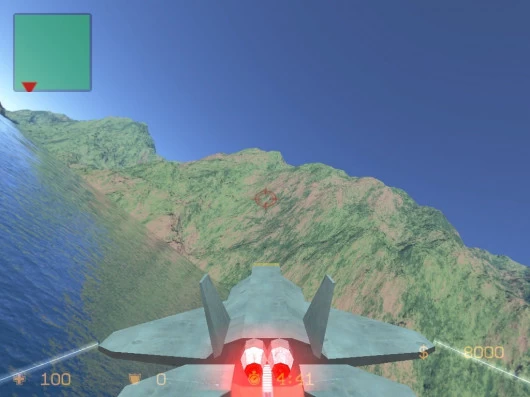
- Do you want fly F-22 plane in css? then here is your chance =) New camera view setting i use.
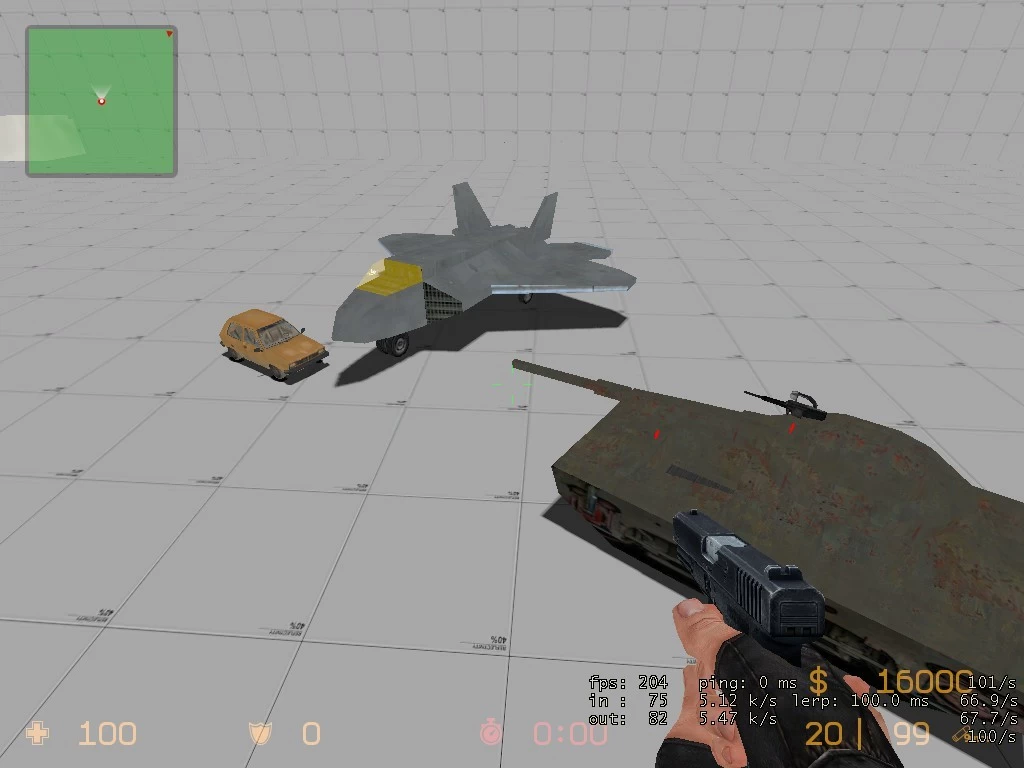
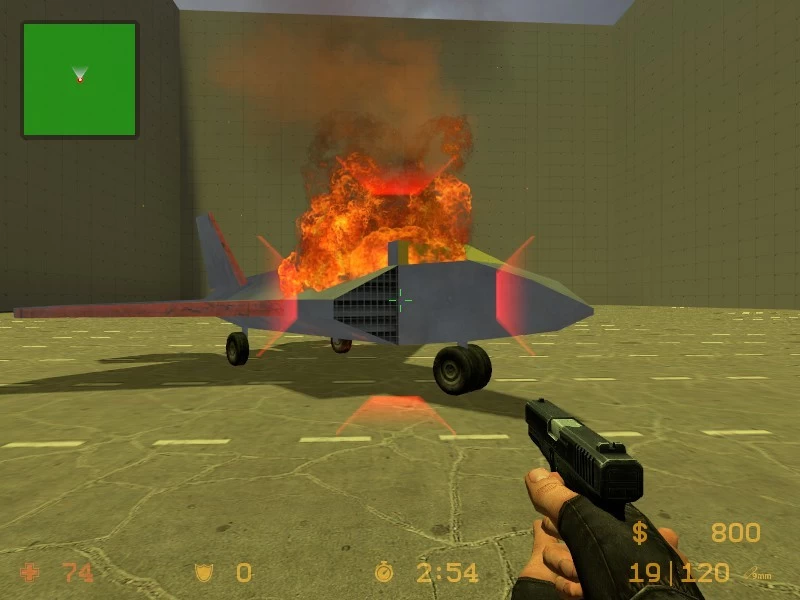
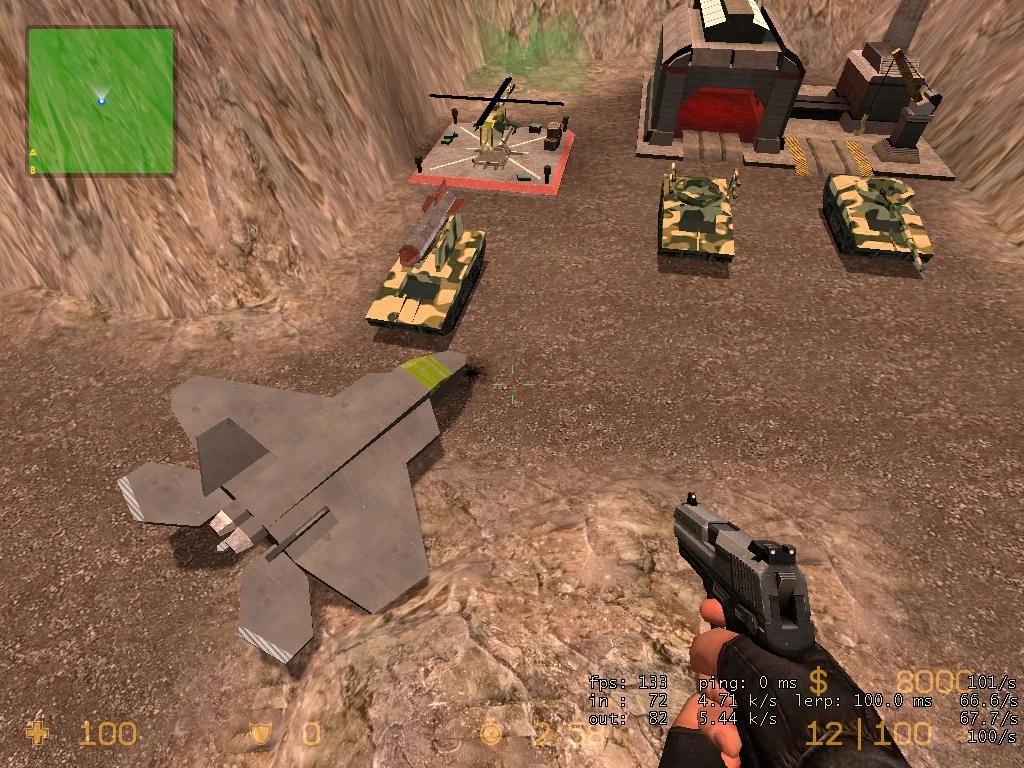
- 20 plane F-22
- To drive press: UP/Down/left/Right
- Boost left mouse
- Shoot press Reloaad button
- this brush work i made from a picture off C&C F22 plane. I workd and test meny time, thanks to Ares help me test this on his new map =)
- I use my friends PureIce old Camera setting from his X-wing and change them a bit.
- The trigger func_viscluster in the sky is only for large open area where visibility calculations would otherwise take a very, very long time to complete.
Counter-Strike: Source PC System Requirements
Minimum Specs
1.7 GHz Processor, 512MB RAM, DirectX® 8.1 level Graphics Card (Requires support for SSE), Windows® 7 (32/64-bit)/Vista/XP, Mouse, Keyboard, Internet Connection
Pentium 4 processor (3.0GHz, or better), 1GB RAM, DirectX® 9 level Graphics Card, Windows® 7 (32/64-bit)/Vista/XP, Mouse, Keyboard, Internet Connection
How to Install Counter-Strike: Source FPS Boost Config on PC
- Download the Counter-Strike: Source FPS & Stutter-Fix configuration .ZIP below and extract the preset files.
- Navigate to your Counter-Strike: Source configuration folder (%LOCALAPPDATA%\[Game]\Saved\Config\Windows or installation folder).
- Back up your default .ini file, drop in the optimized config, and launch the game for smoother frame pacing.
Counter-Strike: Source FPS Boost Config FAQ
Is this Counter-Strike: Source fps boost config safe to use on Steam?
Yes. All files are scanned clean (AV Scanned: Clean) and designed for offline/single-player PC use. Always back up your original save or config folder first.
Where is the Counter-Strike: Source save & config folder located on Windows?
Most modern PC releases store user saves and Engine.ini files inside %LOCALAPPDATA%, %APPDATA%, or %USERPROFILE%\Saved Games.
Buy the console and the game
| Item | Amazon | eBay |
|---|---|---|
| GTA 6 (PS5) | Amazon | eBay |
| GTA 6 (Xbox Series X) | Amazon | eBay |
| PlayStation 5 console | Amazon | eBay |
| Xbox Series X console | Amazon | eBay |
Links are affiliate links. We earn a small commission if you buy, at no extra cost to you.