
✓ AV Scanned Clean
Build: 2.0a-c
Size: 2 KB
Updated: 2026.07.12
Code Vein – Performance tweak for Low End PC
⬇ Jump to Download Mirrors
Code Vein – Performance tweak for Low End PC (2.0a-c) for Windows PC: In the face of certain death, we rise. Team up and embark on a journey to the ends of hell to unlock your past and escape your living nightmare in CODE VEIN.
Game: Code Vein
Release Type: FPS Boost Config
Version: 2.0a-c
Genres: Action, RPG
Developer: Bandai Namco Studios
Archive Size: 1 KB
Platform: Windows 10 / 11 (64-bit)
Security Scan: ✓ AV Scanned: Clean
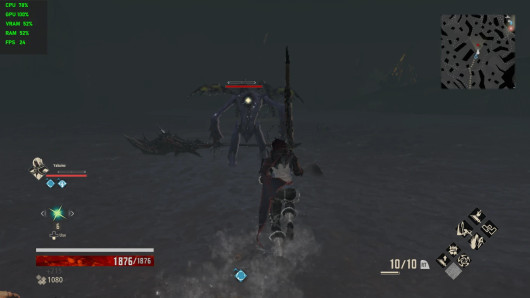
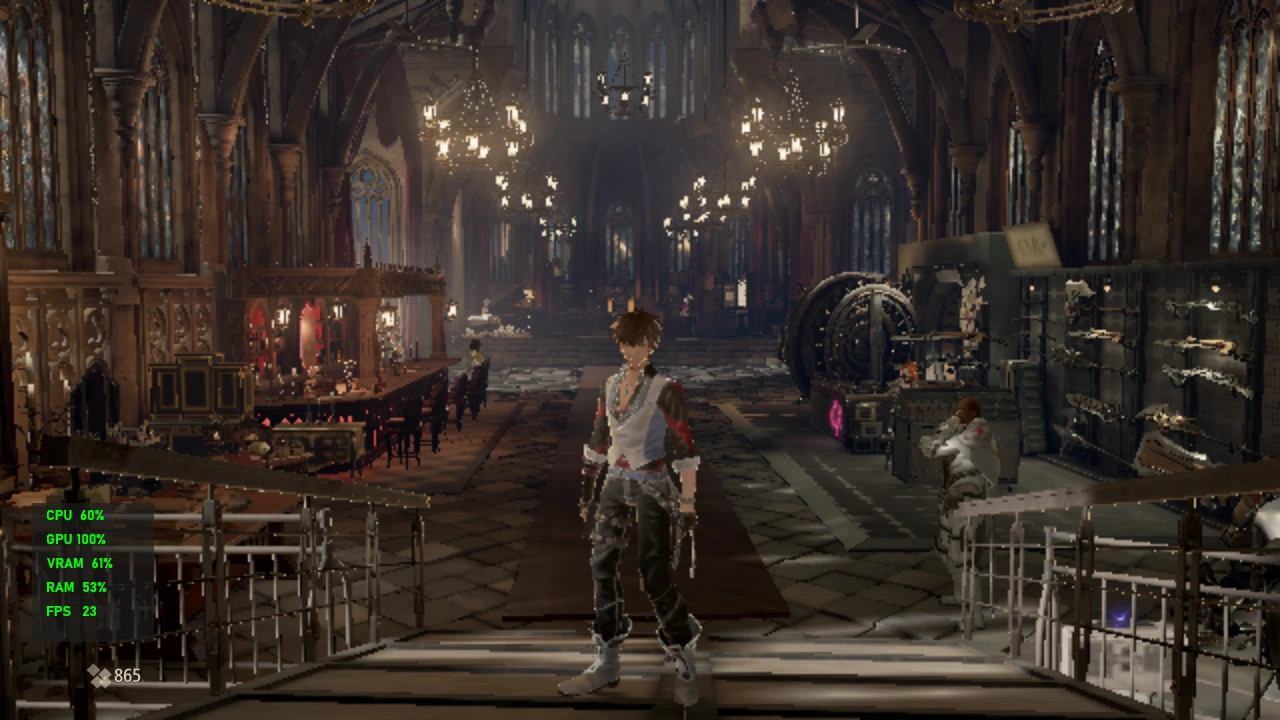
Code Vein FPS Boost Config – Key Features & Notes
- Changes settings from stoker25's mod so you can play the game at low specifications
- Original mod :
- Improved Visuals and Performance
- eroge69 spec :
- Intel I3-4130
- 10GB Ram DDR3
- Nvidia GT-710
Code Vein PC System Requirements
Minimum Specs
- Requires a 64-bit processor and operating system
- OS *: Windows 7 SP1 or Windows 10 (64-bit)
- Processor: Intel Core i5-2300
- Memory: 6 GB RAM
- Graphics: GeForce GTX 760 or Radeon HD 7850
- DirectX: Version 11
- Network: Broadband Internet connection
- Storage: 35 GB available space
- Sound Card: DirectX compatible soundcard or onboard chipset
- Additional Notes: Estimated performance: 1080p/60fps with graphics settings at "Low". Framerate might drop in graphics-intensive scenes. – 64-bit processor and operating system are required.
Recommended Specs
- Requires a 64-bit processor and operating system
- OS *: Windows 7 SP1 or Windows 10 (64-bit)
- Processor: Intel Core i5-7400 or AMD Ryzen 3 2200G
- Memory: 8 GB RAM
- Graphics: GeForce GTX 960 or Radeon R9 380X
- DirectX: Version 11
- Network: Broadband Internet connection
- Storage: 35 GB available space
- Sound Card: DirectX compatible soundcard or onboard chipset
- Additional Notes: Estimated performance: 1080p/60fps with graphics settings at "High". Framerate might drop in graphics-intensive scenes. – 64-bit processor and operating system are required. – Windows 10 (Version 1809 or later) and a 4GB VRAM GPU (graphics board or video card) are required for DirectX 12 API.
How to Install Code Vein FPS Boost Config on PC
- Download the Code Vein FPS & Stutter-Fix configuration .ZIP below and extract the preset files.
- Navigate to your Code Vein configuration folder (%LOCALAPPDATA%\[Game]\Saved\Config\Windows or installation folder).
- Back up your default .ini file, drop in the optimized config, and launch the game for smoother frame pacing.
Code Vein FPS Boost Config FAQ
Is this Code Vein fps boost config safe to use on Steam?
Yes. All files are scanned clean (AV Scanned: Clean) and designed for offline/single-player PC use. Always back up your original save or config folder first.
Where is the Code Vein save & config folder located on Windows?
Most modern PC releases store user saves and Engine.ini files inside %LOCALAPPDATA%, %APPDATA%, or %USERPROFILE%\Saved Games.
Buy the console and the game
| Item | Amazon | eBay |
|---|---|---|
| GTA 6 (PS5) | Amazon | eBay |
| GTA 6 (Xbox Series X) | Amazon | eBay |
| PlayStation 5 console | Amazon | eBay |
| Xbox Series X console | Amazon | eBay |
Links are affiliate links. We earn a small commission if you buy, at no extra cost to you.