
✓ AV Scanned Clean
Build: v1.0
Size: 77.7 MB
Updated: 2026.02.17
Cars 2 Universal/Ultra Shaders Arcade/Deluxe
⬇ Jump to Download Mirrors
Cars 2 Universal/Ultra Shaders Arcade/Deluxe (v1.0) for Windows PC: Cartoony Cars 2 is a physics-based puzzle game about getting the car to the flag with limited resources. When you hit "GO!" the car drives by itself. Use sticks, boostpads, portals and the (not so) realistic physics engine to guide the duck to the flag!
Game: Cars 2
Release Type: FPS Boost Config
Version: v1.0
Genres: Indie
Developer: PowerBurger
Archive Size: 77.7 MB
Platform: Windows 10 / 11 (64-bit)
Security Scan: ✓ AV Scanned: Clean
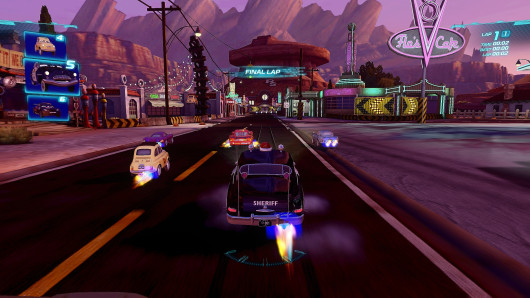
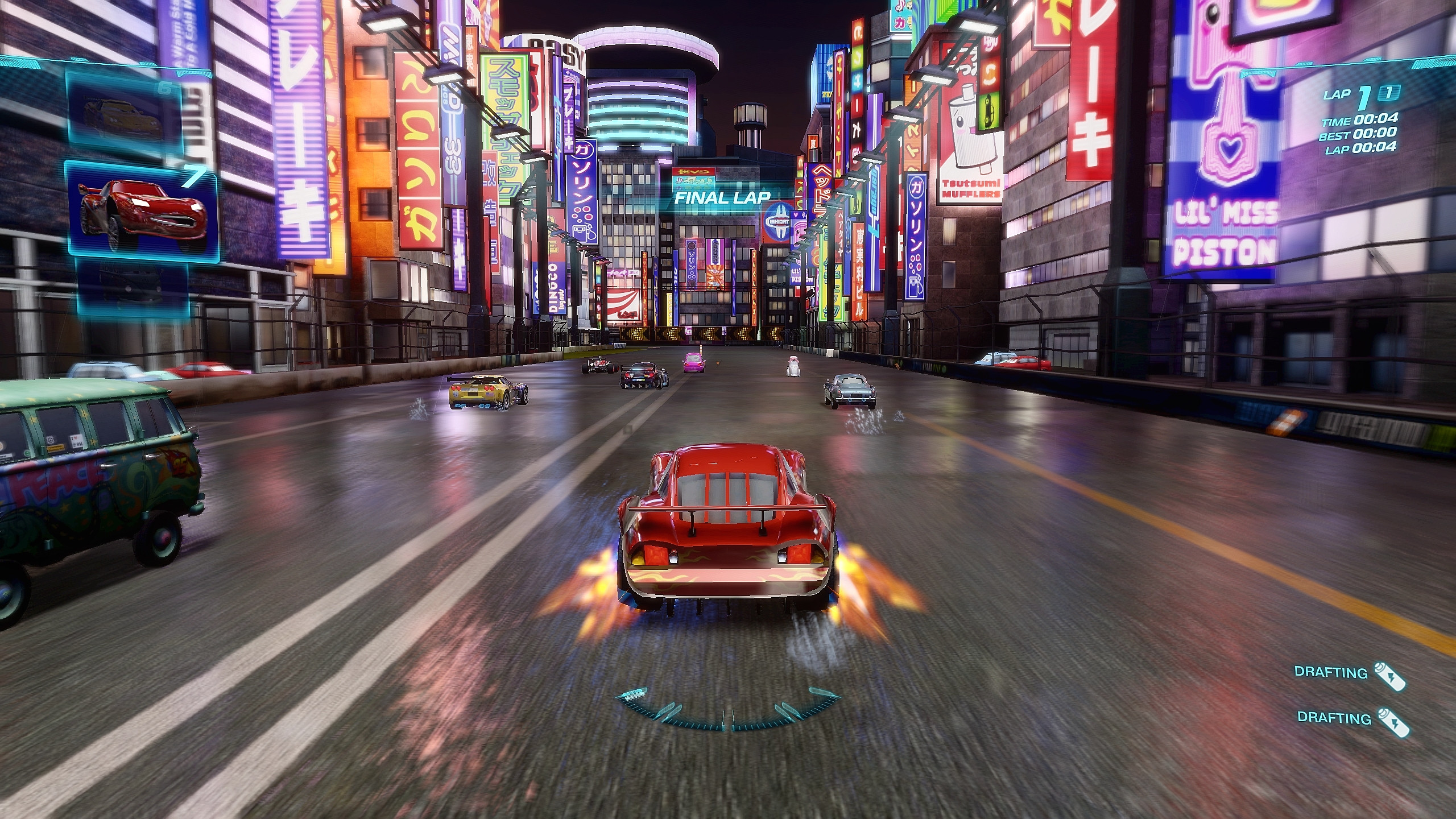
Cars 2 FPS Boost Config – Key Features & Notes
- Installation:
- Simply extract the RAR file and drag the files and folder into your main game directory where your game.exe is located.
- Key Effects Added:
- (Looks better than in the pictures or video)
- Watch on YouTube
- Ambient Light
- Anti-aliasing
- [Click home button in game to adjust settings to your own liking and install Reshade for more customization] [More shaders on my YT channel]
Cars 2 PC System Requirements
Minimum Specs
- OS *: Windows 7
- Processor: SSE2 instruction set support
- Graphics: DX10 (shader model 4.0) capabilities
- DirectX: Version 10
- Storage: 650 MB available space
How to Install Cars 2 FPS Boost Config on PC
- Download the Cars 2 FPS & Stutter-Fix configuration .ZIP below and extract the preset files.
- Navigate to your Cars 2 configuration folder (%LOCALAPPDATA%\[Game]\Saved\Config\Windows or installation folder).
- Back up your default .ini file, drop in the optimized config, and launch the game for smoother frame pacing.
Cars 2 FPS Boost Config FAQ
Is this Cars 2 fps boost config safe to use on Steam?
Yes. All files are scanned clean (AV Scanned: Clean) and designed for offline/single-player PC use. Always back up your original save or config folder first.
Where is the Cars 2 save & config folder located on Windows?
Most modern PC releases store user saves and Engine.ini files inside %LOCALAPPDATA%, %APPDATA%, or %USERPROFILE%\Saved Games.
Buy the console and the game
| Item | Amazon | eBay |
|---|---|---|
| GTA 6 (PS5) | Amazon | eBay |
| GTA 6 (Xbox Series X) | Amazon | eBay |
| PlayStation 5 console | Amazon | eBay |
| Xbox Series X console | Amazon | eBay |
Links are affiliate links. We earn a small commission if you buy, at no extra cost to you.



