
✓ AV Scanned Clean
Build: v1.0
Size: 7 KB
Updated: 2024.04.01
Bug Fables: The Everlasting Sapling – April Fools 2024 (real)
⬇ Jump to Download Mirrors
Bug Fables: The Everlasting Sapling – April Fools 2024 (real) (v1.0) for Windows PC: Follow Vi, Kabbu, and Leif as they uncover the secrets of the Land of Bugaria! Explore and combine your team's abilities to solve puzzles, defeat powerful enemies and find ancient treasures!
Game: Bug Fables: The Everlasting Sapling
Release Type: FPS Boost Config
Version: v1.0
Genres: Action, Adventure, Indie
Developer: Moonsprout Games
Archive Size: 6 KB
Platform: Windows 10 / 11 (64-bit)
Security Scan: ✓ AV Scanned: Clean

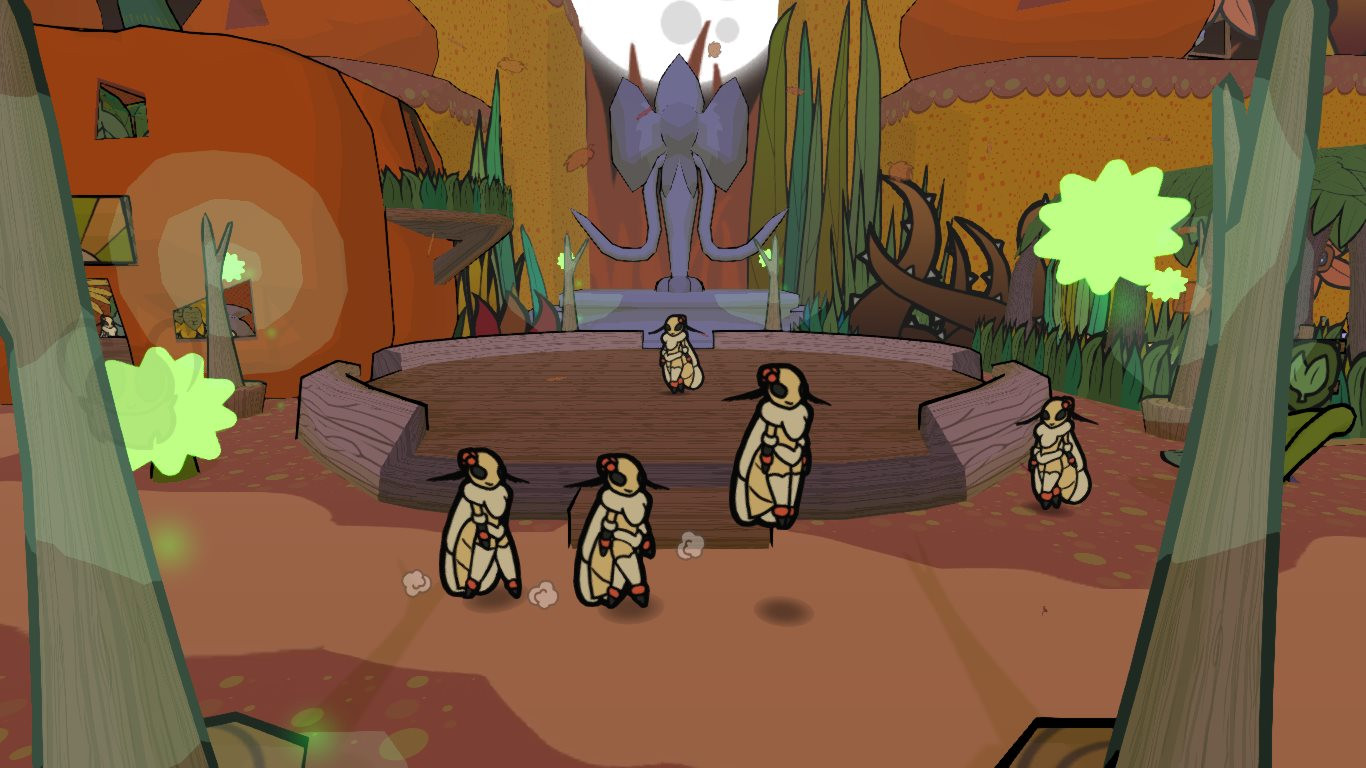
Bug Fables: The Everlasting Sapling FPS Boost Config – Key Features & Notes
- this mod is based on latest official bug fables april fools 2024 posts
- you can edit config file in BepInEX/config/dev.mooskyfish.AprilFools2024.cfg
- or install Configuration Manager then press F1 and you can change settings without restarting game
Bug Fables: The Everlasting Sapling PC System Requirements
Minimum Specs
- OS *: Windows 7
- Processor: Intel Core 2 Duo
- Memory: 1 GB RAM
- Storage: 300 MB available space
How to Install Bug Fables: The Everlasting Sapling FPS Boost Config on PC
- Download the Bug Fables: The Everlasting Sapling FPS & Stutter-Fix configuration .ZIP below and extract the preset files.
- Navigate to your Bug Fables: The Everlasting Sapling configuration folder (%LOCALAPPDATA%\[Game]\Saved\Config\Windows or installation folder).
- Back up your default .ini file, drop in the optimized config, and launch the game for smoother frame pacing.
Bug Fables: The Everlasting Sapling FPS Boost Config FAQ
Is this Bug Fables: The Everlasting Sapling fps boost config safe to use on Steam?
Yes. All files are scanned clean (AV Scanned: Clean) and designed for offline/single-player PC use. Always back up your original save or config folder first.
Where is the Bug Fables: The Everlasting Sapling save & config folder located on Windows?
Most modern PC releases store user saves and Engine.ini files inside %LOCALAPPDATA%, %APPDATA%, or %USERPROFILE%\Saved Games.
Buy the console and the game
| Item | Amazon | eBay |
|---|---|---|
| GTA 6 (PS5) | Amazon | eBay |
| GTA 6 (Xbox Series X) | Amazon | eBay |
| PlayStation 5 console | Amazon | eBay |
| Xbox Series X console | Amazon | eBay |
Links are affiliate links. We earn a small commission if you buy, at no extra cost to you.



