
✓ AV Scanned Clean
Build: 1.0
Size: 396 KB
Updated: 2026.07.01
Baldi’s Basics Plus – (0.14.X) SlappyMcBelterz in BB+
⬇ Jump to Download Mirrors
Baldi's Basics Plus – (0.14.X) SlappyMcBelterz in BB+ (1.0) for Windows PC: Baldi's Basics® Plus is an active stealth roguelike that parodies cheap '90s edutainment with a subtle horror twist! Play Hide & Seek with Baldi as he chases you through procedurally generated levels while using your surroundings, items, and game knowledge to shift chaos in your favor.
Game: Baldi's Basics Plus
Release Type: FPS Boost Config
Version: 1.0
Genres: Action, Indie, Strategy
Developer: Basically Games
Archive Size: 395 KB
Platform: Windows 10 / 11 (64-bit)
Security Scan: ✓ AV Scanned: Clean

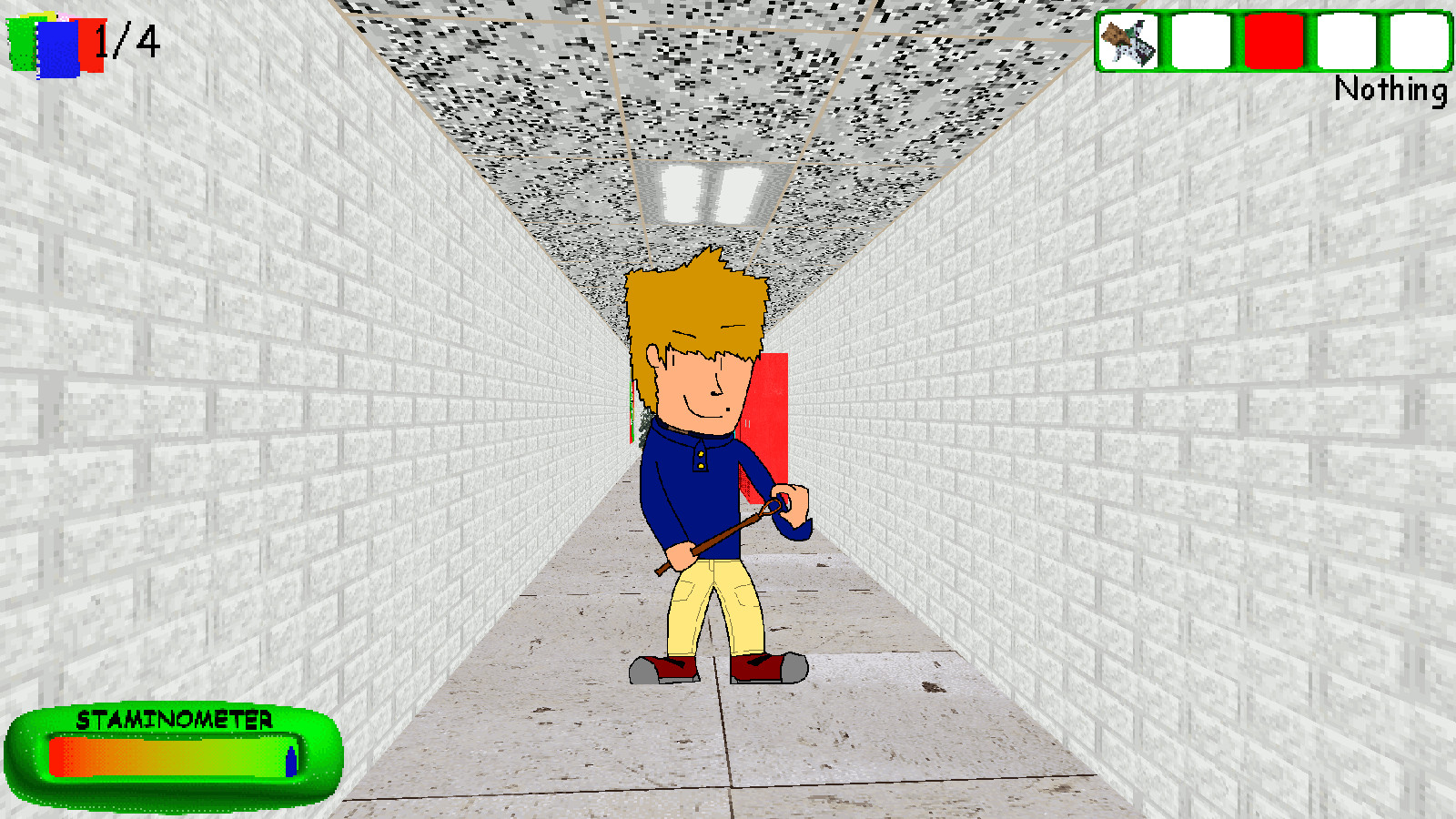
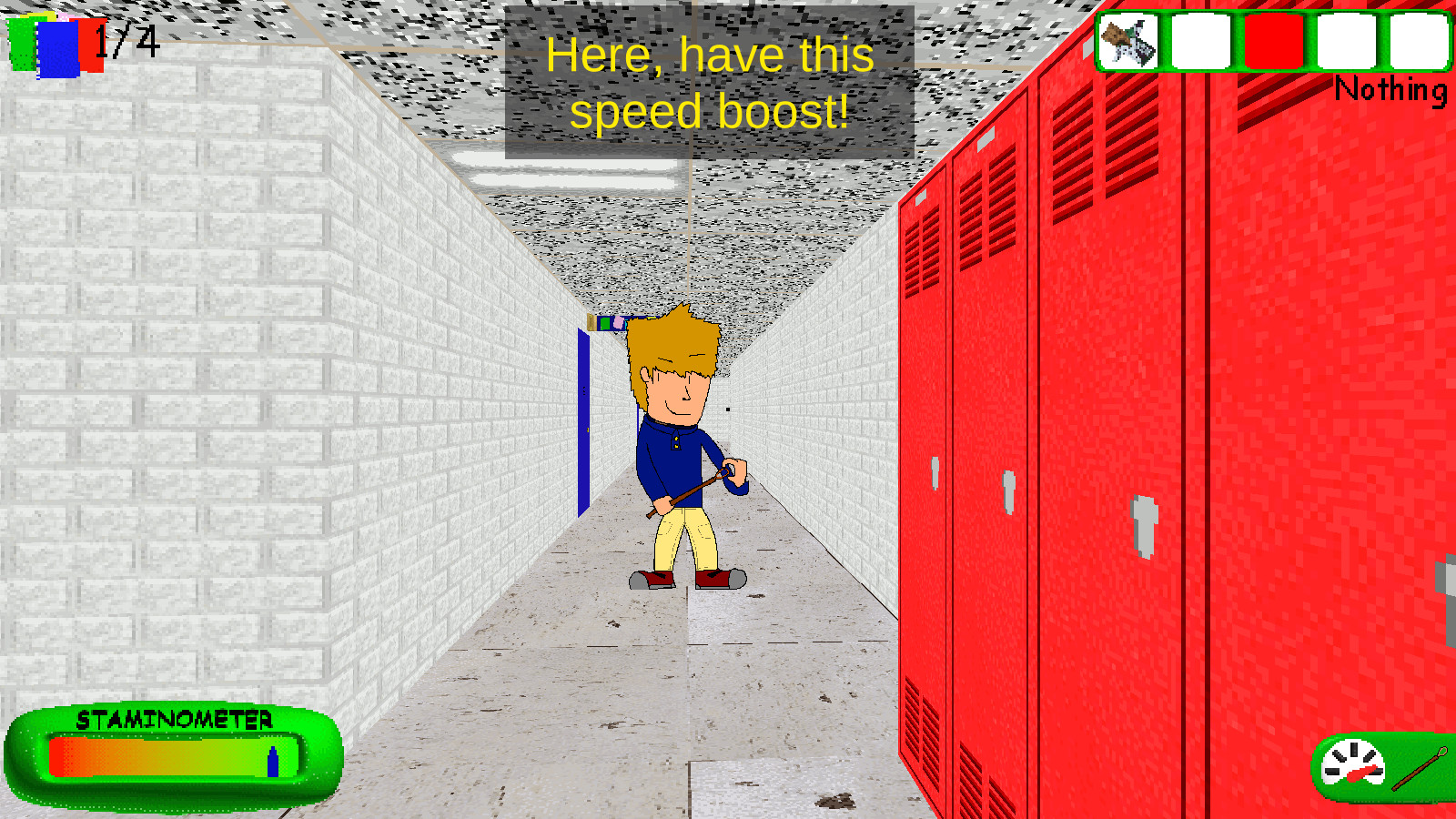
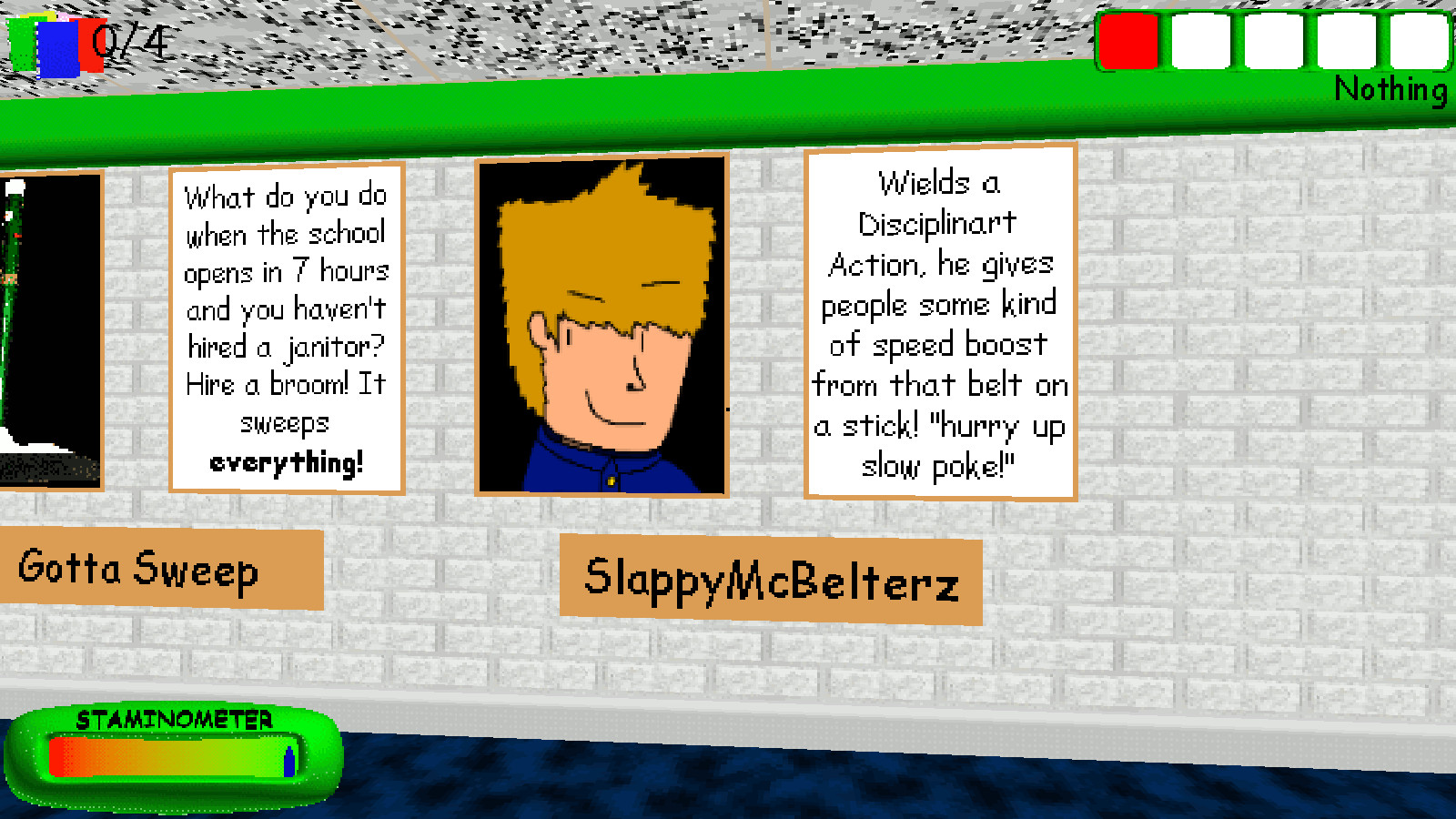
Baldi's Basics Plus FPS Boost Config – Key Features & Notes
- A Character from BBCCS games
- I'm not good at editing the title, and I don't know how to do it
- this plugin was just an implementation of bb+
Baldi's Basics Plus PC System Requirements
Minimum Specs
- Requires a 64-bit processor and operating system
- OS *: Windows 7 (SP1+) or newer (64-bit only)
- Processor: 1.5 GHz or greater
- Memory: 4 GB RAM
- Graphics: AMD Radeon HD 8330 or equivalent
- DirectX: Version 10
- Storage: 600 MB available space
- Sound Card: Yes
- Additional Notes: As this game is currently in early access, these requirements may change over time.
Recommended Specs
- Requires a 64-bit processor and operating system
How to Install Baldi's Basics Plus FPS Boost Config on PC
- Download the Baldi's Basics Plus FPS & Stutter-Fix configuration .ZIP below and extract the preset files.
- Navigate to your Baldi's Basics Plus configuration folder (%LOCALAPPDATA%\[Game]\Saved\Config\Windows or installation folder).
- Back up your default .ini file, drop in the optimized config, and launch the game for smoother frame pacing.
Baldi's Basics Plus FPS Boost Config FAQ
Is this Baldi's Basics Plus fps boost config safe to use on Steam?
Yes. All files are scanned clean (AV Scanned: Clean) and designed for offline/single-player PC use. Always back up your original save or config folder first.
Where is the Baldi's Basics Plus save & config folder located on Windows?
Most modern PC releases store user saves and Engine.ini files inside %LOCALAPPDATA%, %APPDATA%, or %USERPROFILE%\Saved Games.
Buy the console and the game
| Item | Amazon | eBay |
|---|---|---|
| GTA 6 (PS5) | Amazon | eBay |
| GTA 6 (Xbox Series X) | Amazon | eBay |
| PlayStation 5 console | Amazon | eBay |
| Xbox Series X console | Amazon | eBay |
Links are affiliate links. We earn a small commission if you buy, at no extra cost to you.



