
✓ AV Scanned Clean
Build: 1.2
Size: 972 KB
Updated: 2026.11.06
Streets of Rogue First Person
⬇ Jump to Download Mirrors
Streets of Rogue First Person (1.2) for Windows PC: Fight, sneak, and hack your way through randomly generated cities. It's like Nuclear Throne meets Deus Ex, mixed with the anarchy of GTA. Rogue-lite meets immersive sim, and goes completely insane.
Game: Streets of Rogue
Release Type: FPS Boost Config
Version: 1.2
Genres: Action, Adventure, Indie
Developer: Matt Dabrowski
Archive Size: 971 KB
Platform: Windows 10 / 11 (64-bit)
Security Scan: ✓ AV Scanned: Clean
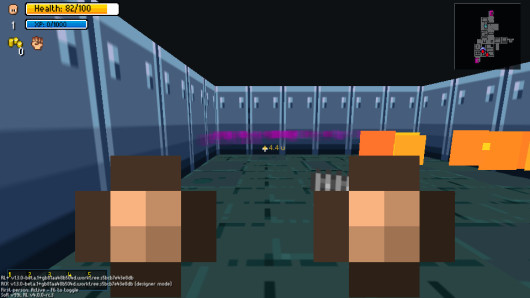
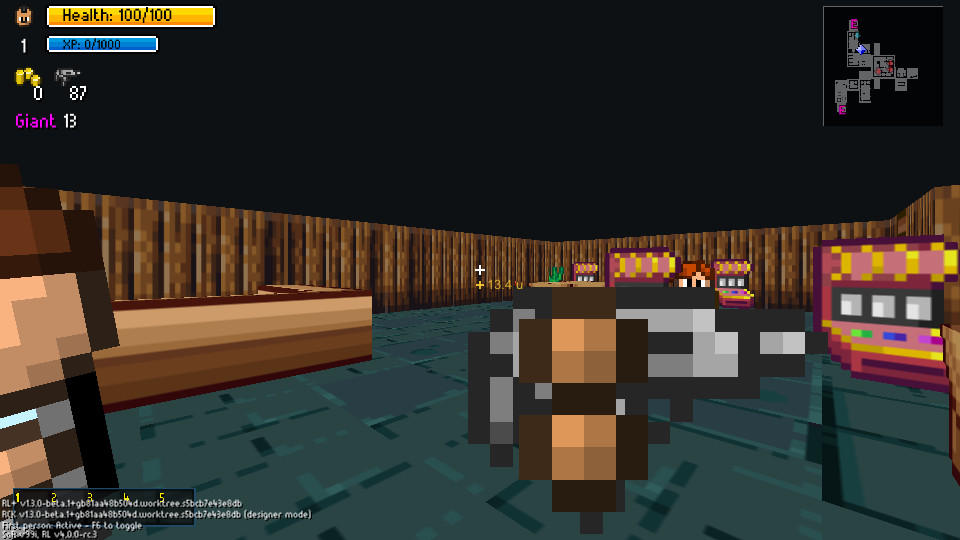
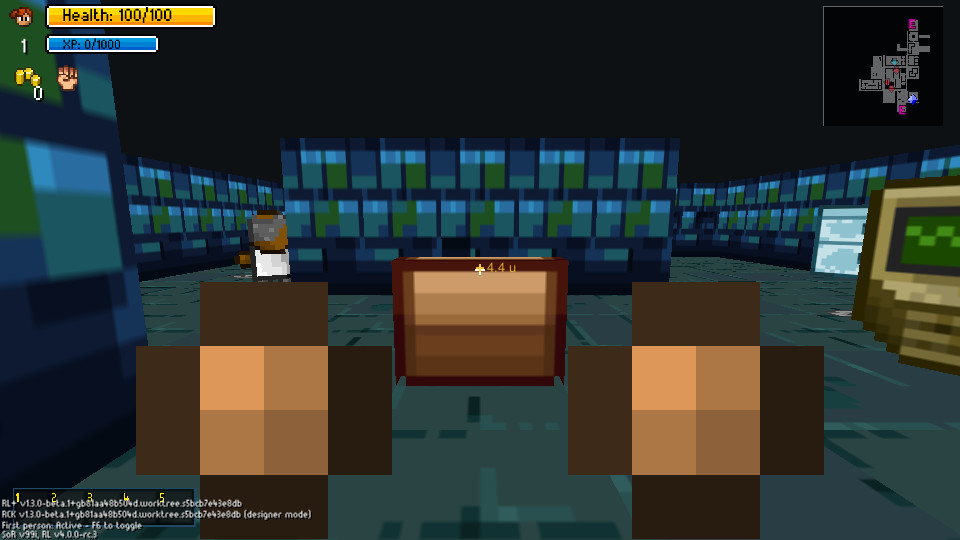
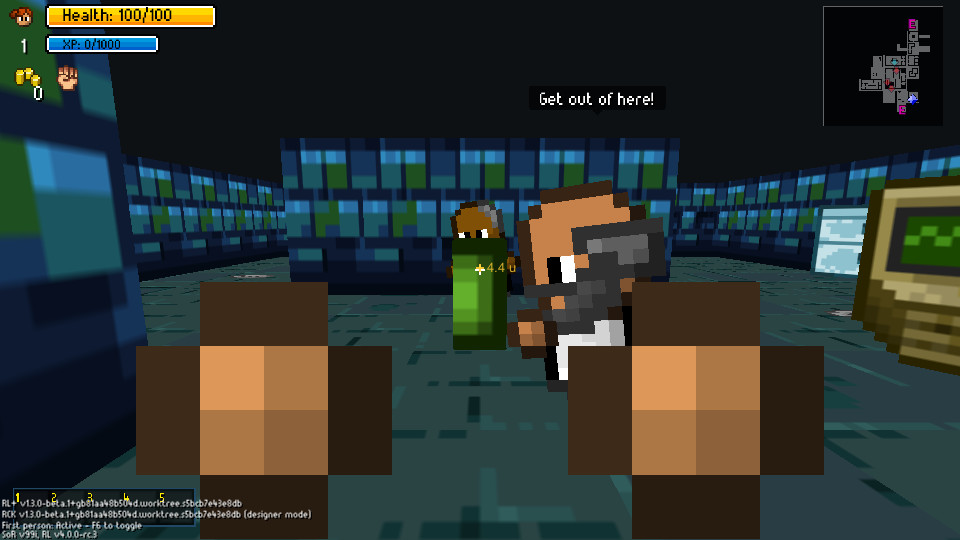
Streets of Rogue FPS Boost Config – Key Features & Notes
- Streets of Rogue, from a new perspective.
- Rogue First Person brings Streets of Rogue down to street level with a first-person mode.
- Switch between first person and the normal top-down view with F6 . In-game settings let you adjust the view and presentation to suit how you play.
- Compatibility
- The Universal download supports vanilla gameplay and existing mod setups. An optional BepInEx loader is included for players who do not already have it installed.
- First installation
- Close the game and extract RogueFirstPerson-Universal-1.1.zip to a temporary folder.
- In Steam, open Streets of Rogue > Manage > Browse local files . Use the folder containing StreetsOfRogue.exe , not Documents or your save folder.
Streets of Rogue PC System Requirements
Minimum Specs
- OS *: Windows 7 or Later
- Processor: Dual-Core Intel or AMD processor
- Memory: 4 GB RAM
- Graphics: DX9 (shader model 3.0) or DX11 with feature level 9.3 capabilities
- Storage: 320 MB available space
How to Install Streets of Rogue FPS Boost Config on PC
- Download the Streets of Rogue FPS & Stutter-Fix configuration .ZIP below and extract the preset files.
- Navigate to your Streets of Rogue configuration folder (%LOCALAPPDATA%\[Game]\Saved\Config\Windows or installation folder).
- Back up your default .ini file, drop in the optimized config, and launch the game for smoother frame pacing.
Streets of Rogue FPS Boost Config FAQ
Is this Streets of Rogue fps boost config safe to use on Steam?
Yes. All files are scanned clean (AV Scanned: Clean) and designed for offline/single-player PC use. Always back up your original save or config folder first.
Where is the Streets of Rogue save & config folder located on Windows?
Most modern PC releases store user saves and Engine.ini files inside %LOCALAPPDATA%, %APPDATA%, or %USERPROFILE%\Saved Games.
Buy the console and the game
| Item | Amazon | eBay |
|---|---|---|
| GTA 6 (PS5) | Amazon | eBay |
| GTA 6 (Xbox Series X) | Amazon | eBay |
| PlayStation 5 console | Amazon | eBay |
| Xbox Series X console | Amazon | eBay |
Links are affiliate links. We earn a small commission if you buy, at no extra cost to you.



