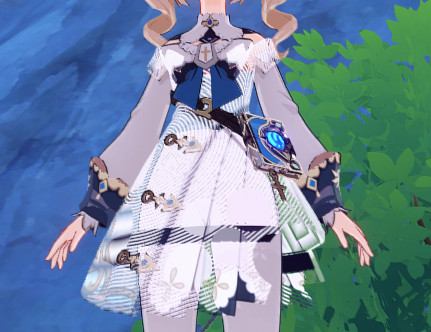
✓ AV Scanned Clean
Build: 1.066 (Preview)
Size: 25 KB
Updated: 2026.05.29
Genshin Impact – TexFx – 1.066 (Genshin 6.6)
⬇ Jump to Download Mirrors
Genshin Impact – TexFx – 1.066 (Genshin 6.6) (1.066 (Preview)) for Windows PC: (Remastered) Texture Controlled Effect Shaders
Game: Genshin Impact
Release Type: PC Mod
Version: 1.066 (Preview)
Genres: PC
Developer: PCVault
Archive Size: 25 KB
Platform: Windows 10 / 11 (64-bit)
Security Scan: ✓ AV Scanned: Clean
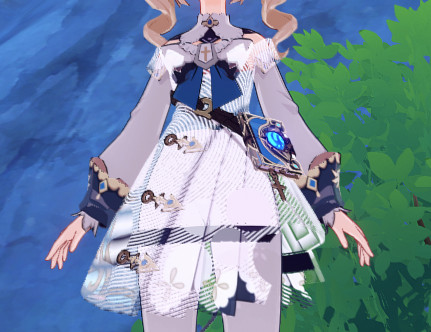


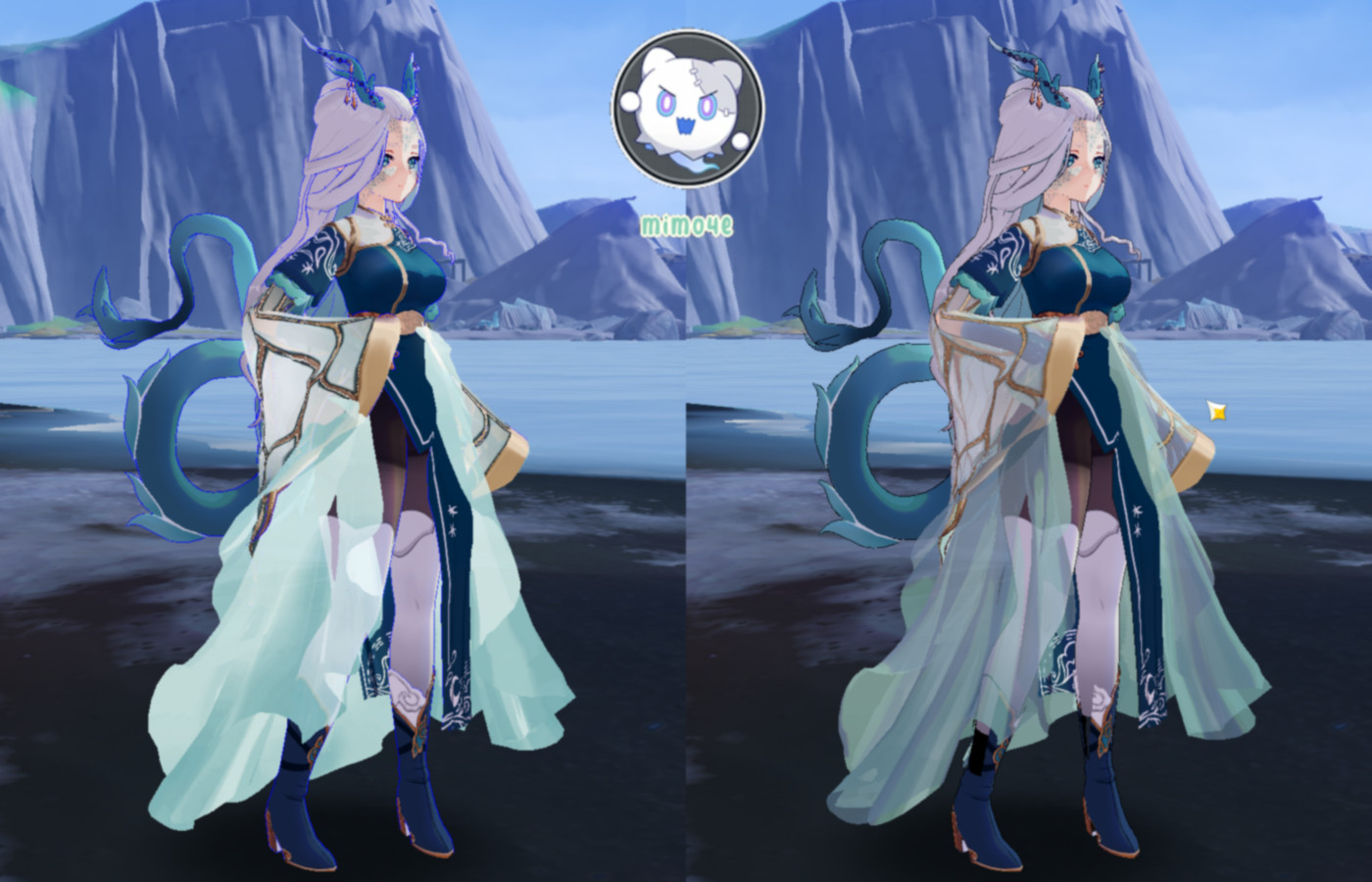
Genshin Impact PC Mod – Key Features & Notes
- Install Guide XXMI Launcher Users: TexFx will ship with XXMI pre-installed, please wait for the updates there.
- Extract the contents of TexFx.zip (TexFx-Main) into your GIMI Mods folder. That's it! (when updating, delete the latest files).
- Please do not try and place this in ShaderFixes, it will not work. Remember, this is a dependency, and doesn't do much without mods that enable it, like my example mods.
- If you have any questions feel free to ask me here in the comments or on the AGMG discord server.
- If you have any contributions or issues, feel free to post to the github.
- IMPORTANT INFO:
- ABOUT ISSUES:
- Quick Guide (For Modders) Here is the quick guide (Updated Instructions since first post):
How to Install Genshin Impact PC Mod on PC
- Download the TexFx – 1.066 (Genshin 6.6) archive (.ZIP) from Mirror 1 or Mirror 2 below.
- Extract the contents into your Genshin Impact PC root/mods folder (Steam -> Browse Local Files).
- Launch the game in offline/single-player mode to enjoy the new mod features.
Genshin Impact PC Mod FAQ
Is this Genshin Impact pc mod safe to use on Steam?
Yes. All files are scanned clean (AV Scanned: Clean) and designed for offline/single-player PC use. Always back up your original save or config folder first.
Where is the Genshin Impact save & config folder located on Windows?
Most modern PC releases store user saves and Engine.ini files inside %LOCALAPPDATA%, %APPDATA%, or %USERPROFILE%\Saved Games.
Buy the console and the game
| Item | Amazon | eBay |
|---|---|---|
| GTA 6 (PS5) | Amazon | eBay |
| GTA 6 (Xbox Series X) | Amazon | eBay |
| PlayStation 5 console | Amazon | eBay |
| Xbox Series X console | Amazon | eBay |
Links are affiliate links. We earn a small commission if you buy, at no extra cost to you.



