✓ AV Scanned Clean
Build: 1.0
Size: 3 KB
Updated: 2025.03.31
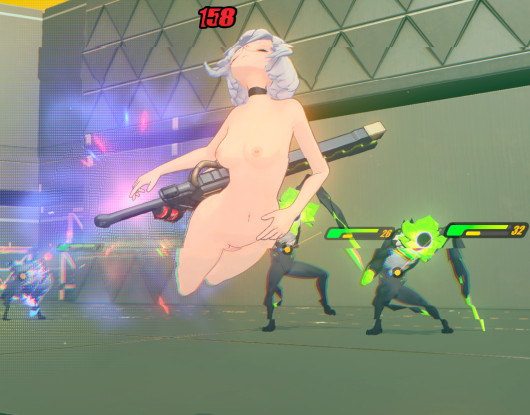
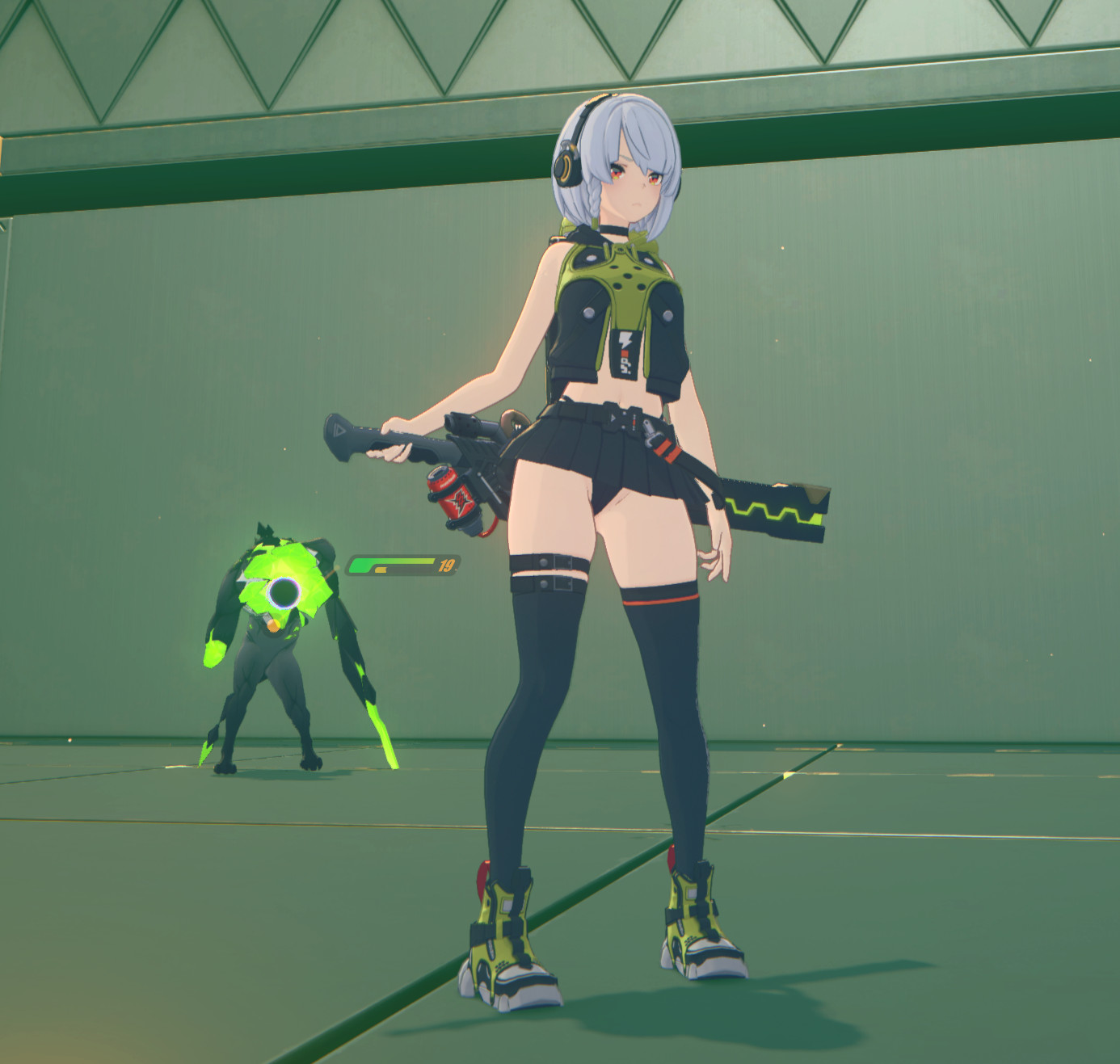
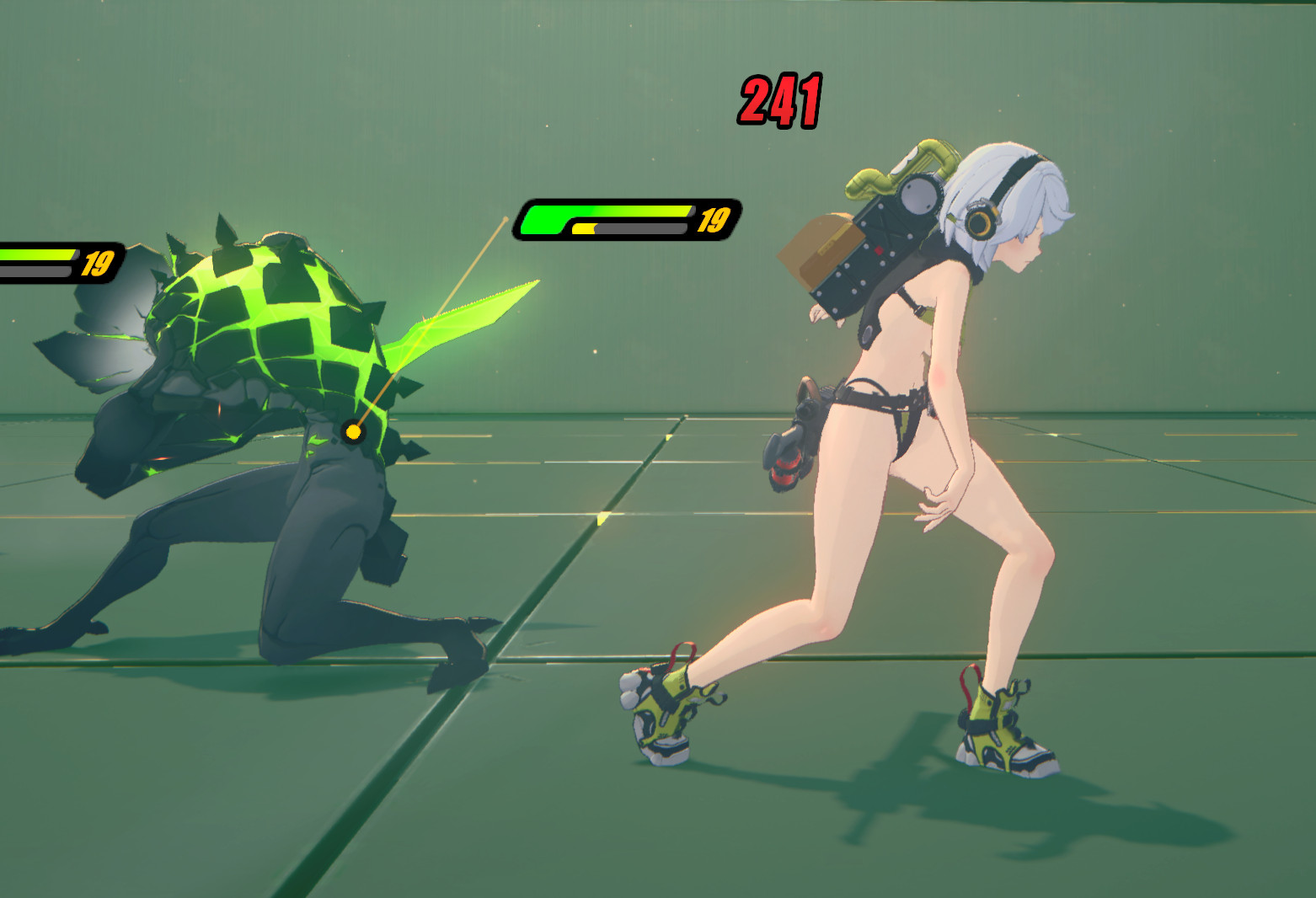
Zenless Zone Zero – Anby Undressed – Armor Break
⬇ Jump to Download Mirrors
Zenless Zone Zero – Anby Undressed – Armor Break (1.0) for Windows PC: Zenless Zone Zero is HoYoverse’s brand-new urban fantasy ARPG. Players act as "Proxies" who explore Hollows alongside a wide range of unique Agents, fighting enemies, and completing commissions on their journey to unveil the mysteries behind New Eridu.
Game: Zenless Zone Zero
Release Type: FPS Boost Config
Version: 1.0
Genres: Action, Adventure, RPG
Developer: COGNOSPHERE PTE. LTD.
Archive Size: 2 KB
Platform: Windows 10 / 11 (64-bit)
Security Scan: ✓ AV Scanned: Clean
Zenless Zone Zero FPS Boost Config – Key Features & Notes
- Installation Instructions Download and install Healthbar – Toggle Mods with Health Thresholds
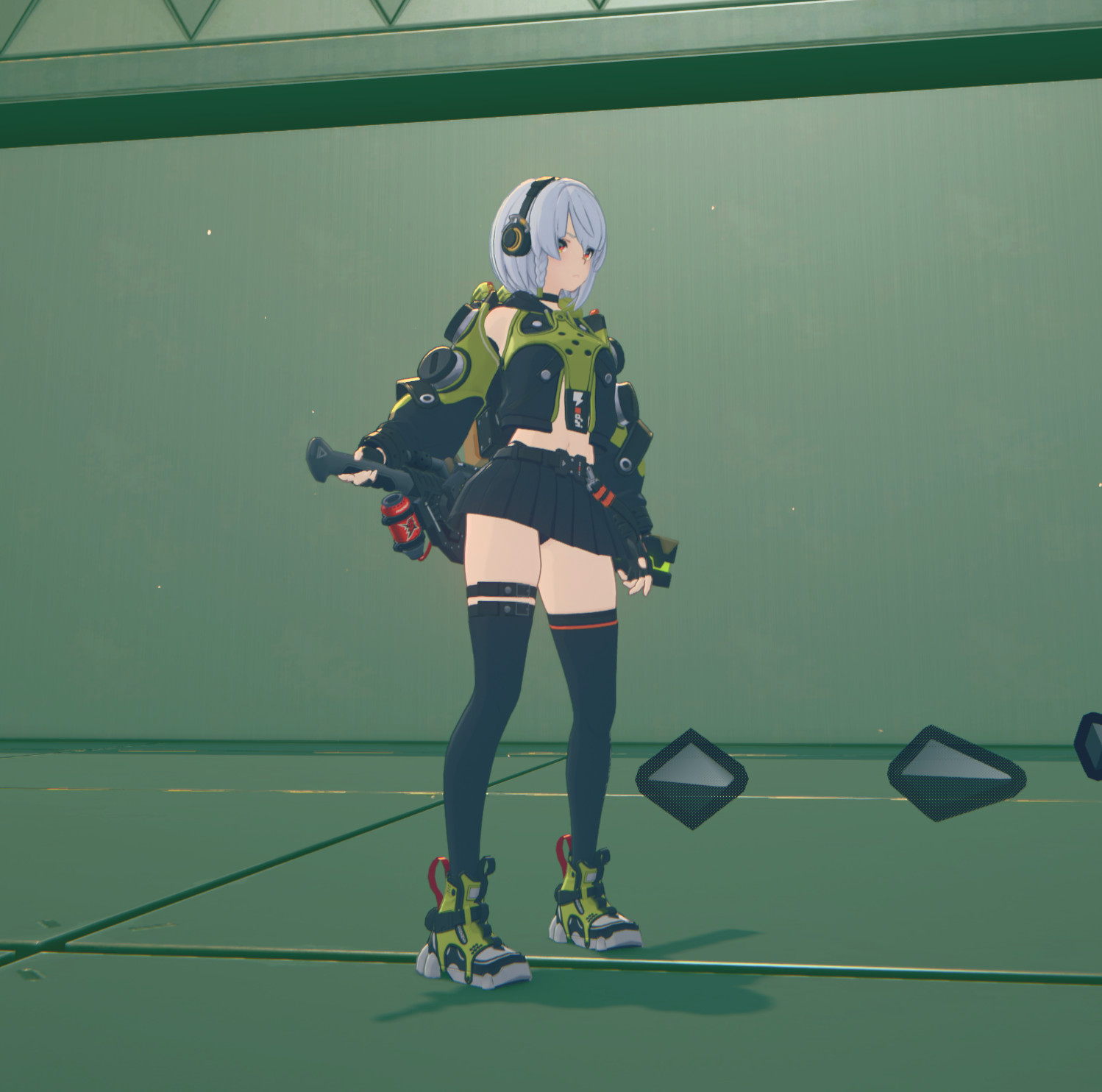
- Download and install Anby Undressed: Base Outfit & Bikini Nude Mod
- Download this mod and extract Anby.ini . Overwrite Anby.ini from your Anby Undressed installation.
- Massive thanks to Kourinn for making the Healthbar mod, and also for the script from their mod for Miyabi Undressed ,
- the config of which I used as a template for this mod (with a good
- number of changes). None of this would be possible without them, or
- without RenKamui for making the original mod. (I'm also shamelessly copying much of the mod description from Kourinn's mod, as it's very useful)
- of writing, RenKamui has also made an Undressed mod for Qingyi, but
Zenless Zone Zero PC System Requirements
Minimum Specs
- OS: Win10 64-bit
- Processor: i5 Intel Core (7th Gen)
- Memory: 8 GB RAM
- Graphics: GeForce GTX970
- DirectX: Version 11
- Network: Broadband Internet connection
- Storage: 75 GB available space
- Sound Card: Windows Compatible Audio Device
- Additional Notes: HDD Supported, SSD Recommended
Recommended Specs
- OS: Win10 64-bit
- Processor: i7 Intel Core (10th Gen)
- Memory: 8 GB RAM
- Graphics: GeForce GTX1660
- DirectX: Version 11
- Network: Broadband Internet connection
- Storage: 75 GB available space
- Sound Card: Windows Compatible Audio Device
- Additional Notes: HDD Supported, SSD Recommended
How to Install Zenless Zone Zero FPS Boost Config on PC
- Download the Zenless Zone Zero FPS & Stutter-Fix configuration .ZIP below and extract the preset files.
- Navigate to your Zenless Zone Zero configuration folder (%LOCALAPPDATA%\[Game]\Saved\Config\Windows or installation folder).
- Back up your default .ini file, drop in the optimized config, and launch the game for smoother frame pacing.
Zenless Zone Zero FPS Boost Config FAQ
Is this Zenless Zone Zero fps boost config safe to use on Steam?
Yes. All files are scanned clean (AV Scanned: Clean) and designed for offline/single-player PC use. Always back up your original save or config folder first.
Where is the Zenless Zone Zero save & config folder located on Windows?
Most modern PC releases store user saves and Engine.ini files inside %LOCALAPPDATA%, %APPDATA%, or %USERPROFILE%\Saved Games.
Buy the console and the game
| Item | Amazon | eBay |
|---|---|---|
| GTA 6 (PS5) | Amazon | eBay |
| GTA 6 (Xbox Series X) | Amazon | eBay |
| PlayStation 5 console | Amazon | eBay |
| Xbox Series X console | Amazon | eBay |
Links are affiliate links. We earn a small commission if you buy, at no extra cost to you.