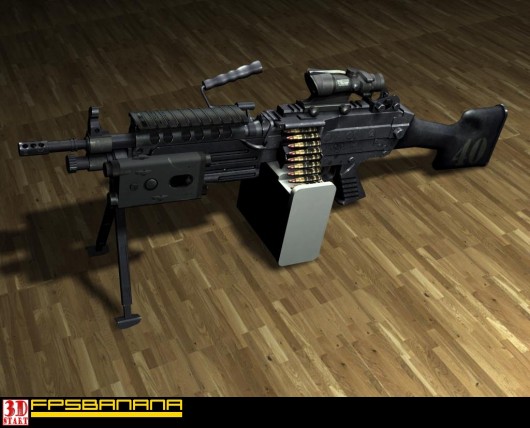
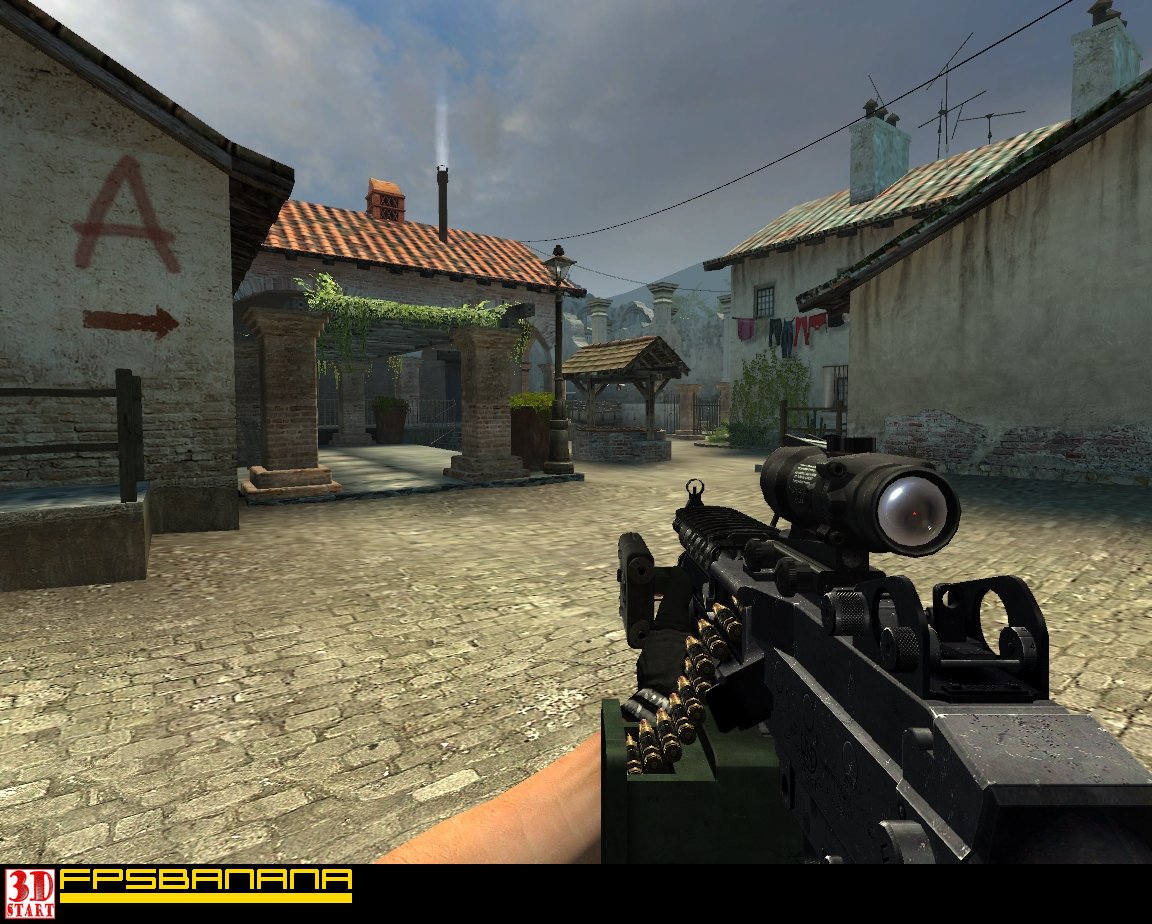
Counter-Strike: Source – ACOG LAM M249
⬇ Jump to Download Mirrors
Counter-Strike: Source – ACOG LAM M249 (v1.0) for Windows PC: Counter-Strike: Source blends Counter-Strike's award-winning teamplay action with the advanced technology of Source™ technology.


Counter-Strike: Source PC Mod – Key Features & Notes
- ACOG LAM M249
- Schmung, Twinke Masta, MBPRODUCTIONS, Soul_Slayer, SureShot
- Twinke Masta, Schmung, Flamshmizer, Geno, Acid Snake, MBPRODUCTIONS, kimono, SureShot
Counter-Strike: Source PC System Requirements
Minimum Specs
1.7 GHz Processor, 512MB RAM, DirectX® 8.1 level Graphics Card (Requires support for SSE), Windows® 7 (32/64-bit)/Vista/XP, Mouse, Keyboard, Internet Connection
Pentium 4 processor (3.0GHz, or better), 1GB RAM, DirectX® 9 level Graphics Card, Windows® 7 (32/64-bit)/Vista/XP, Mouse, Keyboard, Internet Connection
How to Install Counter-Strike: Source PC Mod on PC
- Download the ACOG LAM M249 archive (.ZIP) from Mirror 1 or Mirror 2 below.
- Extract the contents into your Counter-Strike: Source PC root/mods folder (Steam -> Browse Local Files).
- Launch the game in offline/single-player mode to enjoy the new mod features.
Counter-Strike: Source PC Mod FAQ
Is this Counter-Strike: Source pc mod safe to use on Steam?
Yes. All files are scanned clean (AV Scanned: Clean) and designed for offline/single-player PC use. Always back up your original save or config folder first.
Where is the Counter-Strike: Source save & config folder located on Windows?
Most modern PC releases store user saves and Engine.ini files inside %LOCALAPPDATA%, %APPDATA%, or %USERPROFILE%\Saved Games.



