
✓ AV Scanned Clean
Build: 1.0.11
Size: 24.7 MB
Updated: 2024.01.27
Plants vs. Zombies Expansion (v1.0.11)
⬇ Jump to Download Mirrors
Plants vs. Zombies Expansion (v1.0.11) (1.0.11) for Windows PC: The classic Plants vs. Zombies returns in glorious HD! The original battle between Plants and Zombies is back — bigger, brighter, and crazier than ever before! Experience the game that started it all, now remastered with stunning HD graphics and packed with new secrets and content to uncover.
Game: Plants vs. Zombies
Release Type: PC Mod
Version: 1.0.11
Genres: Strategy
Developer: PopCap Games
Archive Size: 24.7 MB
Platform: Windows 10 / 11 (64-bit)
Security Scan: ✓ AV Scanned: Clean

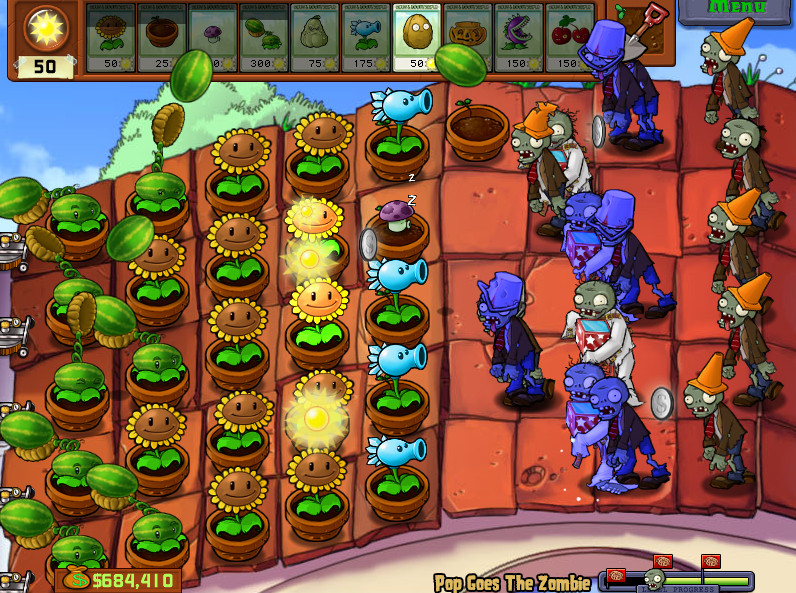
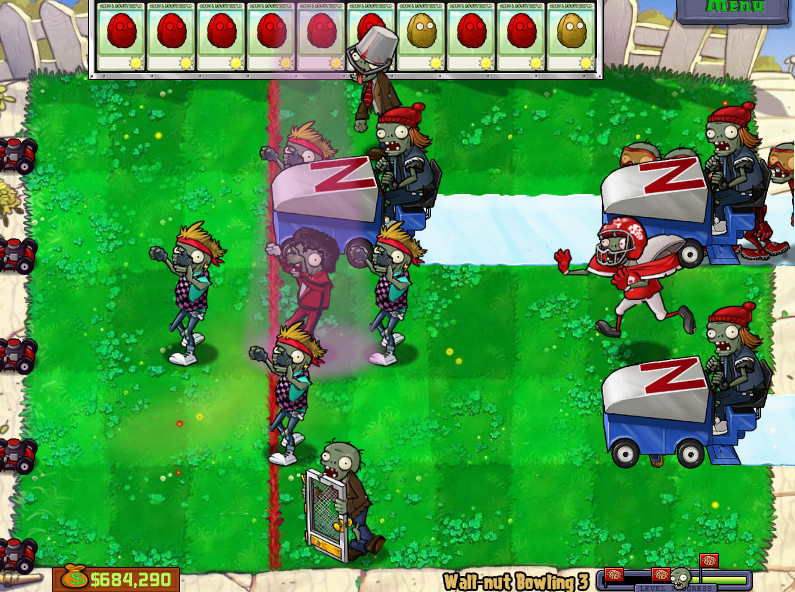
Plants vs. Zombies PC Mod – Key Features & Notes
- Verified pc mod release for Plants vs. Zombies on Windows PC
- Antivirus-scanned archive ready for offline & single-player installation
- Preserves original game files when backed up prior to extraction
Plants vs. Zombies PC System Requirements
Minimum Specs
- Requires a 64-bit processor and operating system
- OS: Windows 10 64-bit or later
- Processor: AMD FX-6300 / 3rd gen i3 or better
- Memory: 4 GB RAM
- Graphics: Intel Integrated Graphics
- DirectX: Version 11
- Storage: 4 GB available space
- Sound Card: Windows compatible audio device
Recommended Specs
- Requires a 64-bit processor and operating system
- OS: Windows 10 64-bit or later
- Processor: Intel i5 6600 or equivalent
- Memory: 8 GB RAM
- Graphics: Radeon HD 7730 or better, GeForce GT 640 or better
- DirectX: Version 11
- Storage: 4 GB available space
- Sound Card: Windows compatible audio device
How to Install Plants vs. Zombies PC Mod on PC
- Download the Plants vs. Zombies Expansion (v1.0.11) archive (.ZIP) from Mirror 1 or Mirror 2 below.
- Extract the contents into your Plants vs. Zombies PC root/mods folder (Steam -> Browse Local Files).
- Launch the game in offline/single-player mode to enjoy the new mod features.
Plants vs. Zombies PC Mod FAQ
Is this Plants vs. Zombies pc mod safe to use on Steam?
Yes. All files are scanned clean (AV Scanned: Clean) and designed for offline/single-player PC use. Always back up your original save or config folder first.
Where is the Plants vs. Zombies save & config folder located on Windows?
Most modern PC releases store user saves and Engine.ini files inside %LOCALAPPDATA%, %APPDATA%, or %USERPROFILE%\Saved Games.



