
✓ AV Scanned Clean
Build: 1.05
Size: 7.1 MB
Updated: 2024.11.16
UEVR Universal Unreal Engine VR & 6DOF Injector
⬇ Jump to Download Mirrors
UEVR Universal Unreal Engine VR & 6DOF Injector (1.05) for Windows PC: Black Myth: Wukong is an action RPG rooted in Chinese mythology. You shall set out as the Destined One to venture into the challenges and marvels ahead, to uncover the obscured truth beneath the veil of a glorious legend from the past.
Game: Black Myth: Wukong
Release Type: Frame-Gen & Tool
Version: 1.05
Genres: Action, Adventure, RPG
Developer: Game Science
Archive Size: 7.1 MB
Platform: Windows 10 / 11 (64-bit)
Security Scan: ✓ Official GitHub Release
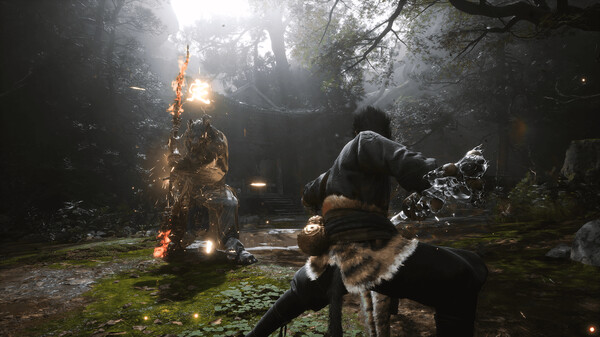
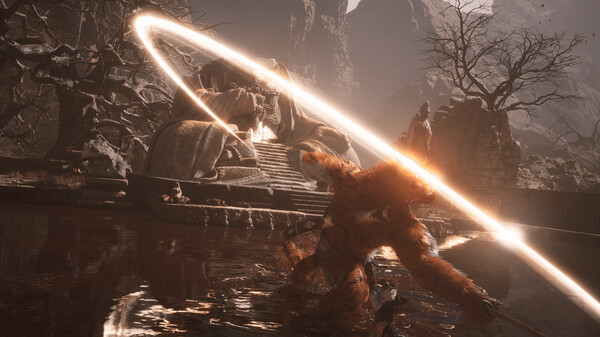
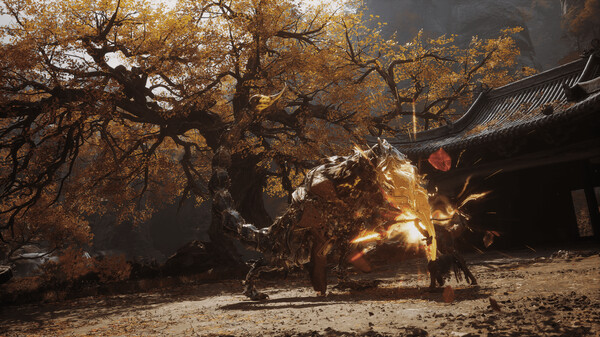
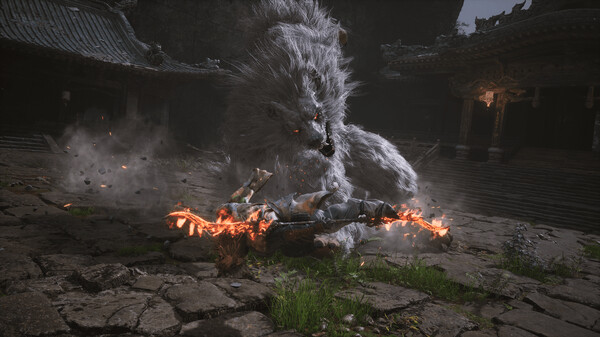
Black Myth: Wukong Frame-Gen & Tool – Key Features & Notes
- Adds a fully capable Lua API for mod developers, read the documentation
- Expanded the C/C++ plugin API with new functions for hooks, property management, configuration handling, and more
- Significant backend improvements to startup time
- Various crash fixes
- Various improvements and additions to UObjectHook, including crash fixes related to it
- New "Sweep Movement" option for the Roomscale Movement option, preventing the player from clipping through walls
- Improved object visualization and property handling with UObjectHook
- "Attach HMD" option for UObjectHook components
Black Myth: Wukong PC System Requirements
Minimum Specs
- Requires a 64-bit processor and operating system
- OS: Windows 10 64-bit
- Processor: Intel Core i5-8400 / AMD Ryzen 5 1600
- Memory: 16 GB RAM
- Graphics: NVIDIA GeForce GTX 1060 6GB / AMD Radeon RX 580 8GB
- DirectX: Version 11
- Storage: 130 GB available space
- Sound Card: Windows Compatible Audio Device
- Additional Notes: HDD Supported, SSD Recommended. The above specifications were tested with DLSS/FSR/XeSS enabled.
Recommended Specs
- Requires a 64-bit processor and operating system
- OS: Windows 10 64-bit
- Processor: Intel Core i7-9700 / AMD Ryzen 5 5500
- Memory: 16 GB RAM
- Graphics: NVIDIA GeForce RTX 2060 / AMD Radeon RX 5700 XT / INTEL Arc A750
- DirectX: Version 12
- Storage: 130 GB available space
- Sound Card: Windows Compatible Audio Device
- Additional Notes: SSD Required. The above specifications were tested with DLSS/FSR/XeSS enabled.
How to Install Black Myth: Wukong Frame-Gen & Tool on PC
- Download the UEVR Universal Unreal Engine VR & 6DOF Injector archive from Mirror 1 or Mirror 2 below.
- Extract the files into the target PC game directory next to the main game executable (.exe).
- Launch the game and open the in-game overlay/config to customize settings.
Black Myth: Wukong Frame-Gen & Tool FAQ
Is this Black Myth: Wukong frame-gen & tool safe to use on Steam?
Yes. All files are scanned clean (Official GitHub Release) and designed for offline/single-player PC use. Always back up your original save or config folder first.
Where is the Black Myth: Wukong save & config folder located on Windows?
Most modern PC releases store user saves and Engine.ini files inside %LOCALAPPDATA%, %APPDATA%, or %USERPROFILE%\Saved Games.
Buy the console and the game
| Item | Amazon | eBay |
|---|---|---|
| GTA 6 (PS5) | Amazon | eBay |
| GTA 6 (Xbox Series X) | Amazon | eBay |
| PlayStation 5 console | Amazon | eBay |
| Xbox Series X console | Amazon | eBay |
Links are affiliate links. We earn a small commission if you buy, at no extra cost to you.



