
✓ AV Scanned Clean
Build: 1.3
Size: 14 KB
Updated: 2024.05.09
Team Fortress 2 Classified – TF2C CFG Pack
⬇ Jump to Download Mirrors
Team Fortress 2 Classified – TF2C CFG Pack (1.3) for Windows PC: Team Fortress 2 Classified is a new Team Fortress 2 experience built on its original inspirations and tone. Updated with refreshed visuals, new gamemodes and maps, new weapons, new teams, and a portly oil baron.
Game: Team Fortress 2 Classified
Release Type: FPS Boost Config
Version: 1.3
Genres: Action, Casual, Free To Play
Developer: EMINOMA
Archive Size: 14 KB
Platform: Windows 10 / 11 (64-bit)
Security Scan: ✓ AV Scanned: Clean
Team Fortress 2 Classified FPS Boost Config – Key Features & Notes
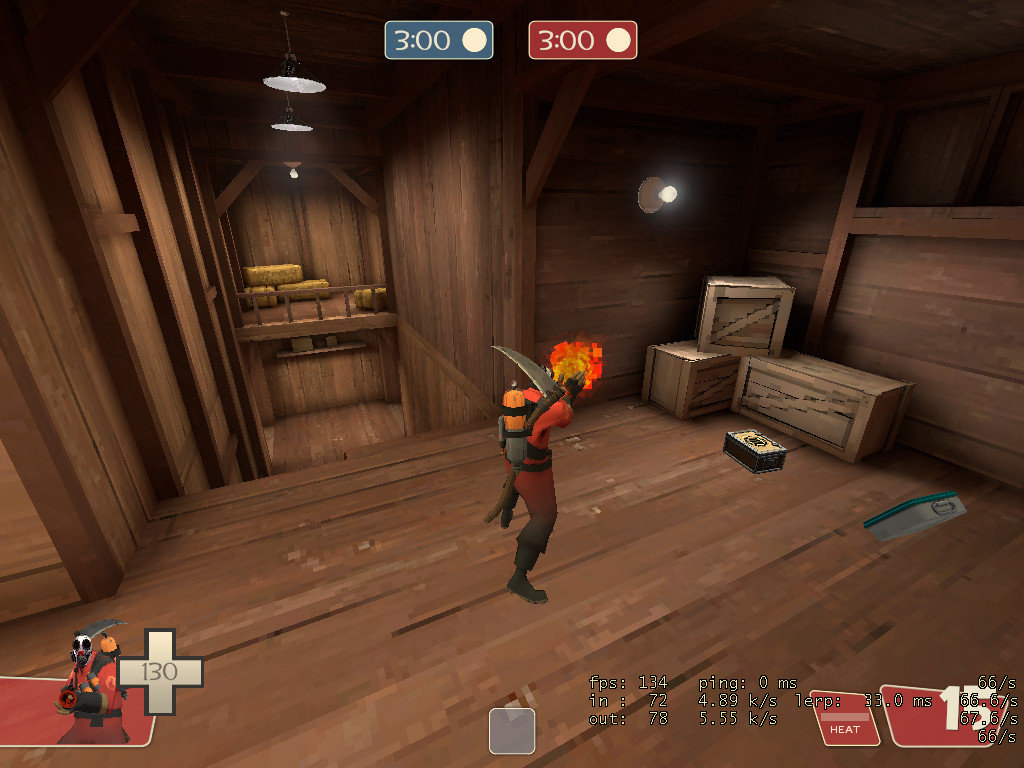
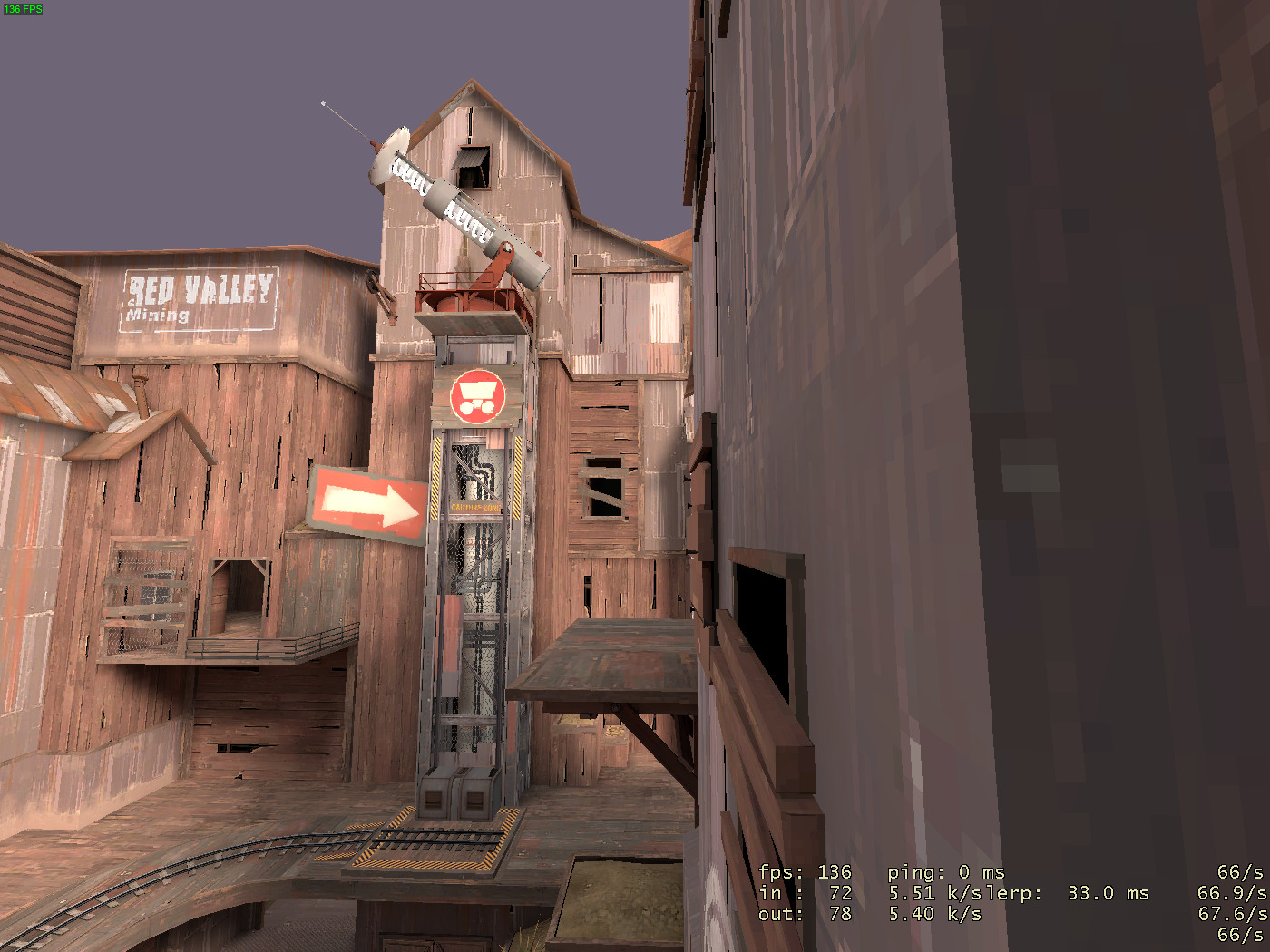
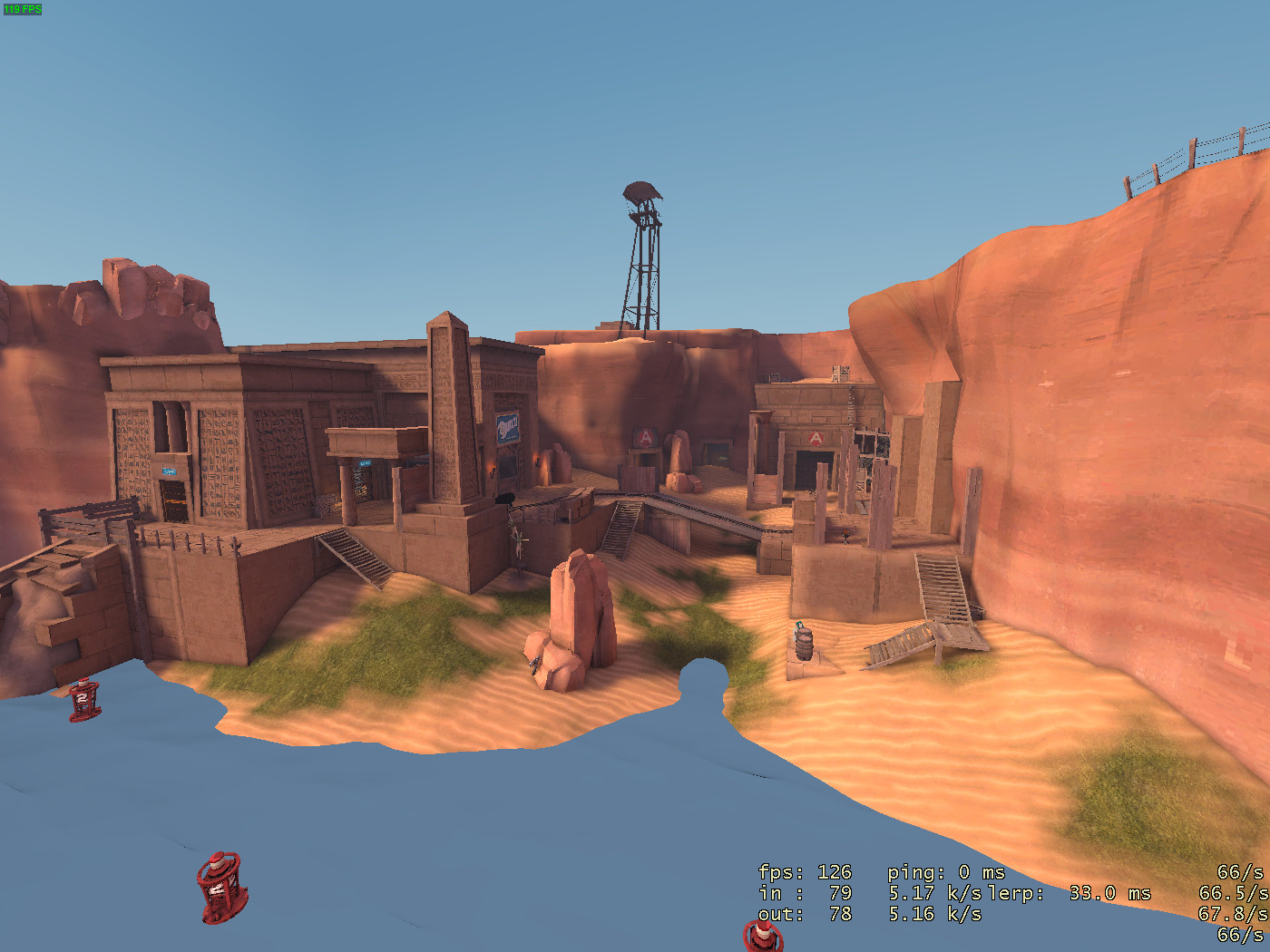
- My specs in the screenshots : UHD 620 – 12gb ram ; Intel Core i5 @ 1.60GHz
- I decided to make a config specifically for tf2classic. (will add more previews soon, the preview uses max)
- script credits :
- How to install : Put all files in the cfg folder.
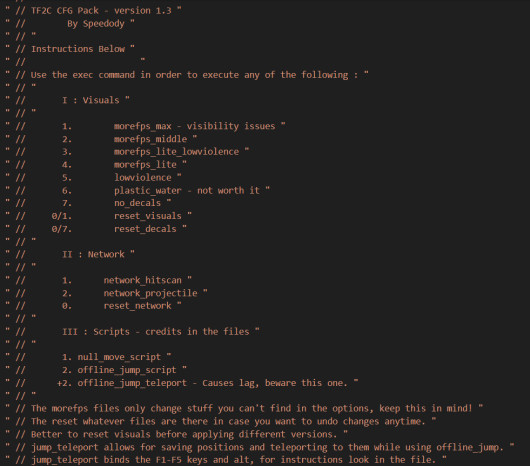
- Contains a bunch of things, the files only change stuff you can't without commands. (95% cases)
- Feedback is super important !!
- The reason I uploaded this in mods instead of the scripts category is for easier installing.
- You are free to do whatever you want with this config. (Modifying or making different versions)
Team Fortress 2 Classified PC System Requirements
Minimum Specs
- Requires a 64-bit processor and operating system
- OS: Windows 10 (64-Bit)
- Memory: 2 GB RAM
- DirectX: Version 9.0c
- Network: Broadband Internet connection
- Storage: 7 GB available space
- Additional Notes: Requires Team Fortress 2 installation
Recommended Specs
- Requires a 64-bit processor and operating system
- OS: Windows 11
- Memory: 4 GB RAM
- DirectX: Version 9.0c
- Network: Broadband Internet connection
- Storage: 8 GB available space
- Additional Notes: Requires Team Fortress 2 installation
How to Install Team Fortress 2 Classified FPS Boost Config on PC
- Download the Team Fortress 2 Classified FPS & Stutter-Fix configuration .ZIP below and extract the preset files.
- Navigate to your Team Fortress 2 Classified configuration folder (%LOCALAPPDATA%\[Game]\Saved\Config\Windows or installation folder).
- Back up your default .ini file, drop in the optimized config, and launch the game for smoother frame pacing.
Team Fortress 2 Classified FPS Boost Config FAQ
Is this Team Fortress 2 Classified fps boost config safe to use on Steam?
Yes. All files are scanned clean (AV Scanned: Clean) and designed for offline/single-player PC use. Always back up your original save or config folder first.
Where is the Team Fortress 2 Classified save & config folder located on Windows?
Most modern PC releases store user saves and Engine.ini files inside %LOCALAPPDATA%, %APPDATA%, or %USERPROFILE%\Saved Games.
Buy the console and the game
| Item | Amazon | eBay |
|---|---|---|
| GTA 6 (PS5) | Amazon | eBay |
| GTA 6 (Xbox Series X) | Amazon | eBay |
| PlayStation 5 console | Amazon | eBay |
| Xbox Series X console | Amazon | eBay |
Links are affiliate links. We earn a small commission if you buy, at no extra cost to you.



