
✓ AV Scanned Clean
Build: v1.0
Size: 18.5 MB
Updated: 2025.07.16
Bomb Rush Cyberfunk – Black Hole/Galaxy Boost Effects
⬇ Jump to Download Mirrors
Bomb Rush Cyberfunk – Black Hole/Galaxy Boost Effects (v1.0) for Windows PC: Bomb Rush Cyberfunk is 1 second per second of advanced funkstyle. Battle rival crews and dispatch militarized police to conquer the five boroughs of New Amsterdam. Become All City.
Game: Bomb Rush Cyberfunk
Release Type: FPS Boost Config
Version: v1.0
Genres: Action, Adventure, Indie
Developer: Team Reptile
Archive Size: 18.5 MB
Platform: Windows 10 / 11 (64-bit)
Security Scan: ✓ AV Scanned: Clean
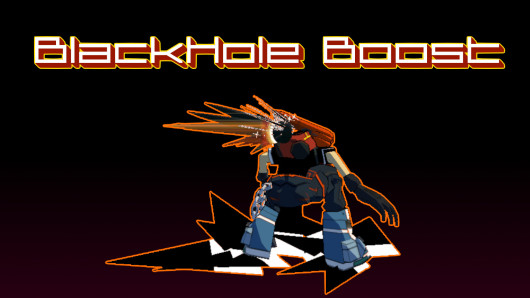
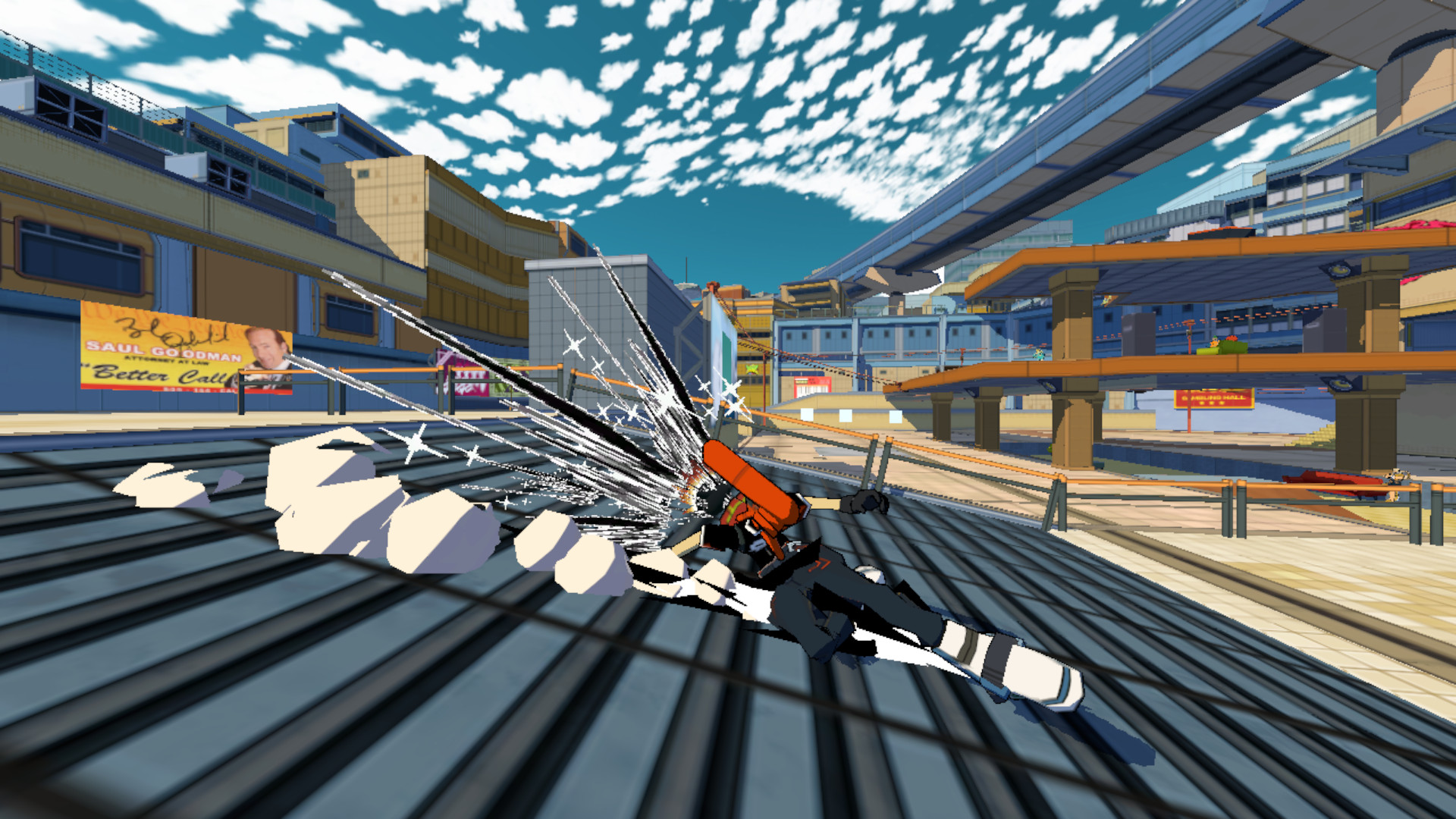
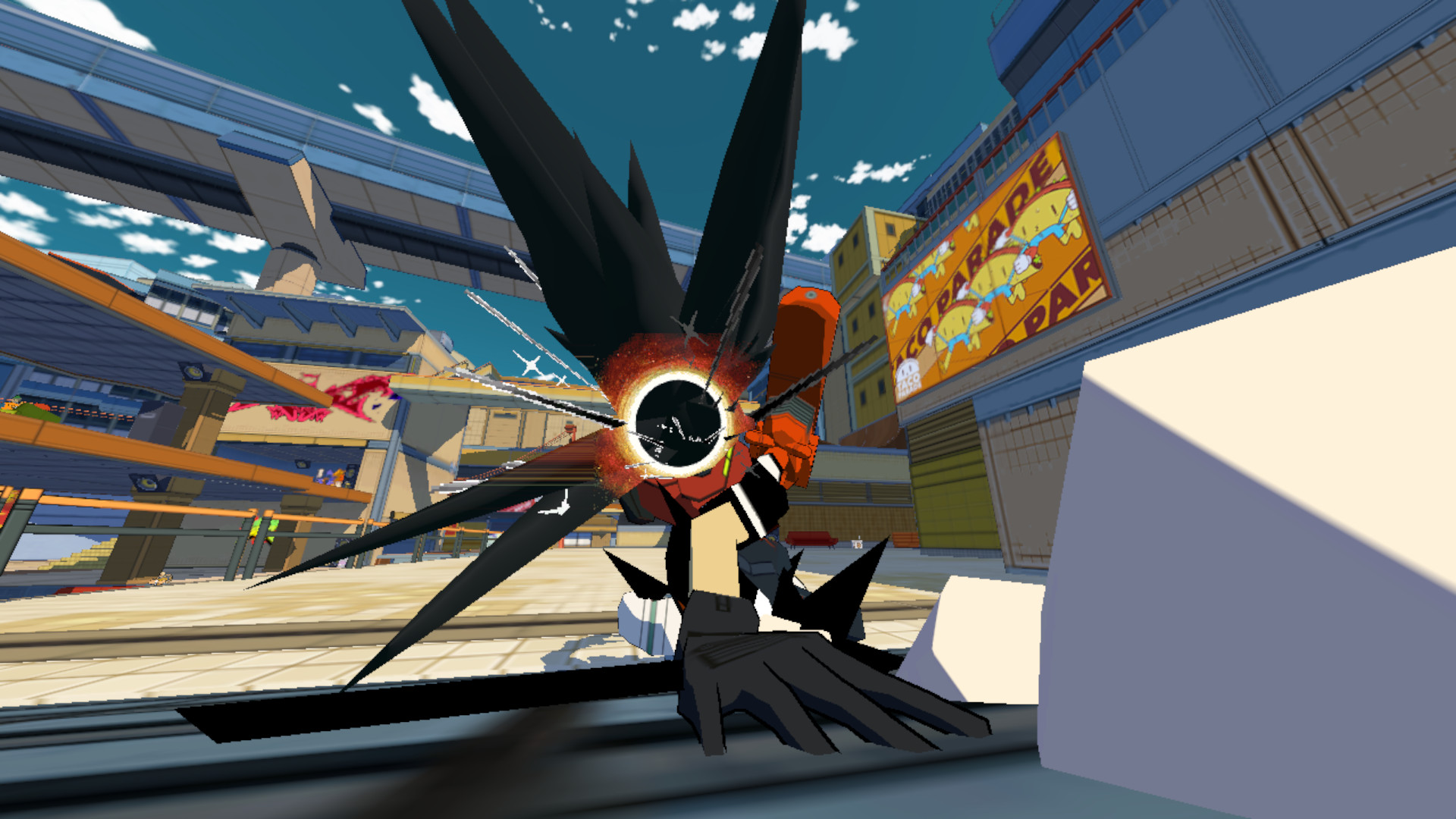
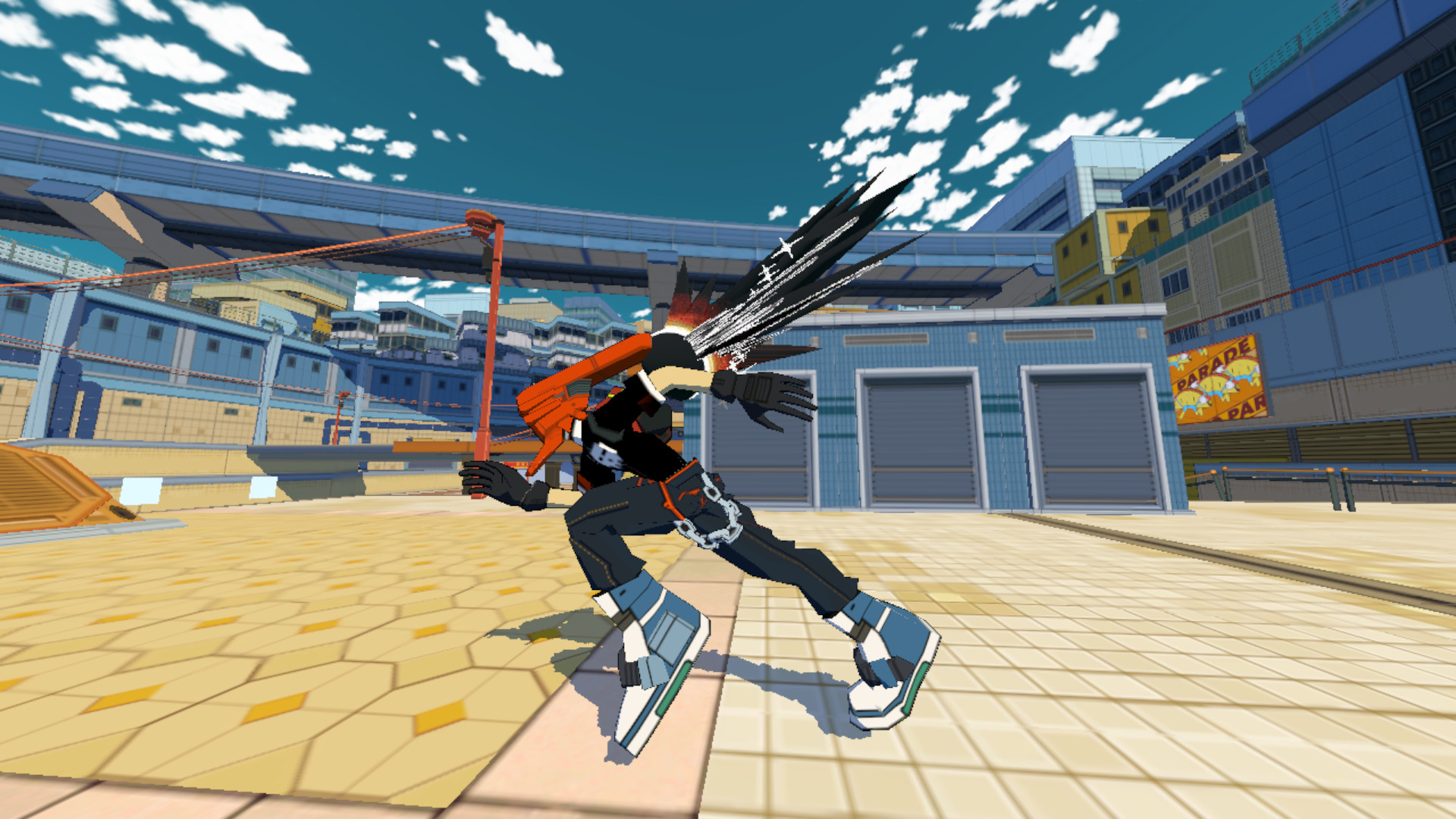
Bomb Rush Cyberfunk FPS Boost Config – Key Features & Notes
- Go to BombRushCyberfunk\Bomb Rush Cyberfunk_Data\StreamingAssets\Assets directory and replace the common_assets file
- MAKE SURE TO MAKE A BACKUP OF THE OG FILE
- also make sure to disable BoostColors mod, it overrides it and it doesnt work (sadly :C)
Bomb Rush Cyberfunk PC System Requirements
Minimum Specs
- OS *: Windows 7
- Processor: Intel Core i3 2.5GHz or AMD Phenom 2.5GHz
- Memory: 4 GB RAM
- Graphics: NVIDIA GeForce GTX 460 or ATI Radeon HD 5850
- Storage: 2 GB available space
- Sound Card: Naganuma compatible
- Additional Notes: Intel onboard video cards are not recommended
How to Install Bomb Rush Cyberfunk FPS Boost Config on PC
- Download the Bomb Rush Cyberfunk FPS & Stutter-Fix configuration .ZIP below and extract the preset files.
- Navigate to your Bomb Rush Cyberfunk configuration folder (%LOCALAPPDATA%\[Game]\Saved\Config\Windows or installation folder).
- Back up your default .ini file, drop in the optimized config, and launch the game for smoother frame pacing.
Bomb Rush Cyberfunk FPS Boost Config FAQ
Is this Bomb Rush Cyberfunk fps boost config safe to use on Steam?
Yes. All files are scanned clean (AV Scanned: Clean) and designed for offline/single-player PC use. Always back up your original save or config folder first.
Where is the Bomb Rush Cyberfunk save & config folder located on Windows?
Most modern PC releases store user saves and Engine.ini files inside %LOCALAPPDATA%, %APPDATA%, or %USERPROFILE%\Saved Games.
Buy the console and the game
| Item | Amazon | eBay |
|---|---|---|
| GTA 6 (PS5) | Amazon | eBay |
| GTA 6 (Xbox Series X) | Amazon | eBay |
| PlayStation 5 console | Amazon | eBay |
| Xbox Series X console | Amazon | eBay |
Links are affiliate links. We earn a small commission if you buy, at no extra cost to you.



