✓ AV Scanned Clean
Build: v1.0
Size: 5.9 MB
Updated: 2026.05.10
Dragon Ball: Sparking! ZERO – x100 over Ultra Big Bang
⬇ Jump to Download Mirrors
Dragon Ball: Sparking! ZERO – x100 over Ultra Big Bang (v1.0) for Windows PC: DRAGON BALL: Sparking! ZERO takes the legendary gameplay of the Budokai Tenkaichi series and raises it to whole new levels. Make yours the destructive power of the strongest fighters ever to appear in Dragon Ball!
Game: Dragon Ball: Sparking! ZERO
Release Type: 100% Save-Game
Version: v1.0
Genres: Action
Developer: Spike Chunsoft Co., Ltd.
Archive Size: 5.9 MB
Platform: Windows 10 / 11 (64-bit)
Security Scan: ✓ AV Scanned: Clean
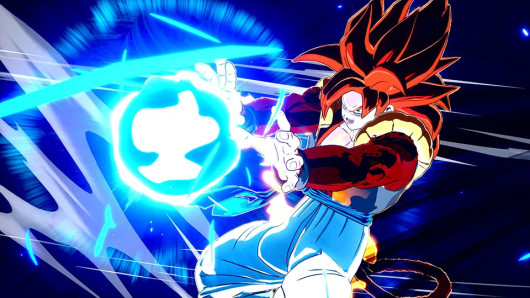
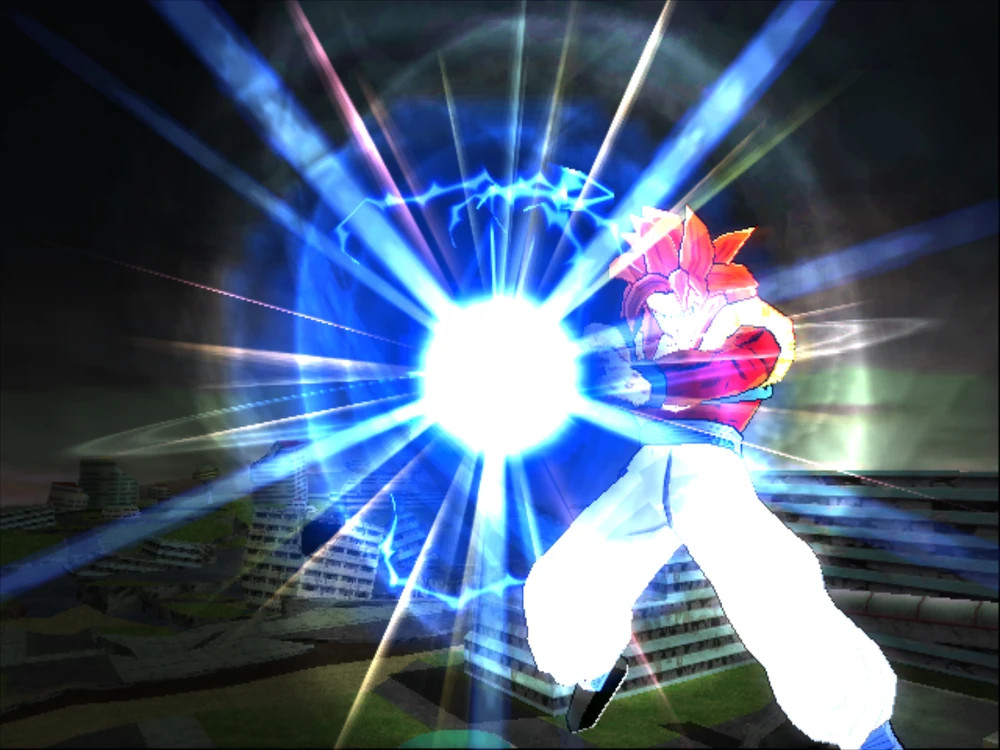
Dragon Ball: Sparking! ZERO 100% Save-Game – Key Features & Notes
- I dont like the erasure of 100x Big Bang Kamehameha (audio only)
Dragon Ball: Sparking! ZERO PC System Requirements
Minimum Specs
- Requires a 64-bit processor and operating system
- OS: Windows 10
- Processor: Intel Core i5-9600K / AMD Ryzen 5 2600
- Memory: 8 GB RAM
- Graphics: Nvidia GeForce GTX 980 / AMD Radeon RX 590 / Intel Arc A750
- DirectX: Version 12
- Storage: 29 GB available space
- Additional Notes: Estimated performance: 1080p/60fps with graphics settings at "Low". Framerate might drop in graphics-intensive scenes. – 64-bit processor and operating system are required.
Recommended Specs
- Requires a 64-bit processor and operating system
- OS: Windows 10 / Windows 11
- Processor: Intel Core i7-9700K / AMD Ryzen 5 3600
- Memory: 16 GB RAM
- Graphics: Nvidia GeForce RTX 2060 / AMD Radeon RX Vega 64
- DirectX: Version 12
- Storage: 29 GB available space
- Additional Notes: Estimated performance: 1080p/60fps with graphics settings at "High". Framerate might drop in graphics-intensive scenes. – 64-bit processor and operating system are required. – Windows 10 (Version 1809 or later) and a 4GB VRAM GPU (graphics board or video card) are required for DirectX 12 API.
How to Install Dragon Ball: Sparking! ZERO 100% Save-Game on PC
- Download the Dragon Ball: Sparking! ZERO save-game .ZIP archive from the mirrors below and extract it.
- Press Win + R, open your Dragon Ball: Sparking! ZERO save directory inside %LOCALAPPDATA% or %USERPROFILE%\Saved Games (back up your existing save folder first!).
- Copy the extracted save files into your active profile folder, disable Steam Cloud overwrite if prompted, and launch the game.
Dragon Ball: Sparking! ZERO 100% Save-Game FAQ
Is this Dragon Ball: Sparking! ZERO 100% save-game safe to use on Steam?
Yes. All files are scanned clean (AV Scanned: Clean) and designed for offline/single-player PC use. Always back up your original save or config folder first.
Where is the Dragon Ball: Sparking! ZERO save & config folder located on Windows?
Most modern PC releases store user saves and Engine.ini files inside %LOCALAPPDATA%, %APPDATA%, or %USERPROFILE%\Saved Games.
Buy the console and the game
| Item | Amazon | eBay |
|---|---|---|
| GTA 6 (PS5) | Amazon | eBay |
| GTA 6 (Xbox Series X) | Amazon | eBay |
| PlayStation 5 console | Amazon | eBay |
| Xbox Series X console | Amazon | eBay |
Links are affiliate links. We earn a small commission if you buy, at no extra cost to you.