
✓ AV Scanned Clean
Build: v1.0
Size: 2 KB
Updated: 2026.08.21
MOTORSLICE – F(P)S
⬇ Jump to Download Mirrors
MOTORSLICE – F(P)S (v1.0) for Windows PC: Parkour through the ruins of a megastructure, climb massive bosses, and hunt down every construction equipment in this slice of life action-adventure with immaculate vibes.
Game: MOTORSLICE
Release Type: FPS Boost Config
Version: v1.0
Genres: Action, Adventure, Indie
Developer: Regular Studio
Archive Size: 1 KB
Platform: Windows 10 / 11 (64-bit)
Security Scan: ✓ AV Scanned: Clean
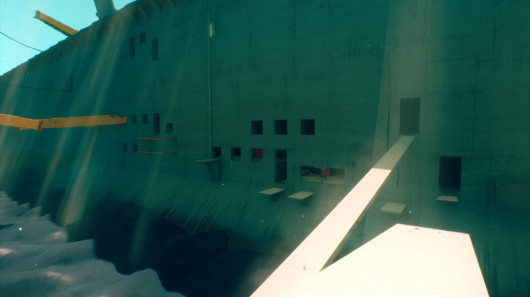
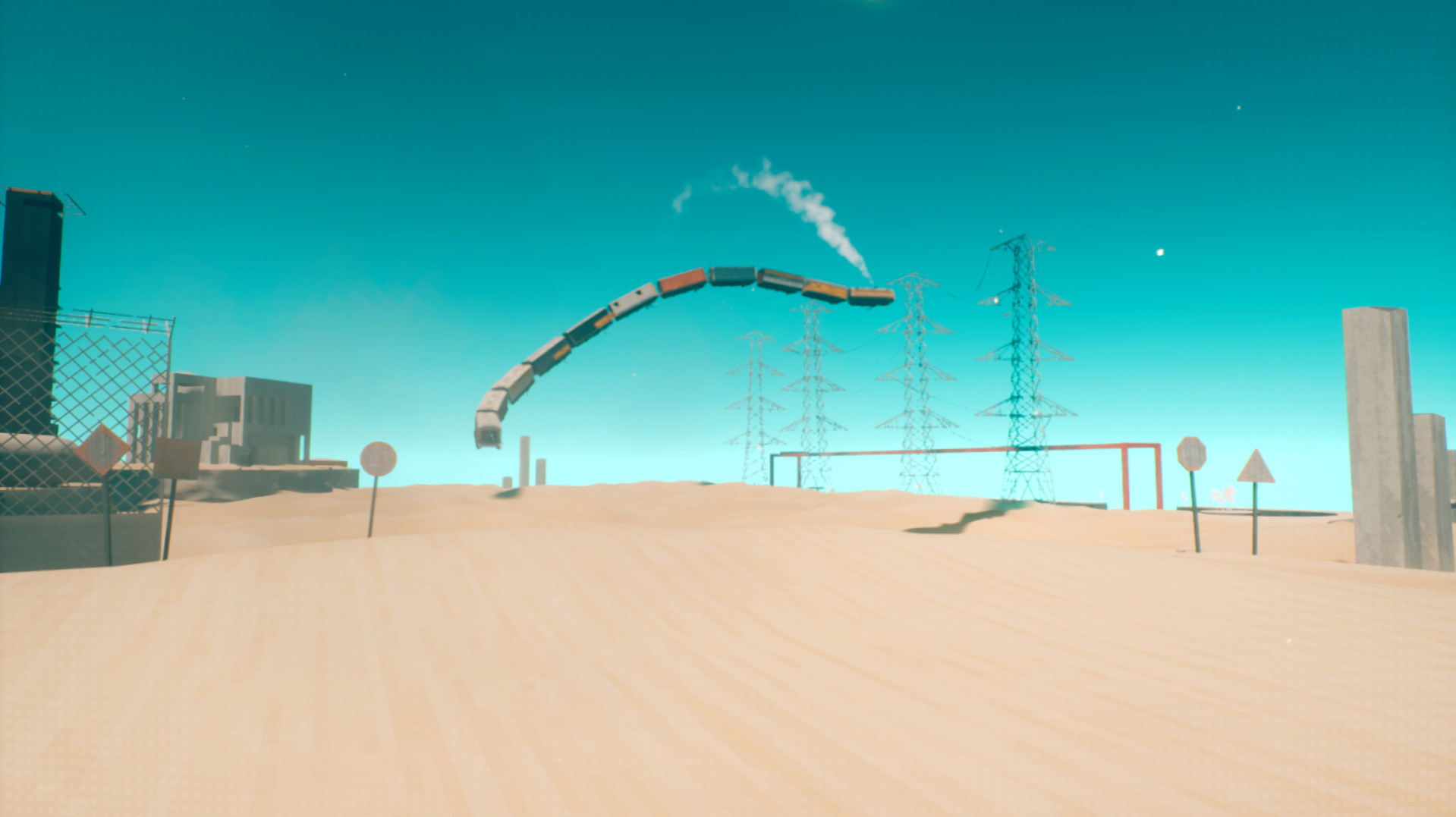

MOTORSLICE FPS Boost Config – Key Features & Notes
- An FPS mod for MOTORSLICE. This does NOT replace slack off scenes and the title screen, those appear normal.
- Requires the experimental version release of UE4SS!
- If you do not know how to do that, follow cracktorio's guide here .
- Make sure to download the helper lua file as well.
- For the 3 files (.utoc, .pak, .ucas), put them in this directory: C:\Program Files (x86)\Steam\steamapps\common\MOTORSLICE\MotorSlice\Content\Paks\LogicMods
- For the helper LUA file: C:\Program Files (x86)\Steam\steamapps\common\MOTORSLICE\MotorSlice\Binaries\Win64\ue4ss\Mods
- Make sure either "enabled.txt" or "mods.txt" exists.
- For enabled.txt, put it before the scripts folder, the file itself can
MOTORSLICE PC System Requirements
Minimum Specs
- OS: Windows 10
- Processor: intel core i5 8th gen
- Memory: 8 GB RAM
- Graphics: GTX 1050
- DirectX: Version 12
- Storage: 3 GB available space
- Additional Notes: Don’t forget to update your drivers!
Recommended Specs
- OS: Windows 10
- Processor: intel core i5 10th gen
- Memory: 8 GB RAM
- Graphics: GTX 1070 or more
- DirectX: Version 12
- Storage: 3 GB available space
- Additional Notes: Don’t forget to update your drivers!
How to Install MOTORSLICE FPS Boost Config on PC
- Download the MOTORSLICE FPS & Stutter-Fix configuration .ZIP below and extract the preset files.
- Navigate to your MOTORSLICE configuration folder (%LOCALAPPDATA%\[Game]\Saved\Config\Windows or installation folder).
- Back up your default .ini file, drop in the optimized config, and launch the game for smoother frame pacing.
MOTORSLICE FPS Boost Config FAQ
Is this MOTORSLICE fps boost config safe to use on Steam?
Yes. All files are scanned clean (AV Scanned: Clean) and designed for offline/single-player PC use. Always back up your original save or config folder first.
Where is the MOTORSLICE save & config folder located on Windows?
Most modern PC releases store user saves and Engine.ini files inside %LOCALAPPDATA%, %APPDATA%, or %USERPROFILE%\Saved Games.
Buy the console and the game
| Item | Amazon | eBay |
|---|---|---|
| GTA 6 (PS5) | Amazon | eBay |
| GTA 6 (Xbox Series X) | Amazon | eBay |
| PlayStation 5 console | Amazon | eBay |
| Xbox Series X console | Amazon | eBay |
Links are affiliate links. We earn a small commission if you buy, at no extra cost to you.



