
✓ AV Scanned Clean
Build: v1.0
Size: 11 KB
Updated: 2022.11.12
Sonic Frontiers 100% Completion Save
⬇ Jump to Download Mirrors
Sonic Frontiers 100% Completion Save (v1.0) for Windows PC: Sonic Frontiers is a groundbreaking open-zone action-adventure game set on the ancient Starfall Islands. Join Sonic as he battles hordes of powerful enemies with an all-new combat system, explores the mysteries of the islands, and saves his friends!
Game: Sonic Frontiers
Release Type: 100% Save-Game
Version: v1.0
Genres: Action, Adventure
Developer: Sonic Team
Archive Size: 11 KB
Platform: Windows 10 / 11 (64-bit)
Security Scan: ✓ AV Scanned: Clean

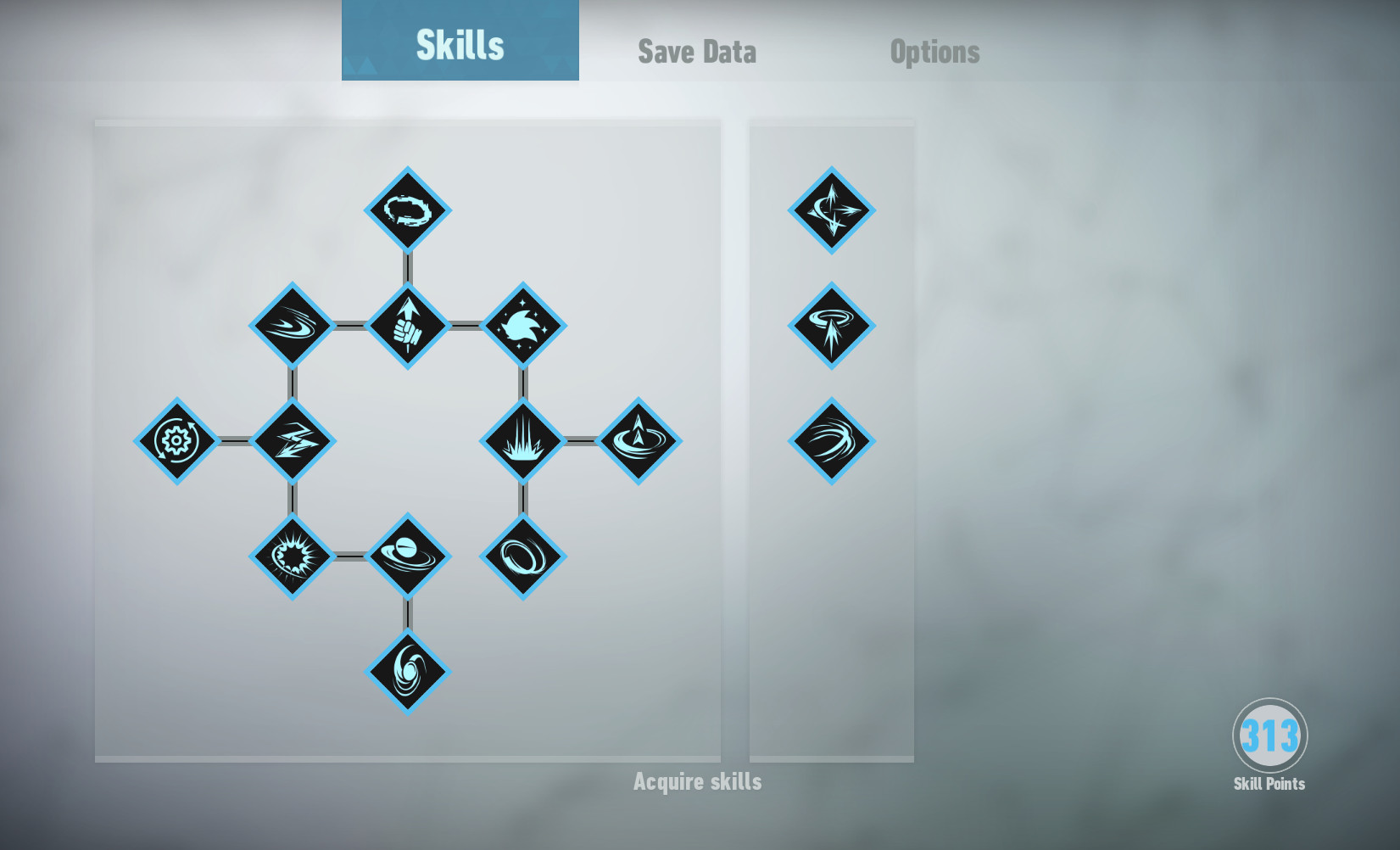
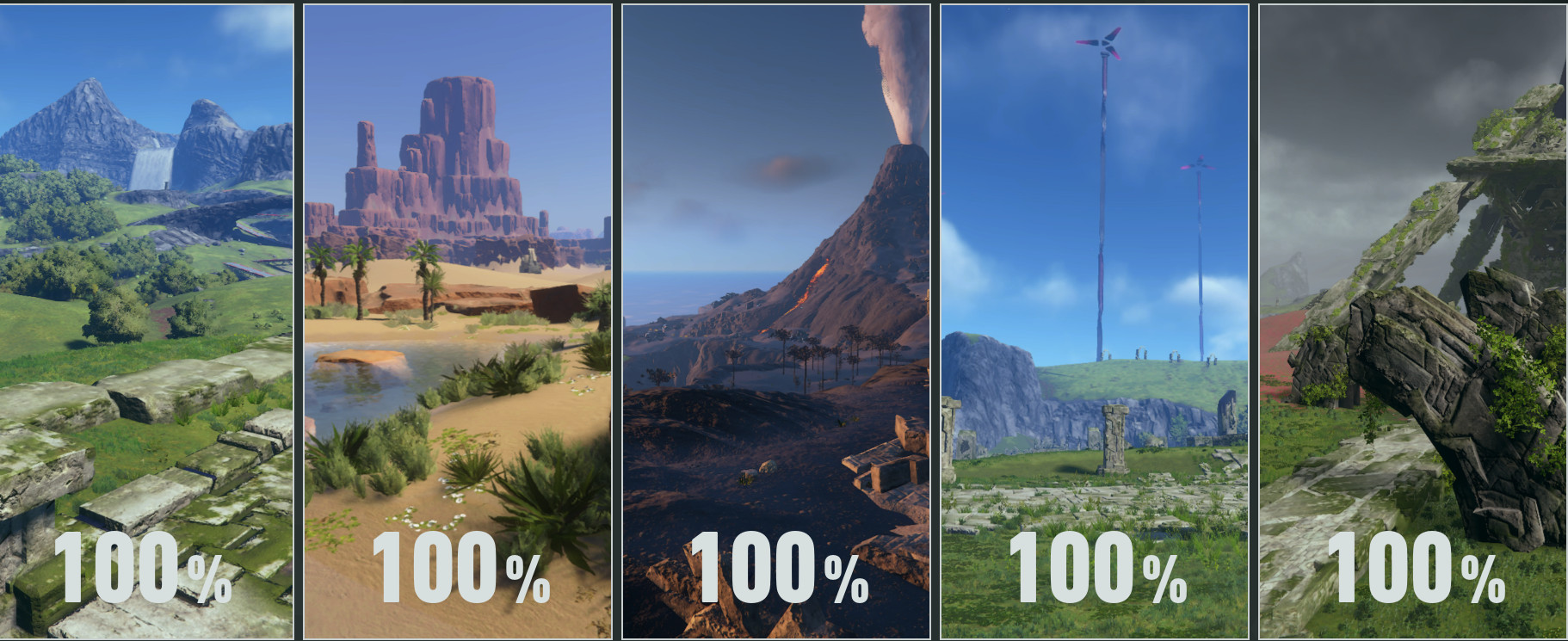
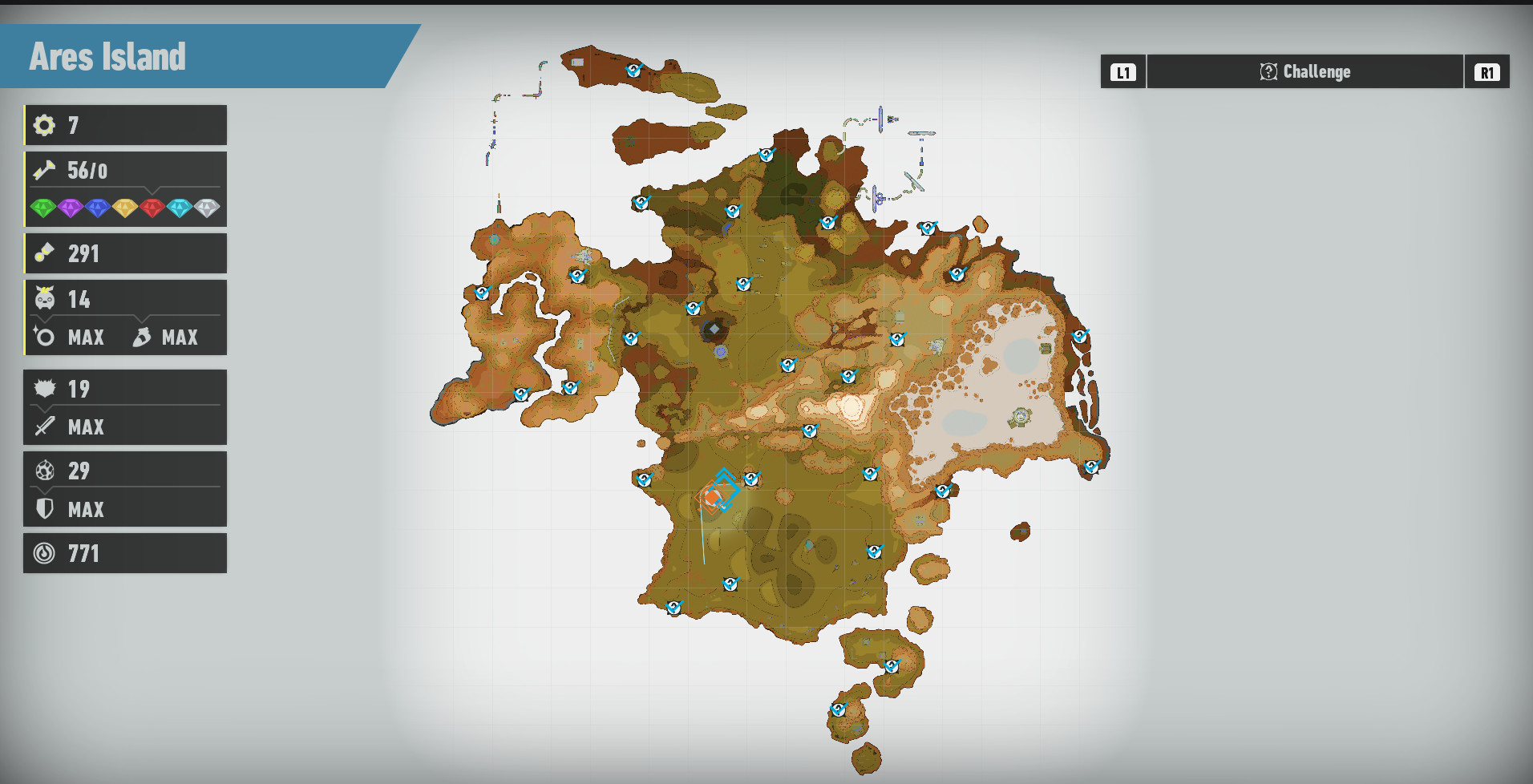
Sonic Frontiers 100% Save-Game – Key Features & Notes
- A 100% completion save file for Sonic Frontiers that I just finished.
- This includes:
- Game completed through on hard (Final boss was done, but it doesn't matter because you can't save after so you can just run through it if you want)
- All Fishing completed (in Zone 5 but the entire compendium is done)
- All Egg Memos
- All Side Stories
- All Portals S rank'd and 4/4'd
- All Missions Complete
Sonic Frontiers PC System Requirements
Minimum Specs
- Requires a 64-bit processor and operating system
- OS: Windows 10
- Processor: Intel Core i5-3470 or AMD Ryzen 5 1400
- Memory: 8 GB RAM
- Graphics: NVIDIA GeForce GTX 660, 2 GB or AMD Radeon HD 7870, 2 GB
- DirectX: Version 11
- Storage: 30 GB available space
- Additional Notes: 720p Low @ 30 FPS. Requires a CPU which supports the AVX and SSE4 instruction set. Microsoft no longer supports Windows 10 or older versions
Recommended Specs
- Requires a 64-bit processor and operating system
- OS: Windows 10
- Processor: Intel Core i5-6600 or AMD Ryzen 5 2600
- Memory: 12 GB RAM
- Graphics: NVIDIA GeForce GTX 1070, 8 GB or AMD Radeon RX Vega 56, 8 GB
- DirectX: Version 11
- Storage: 30 GB available space
- Additional Notes: 1080p High @ 60 FPS. Requires a CPU which supports the AVX and SSE4 instruction set. Microsoft no longer supports Windows 10 or older versions
How to Install Sonic Frontiers 100% Save-Game on PC
- Download the Sonic Frontiers save-game .ZIP archive from the mirrors below and extract it.
- Press Win + R, open your Sonic Frontiers save directory inside %LOCALAPPDATA% or %USERPROFILE%\Saved Games (back up your existing save folder first!).
- Copy the extracted save files into your active profile folder, disable Steam Cloud overwrite if prompted, and launch the game.
Sonic Frontiers 100% Save-Game FAQ
Is this Sonic Frontiers 100% save-game safe to use on Steam?
Yes. All files are scanned clean (AV Scanned: Clean) and designed for offline/single-player PC use. Always back up your original save or config folder first.
Where is the Sonic Frontiers save & config folder located on Windows?
Most modern PC releases store user saves and Engine.ini files inside %LOCALAPPDATA%, %APPDATA%, or %USERPROFILE%\Saved Games.
Buy the console and the game
| Item | Amazon | eBay |
|---|---|---|
| GTA 6 (PS5) | Amazon | eBay |
| GTA 6 (Xbox Series X) | Amazon | eBay |
| PlayStation 5 console | Amazon | eBay |
| Xbox Series X console | Amazon | eBay |
Links are affiliate links. We earn a small commission if you buy, at no extra cost to you.